
Just a browser
Connect from a browser on another computer, phone or tablet. The bot runs on your PC and files are saved there.
Other devices · Nothing to install
Talk to the bot on your PC from a browser on another computer, phone or tablet. Work and files stay on your PC, and the other device needs no install. When you use AI features, the task content is sent to the AI provider you connected (images go to the image provider you connected).
Available while HanFlow Bot is running on your PC.
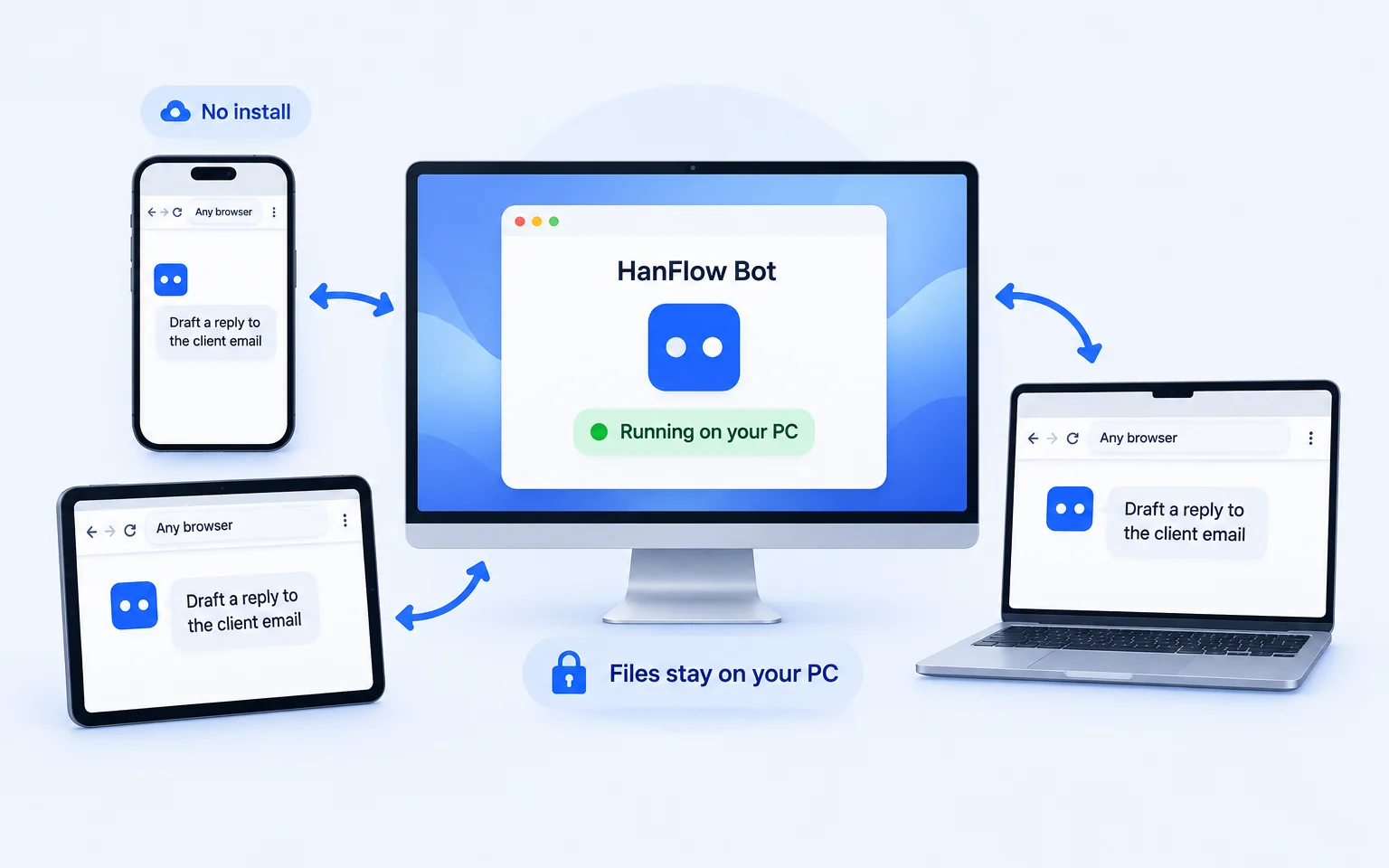
Connect from a browser on another computer, phone or tablet. The bot runs on your PC and files are saved there.
People the PC owner invites can use the owner's bot from their own browser.
Mail drafts and calendar requests stop at an approval card. Approve or decline them right on this screen.
Open the link HanFlow Bot shows on your PC and confirm that PC should be connected to your account.
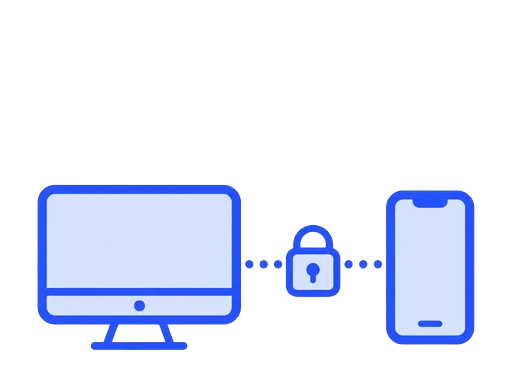
HanFlow Bot must be running on your PC. Not installed yet? Download it here.
The all-in-one installer includes every manager, so it is larger. When the dedicated HanFlow Bot installer is ready, this button switches automatically.
If the Mac app doesn't update itself, download and install this version once — updates are automatic after that.
Requirement: your own Claude or GPT subscription account (billed separately). See requirements →
Install HanFlow Bot on your PC first. The phone app (Google Play and App Store) connects to the bot running on that PC.
Requires a Windows or Mac PC.
📱 HanFlow Bot phone app
The phone app connects to HanFlow Bot running on your PC. Install HanFlow Bot on your PC as well.