
AI agent for your PC: what it can do and what to check first
A personal AI agent on your own PC drafts replies, fills web forms and builds files, then waits for your approval. Six tasks and a checklist.
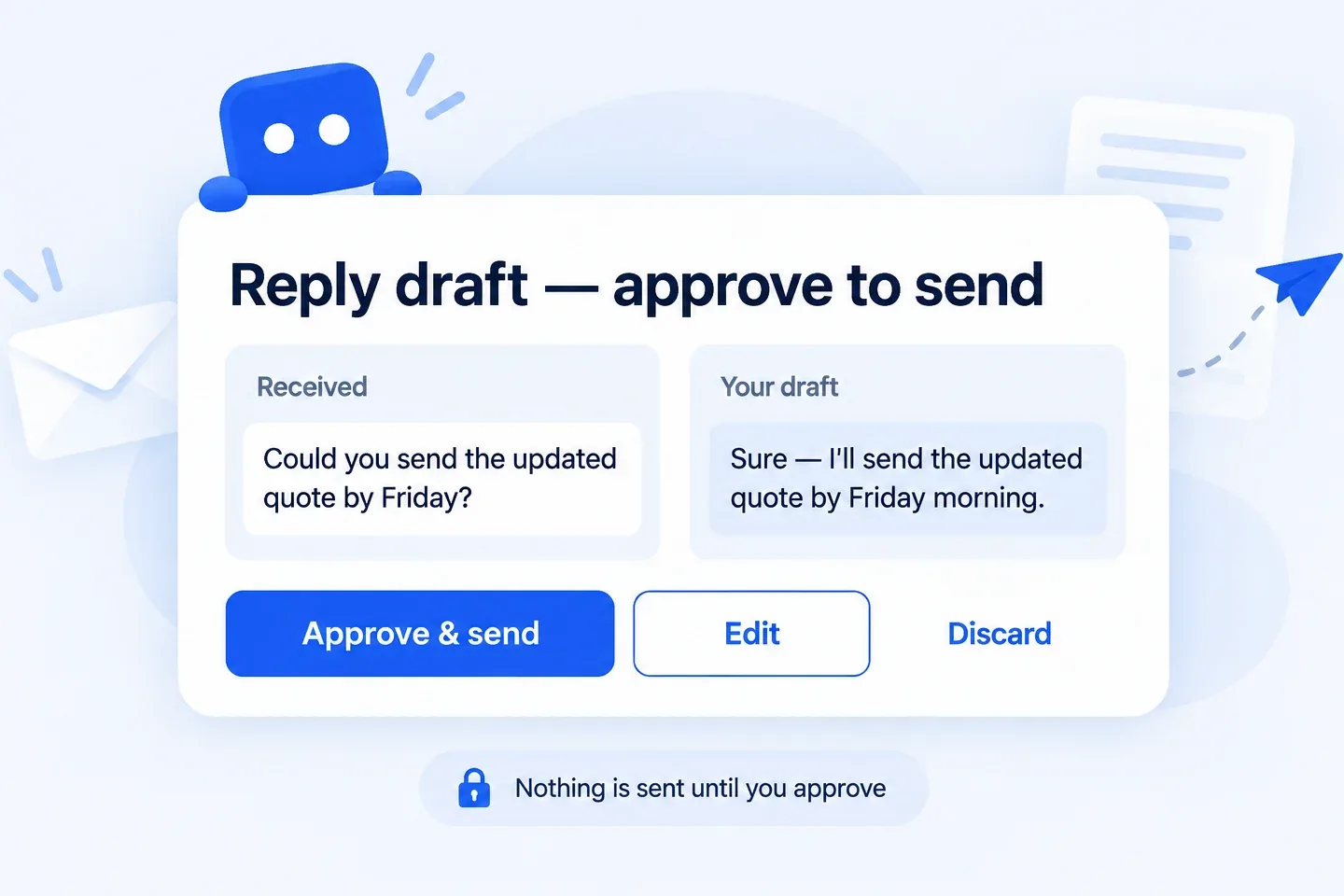
An AI agent for your PC is software that runs on your own Windows PC or Mac and does real work for you: it drafts email replies, fills web forms, collects data from websites and builds document files, using an AI model such as Claude or GPT. The difference between agents is less about what they can do and more about what they do before asking you.
Six everyday tasks an AI agent can take off your desk
Most office work follows the same pattern: gather information, put it in the right place, and have someone check it. An agent can do the gathering and placing. You keep the checking.
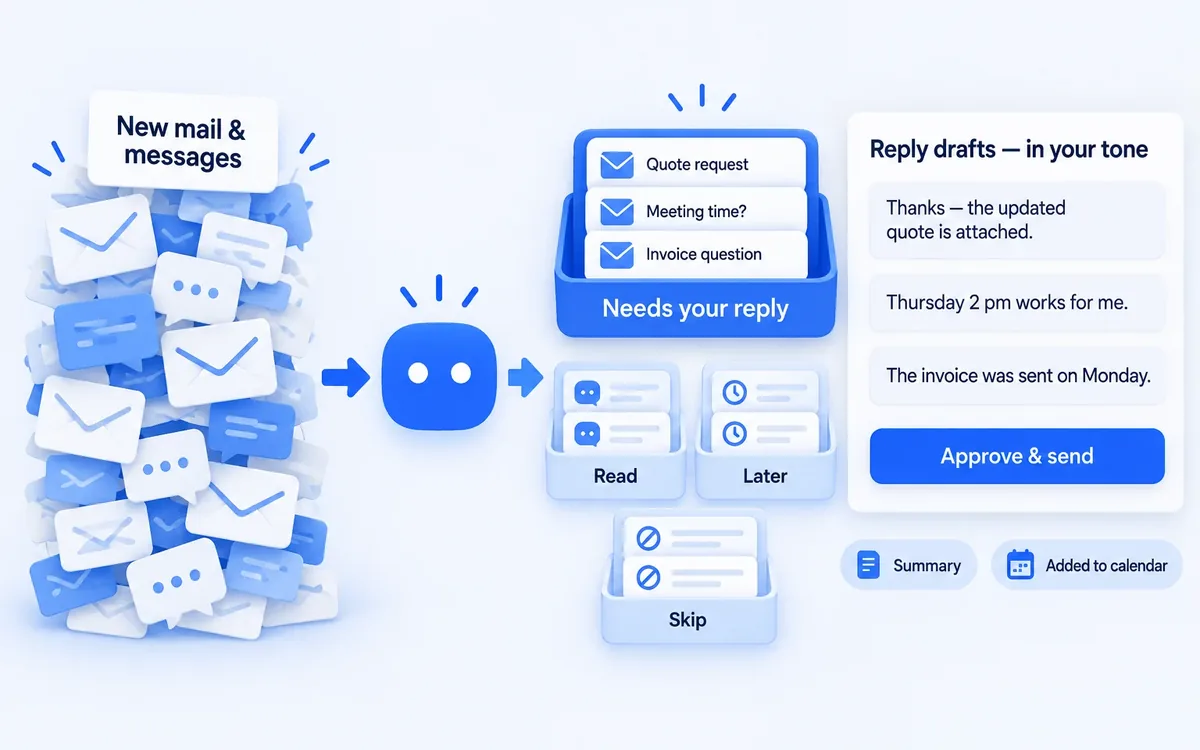
Email replies in your tone. By hand, you read each thread and type every answer. With the bot, it reads your mail and messages, picks out the ones that need a reply and drafts each one in your usual tone. You see the received message and the draft side by side; it is sent only when you approve.
Meeting scheduling. By hand, you go back and forth comparing calendars. With the bot, it checks your connected calendar, proposes free slots and drafts the reply and the invite. You approve before either goes out.
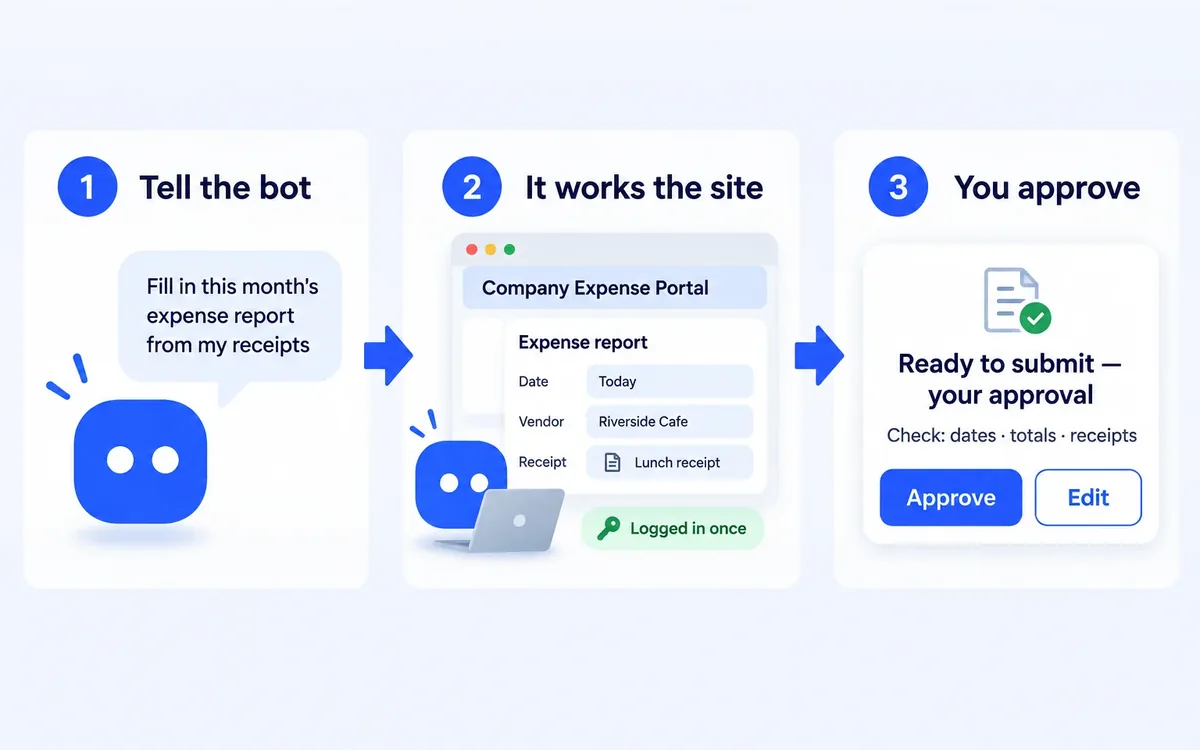
Expense reports. By hand, you type each receipt into the company portal. With the bot, it reads the receipts and fills the portal line by line. It stops at the final submit button for your approval.
Government and grant forms. By hand, you copy data from your files into long multi-page forms. With the bot, it reads your files, fills each page and adds the attachments. Submitting waits for you.
Web data into a spreadsheet. By hand, you visit pages one by one and paste values into rows. With the bot, it visits the pages, reads the values and fills your spreadsheet. You check the finished file.
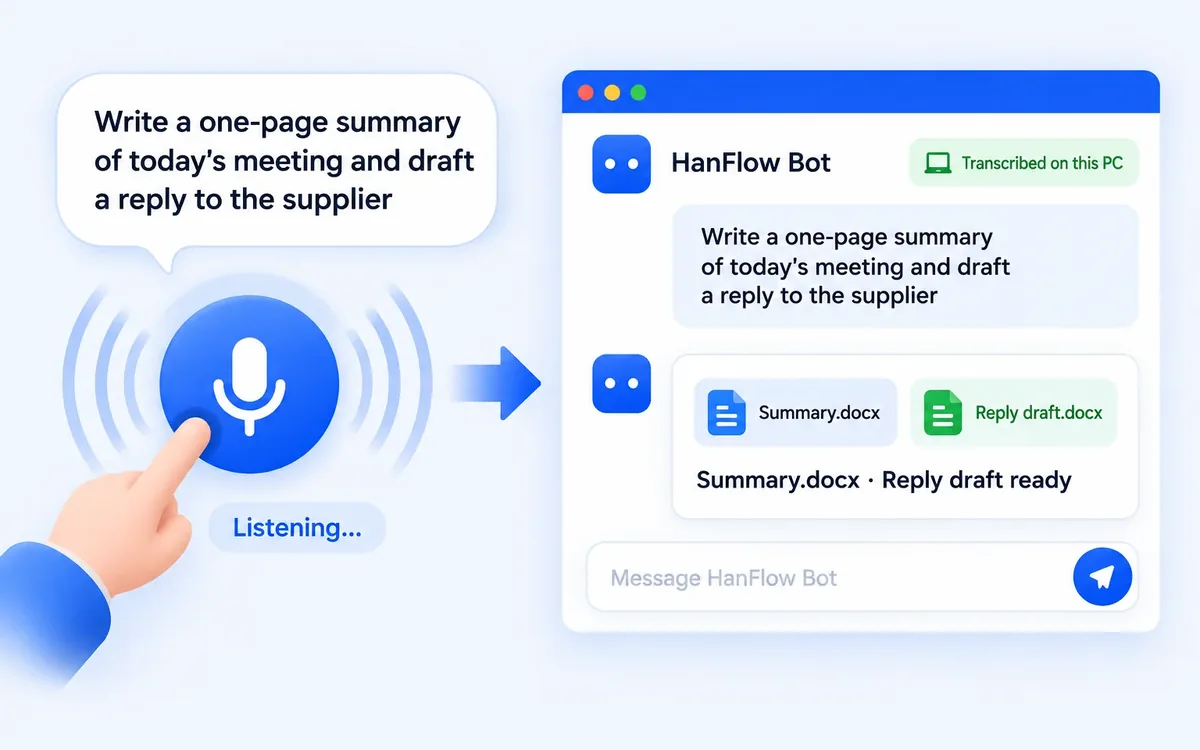
Documents and images. The bot writes documents, slides, summaries and images from a one-line request. Files it creates are saved on your computer. AI image generation needs a separate image API key.
What to check before you pick an AI agent
Before you install any agent, ask these six questions. They matter more than a feature list.
- Where does it run? On your own computer, or only on a remote server?
- Which AI does it use? Is the AI included, or do you connect your own subscription?
- What needs your approval? Can it send messages, submit forms or pay without stopping first?
- Where are files saved? On your PC, or somewhere you have to download them from?
- Can you use it from your phone? And under what conditions?
- Does it type your passwords? How does it sign in to the sites it works on?
An agent that fills in a grant form is helpful. An agent that submits it before you have read it is a risk.
How HanFlow Bot answers each question
- Where it runs: on your own Windows PC or Apple Silicon Mac.
- Which AI: you connect a Claude subscription (Claude Code) or a GPT subscription (Codex). API keys are not accepted, and the HanFlow Bot fee does not include that AI subscription.
- Approval: sending, submitting and paying always stop on an approval card. The bot never completes a payment on its own.
- Files: documents and files the bot creates are saved on your computer.
- Phone: you can use the bot from the Android app or another browser while HanFlow Bot is running on your PC.
- Passwords: you sign in once in the bot's own browser; it never types your password.
You can also create separate bots for different jobs, such as a work bot, a research bot or an expense bot. Each keeps its own memory, conversation history and engine settings. Voice input is built in, and speech is transcribed on your PC.
Getting started

- Download HanFlow Bot for Windows or Mac from the download page.
- Connect your Claude (Claude Code) or GPT (Codex) subscription.
- Start with a small job, such as one email draft or a short summary, and watch how the approval card works.
See current plans on the pricing page.
Frequently asked questions
What is an AI agent for PC?
It is software that runs on your Windows PC or Mac and carries out tasks such as drafting email replies, filling forms, collecting web data and creating documents, using an AI model like Claude or GPT. Unlike a chat window, it works inside your browser and files.
Does HanFlow Bot need its own AI subscription?
Yes. You connect your own Claude (Claude Code) or GPT (Codex) subscription. API keys are not accepted, and the HanFlow Bot fee does not include the AI subscription.
Will HanFlow Bot send or submit anything on its own?
No. Before anything is sent, submitted or paid, it stops and shows an approval card. It goes ahead only after you approve.