
Copy Website Data Into a Spreadsheet With an AI Agent — You Check It
HanFlow Bot visits web pages, reads the values you need, and fills your spreadsheet. You check the finished result before using it.
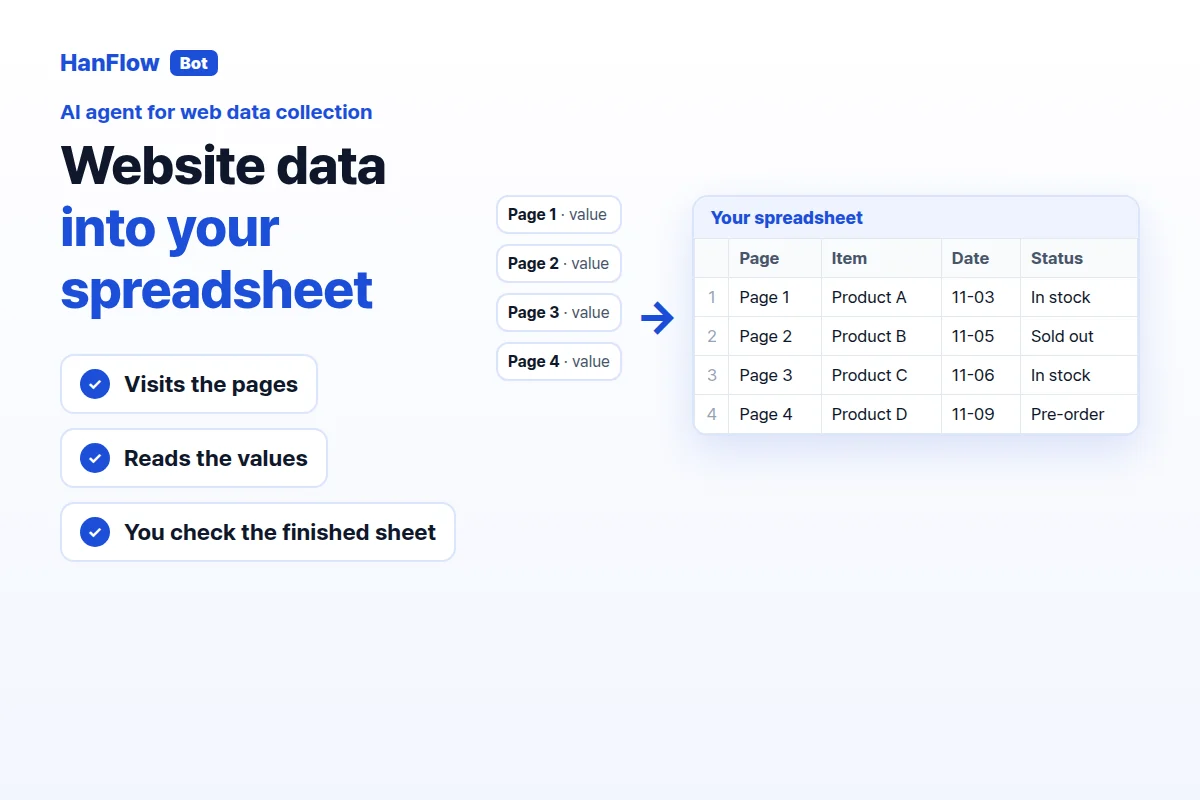
You open a page, find the number you need, copy it, switch to your spreadsheet, paste it into the right cell. Then you do it again for the next page. And the next one. If you collect data from websites regularly, you already know how this goes — page after page, row after row.
HanFlow Bot does the visiting and copying for you. It reads the values from the pages and fills your spreadsheet. You check the finished result.
What the bot does vs. what you do
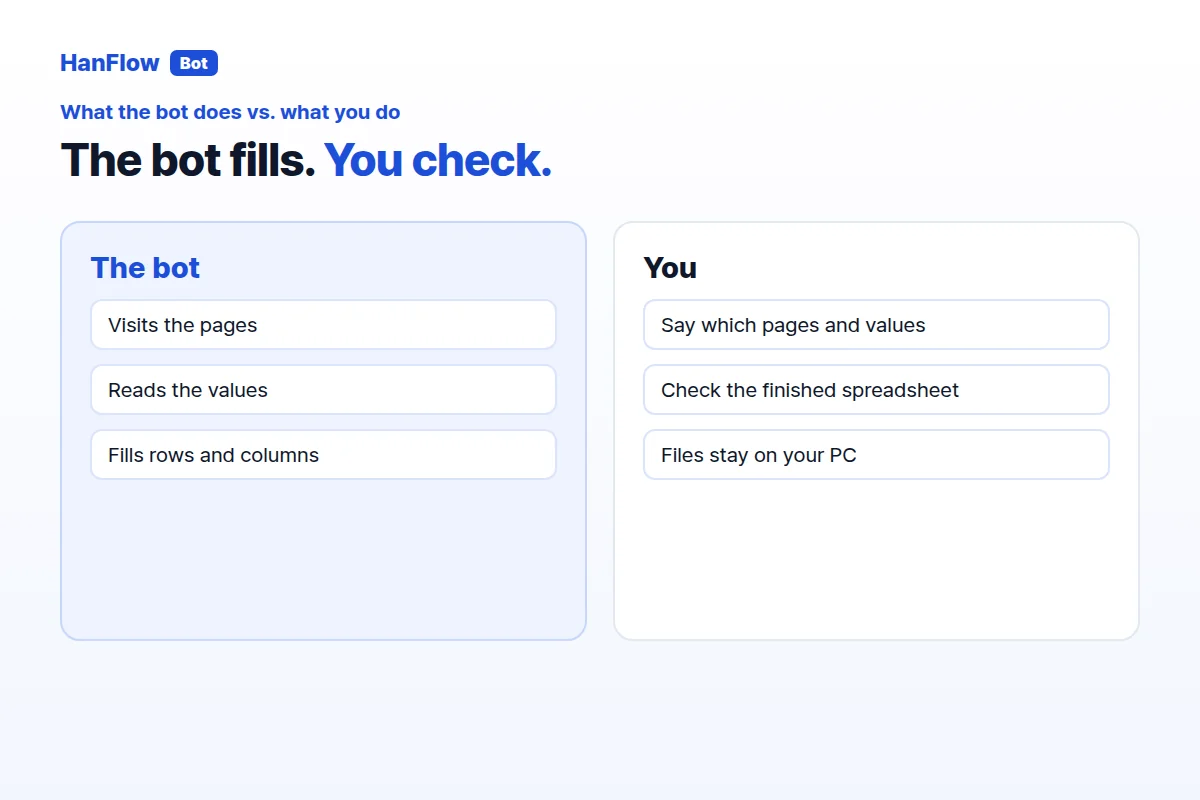
By hand, you visit pages one by one, copy values, and paste them into rows and columns.
The bot visits the pages, reads the values, and fills your spreadsheet.
You check the finished spreadsheet. The data sits on your PC — the bot saves files there.
Tell the bot what to collect

Tell the bot which pages to visit and which values to pull into which columns. Type the instruction or speak it — HanFlow Bot runs speech recognition on your PC, so voice works too.
The bot controls a browser window on your machine. It opens each page, finds the values, and writes them into your spreadsheet.
Sites that need a login: Log in once in the bot's browser window. The bot never types your password. If the session expires, the bot stops and lets you know so you can log in again. Security codes, phone verification, and CAPTCHAs are always yours to handle.
Check before you use it
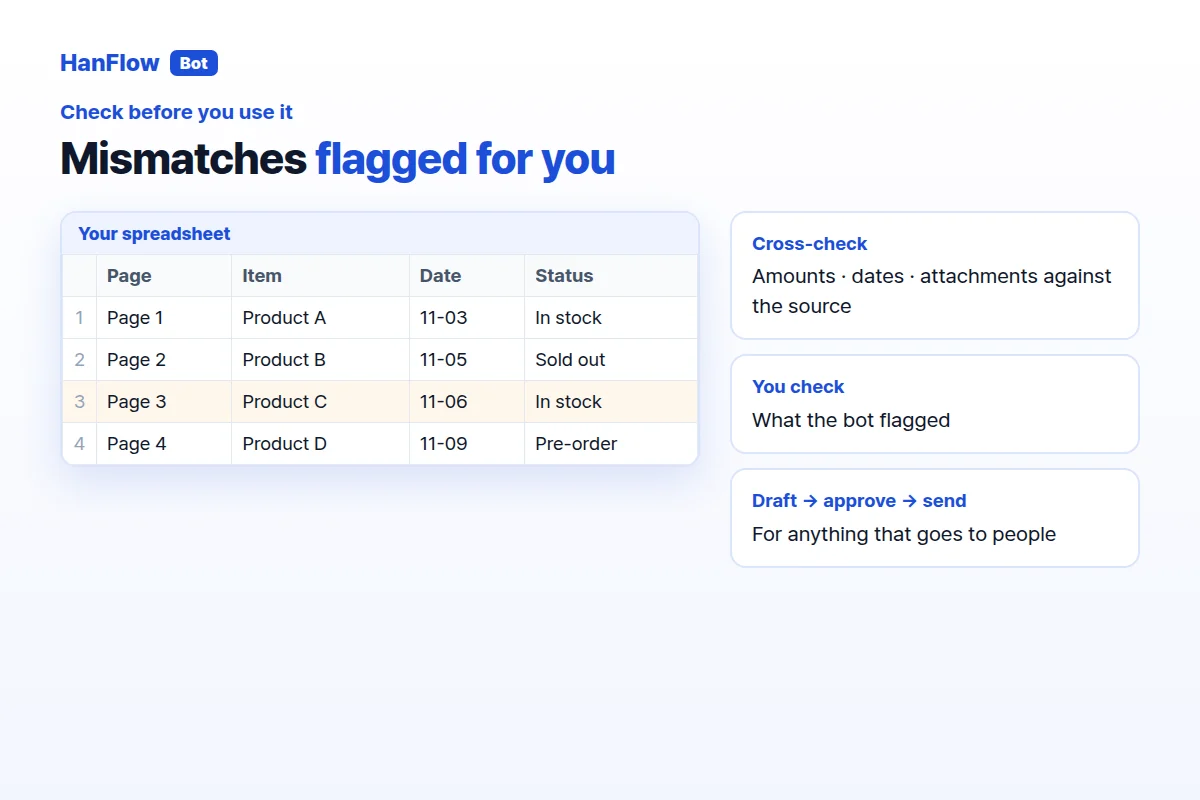
Before you send the numbers on or put them into a form, you want to know they line up. The bot can cross-check amounts, dates, and attachments against the source and flag the mismatches it finds. You review what it flagged and decide what to fix.
Messages that go to other people — email, messenger, text — always stop as a draft first. You approve before anything is sent. Submissions and payments pause for your approval too.
Run it on a schedule

Set a schedule, and the bot does the job on its own at the time you pick. The files it makes are saved on your PC.
You can talk to the bot and get the files it made from another device — a browser on another PC, iPhone, or tablet, or the Android app on Google Play. One condition: the PC needs to be on and HanFlow Bot needs to be running.
Getting started

Download the Windows app from hanflowbot.com/download/bot/win. The bot runs on your PC and controls a browser window there.
Connect your AI subscription. HanFlow Bot works with your Claude (Claude Code) or GPT (Codex) account. You can't register API keys — it uses your existing subscription. The AI provider's fee is separate from HanFlow Bot's pricing.
Pricing. HanFlow Bot runs on the Base subscription. Your first subscription includes one extra free month, applied after your paid period ends. See pricing for details.
You can set up multiple bots, each with its own memory, conversation history, and engine settings.
A note on site terms. Some websites restrict automated collection in their terms of service. Check before you start. What the bot does is visit pages you can already open yourself and copy values you can already see — it reads on your behalf.
Frequently asked questions
Does it work on sites that need a login?
Yes. You log in once in the bot's browser window. The bot never enters your password or handles security codes. If you get logged out, the bot stops and tells you.
What do I need to check?
The finished spreadsheet. Open it and confirm the values look right. When the data goes on to a form or a message, the bot can also cross-check amounts and dates and flag mismatches it finds.
Can the bot do the job at a set time?
Yes. Set a schedule and the bot works on its own at that time. Files are saved on your PC. From another device's browser or the Android app, you can get them while the PC is on and HanFlow Bot is running.
How do I give instructions?
In plain words, typed or spoken. Say which pages to open, which values to read, and which columns to fill.
Stop copying page by page — HanFlow Bot visits the pages, reads the values, and fills your spreadsheet for you to check.