
Multiple AI Agents, One per Job — Each Keeps Its Own Memory
Create separate bots in HanFlow Bot for different tasks. Each bot stores its own memory, conversation history, and engine settings.
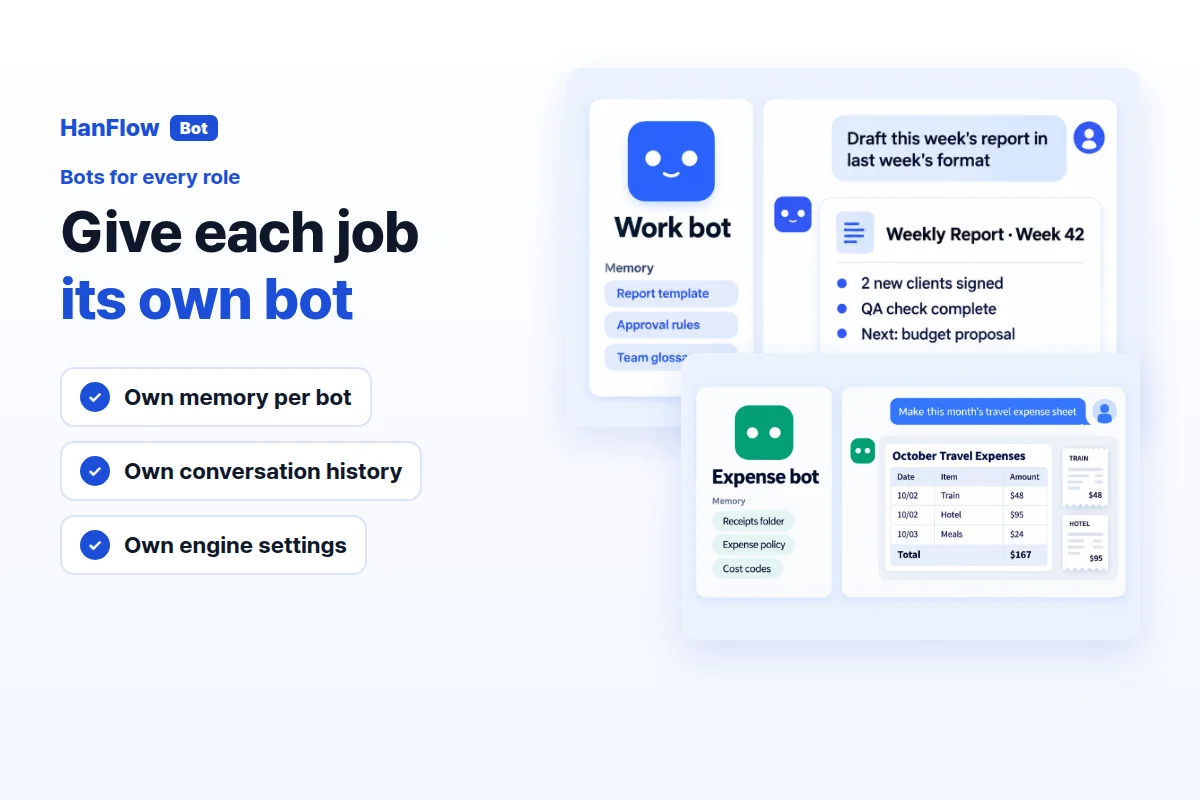
HanFlow Bot lets you create a separate bot for each task — one for reports, one for watchlist news, one for expenses. Every bot keeps its own memory, conversation history, and engine settings, so each job stays in its own place.
Why one bot for everything gets messy
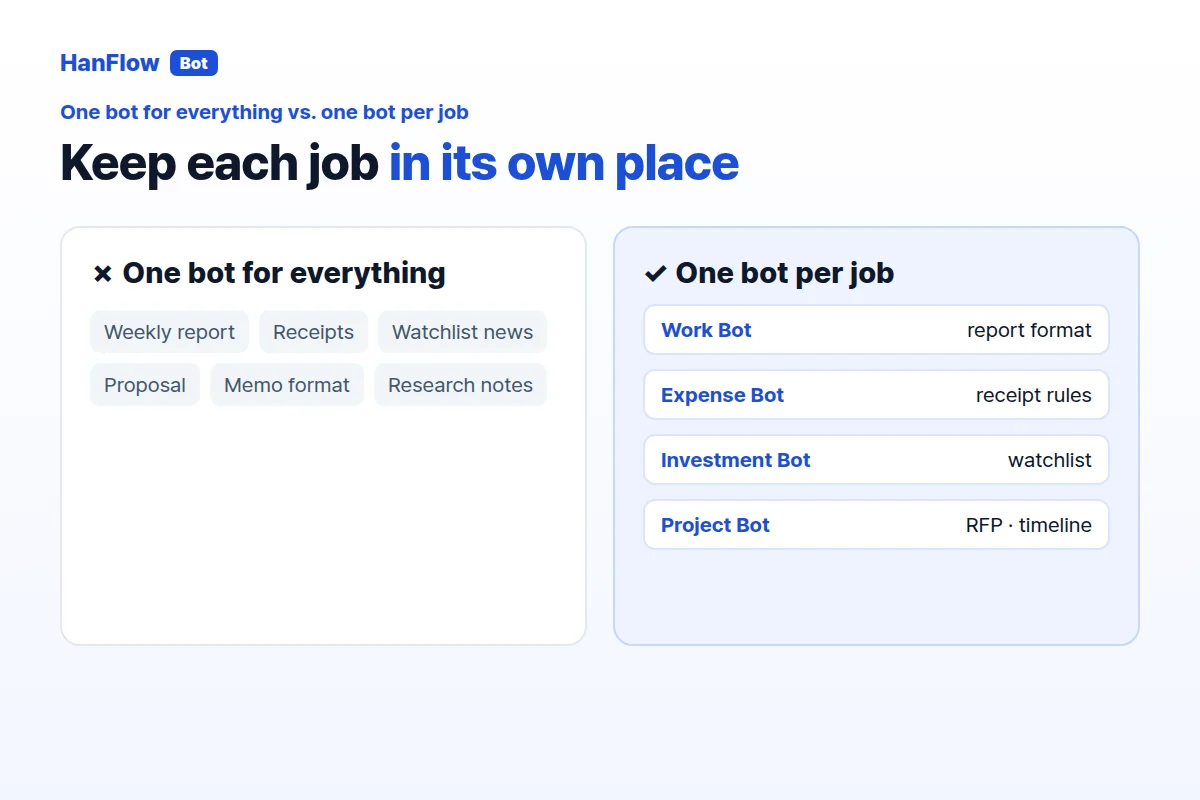
When one bot handles every kind of work, weekly reports, expense receipts, research notes, and marketing copy all end up in the same conversation history and the same memory. Finding the memo format you set up last month means digging through everything else.
Splitting the work across dedicated bots keeps it organized. Each bot has its own memory and history for its own job, so the report bot holds report instructions and the expense bot holds expense rules.
Each bot keeps its own memory, history, and engine settings
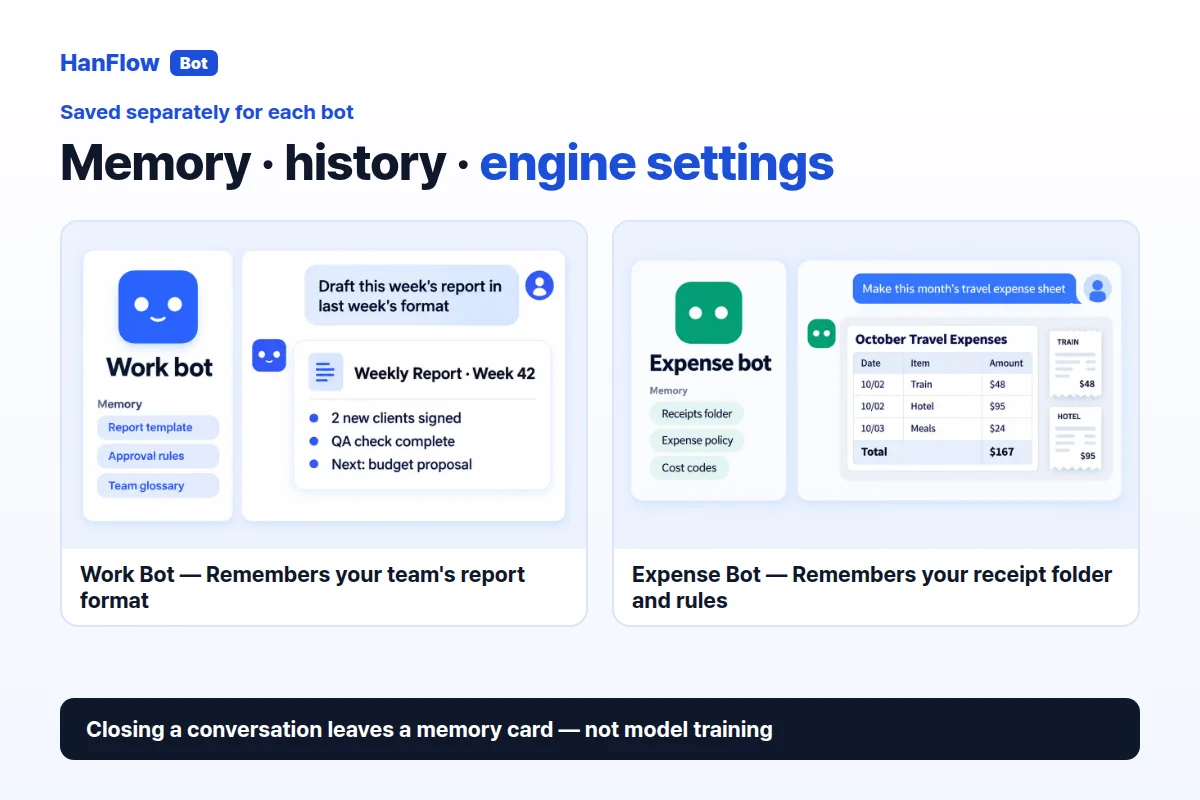
Every bot in HanFlow Bot stores its own memory, conversation history, and engine settings separately. When you close a conversation, the bot saves what it should remember long-term as a memory card. This is not model training — it is a saved note that belongs to that bot.
Your Work Bot remembers your team's report format. Your Expense Bot remembers your receipt folder and reimbursement rules. The two are stored separately. Engine settings are saved per bot as well, so each one stays set up for its role.
Nine example bots from the site
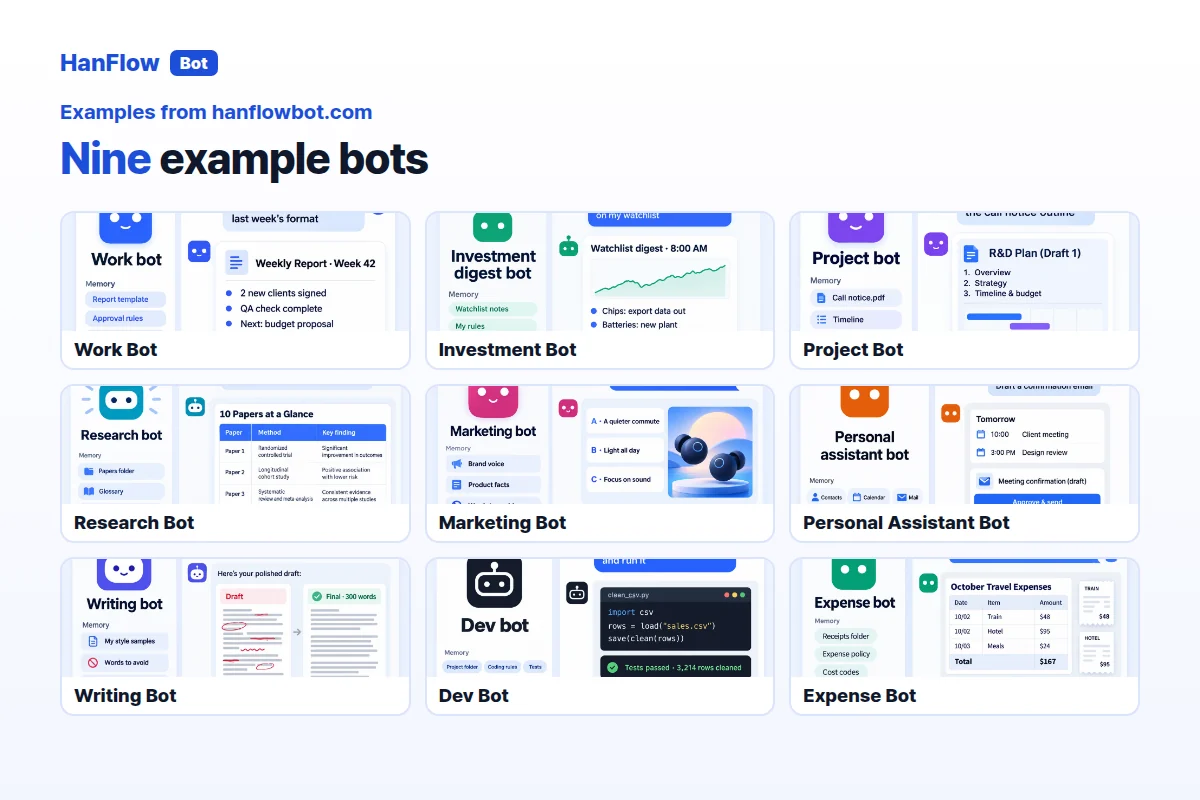
Here are nine bots you can set up, each with a distinct job:
- Work Bot — Writes weekly reports, official memos, and meeting minutes in your team's format.
- Investment Bot — Compiles news on your watchlist stocks every morning. Investment decisions are yours.
- Project Bot — Remembers RFPs, timelines, and role assignments, then drafts proposals and progress reports.
- Research Bot — Reads papers from the folders you allow and distills key findings into a single-page table.
- Marketing Bot — Creates on-brand copy and thumbnail images.
- Personal Assistant Bot — Reminds you of upcoming events, drafts confirmation emails, and adds new calendar entries.
- Writing Bot — Remembers your writing style and refines drafts to the length you want.
- Dev Bot — Remembers your project folder and coding conventions, then writes and runs code.
- Expense Bot — Remembers your receipt folder and reimbursement rules, then produces organized expense sheets.
These are starting points. Create a separate bot for each task that matters to you.
Bots that work on a schedule
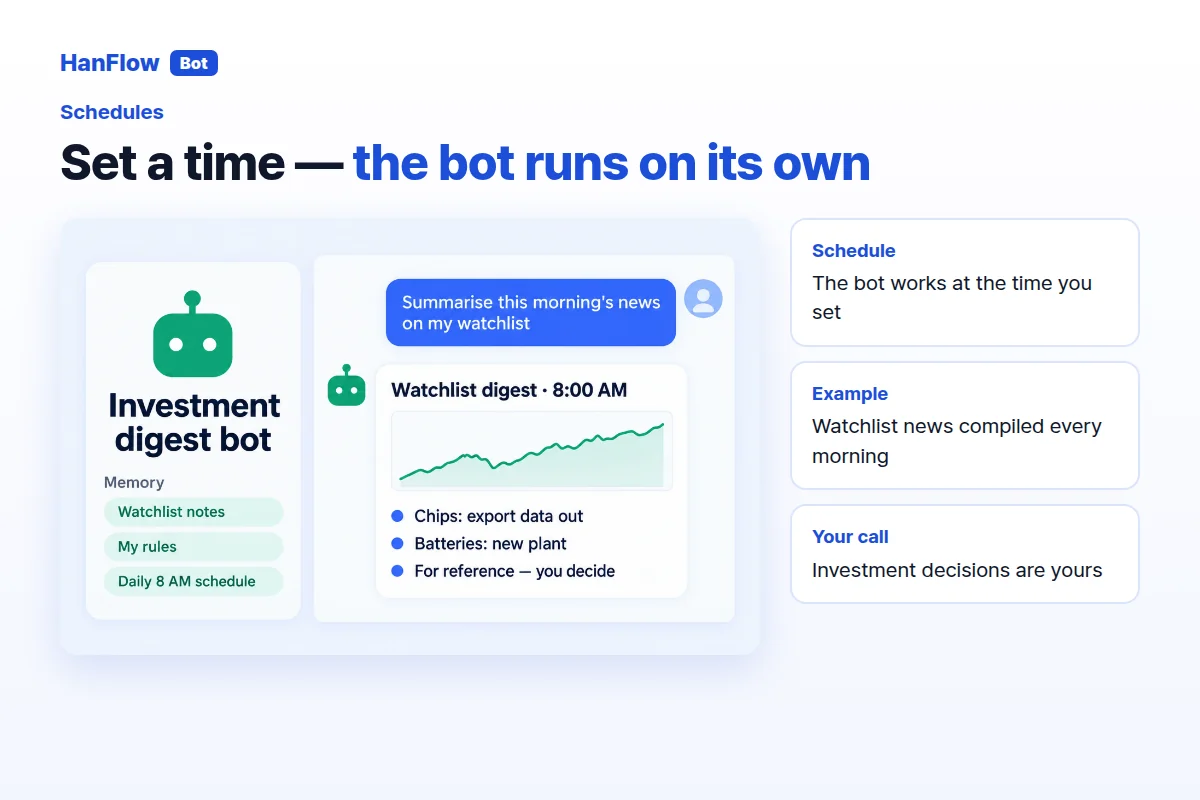
Set a schedule and the bot runs at the time you choose. The Investment Bot, for example, can compile your watchlist news every morning — investment decisions are still yours.
You still approve what gets sent
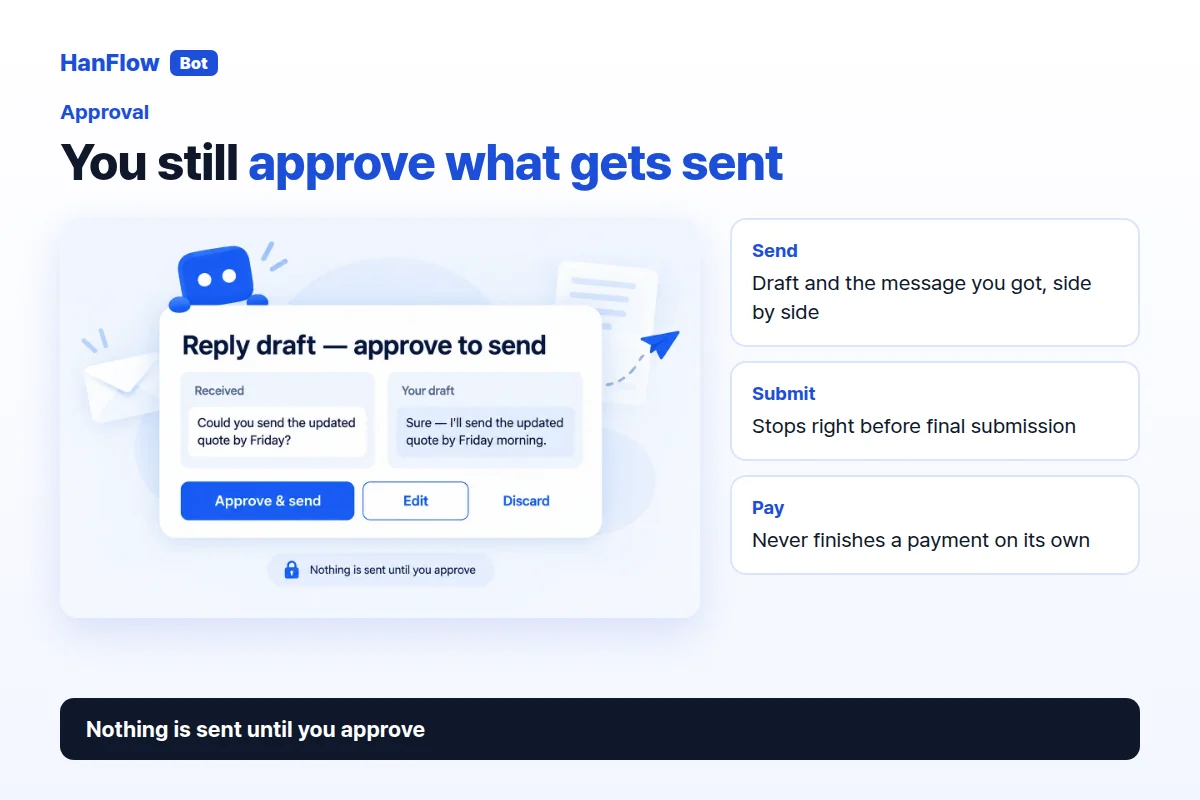
No matter how many bots you run, messages sent to other people — emails, messenger replies, any outgoing text — require your approval before they go out. The bot drafts, you review, you approve. There is no automatic sending.
Submissions and payments work the same way. The bot stops just before any irreversible step and waits for your sign-off. It does not complete a payment on its own.
If your PC is on and HanFlow Bot is running, you can reach the same bots from the Android app on Google Play, or from a browser on another PC, iPhone, or tablet. In the browser, approval cards for email drafts and calendar requests can be approved there too.
What you need
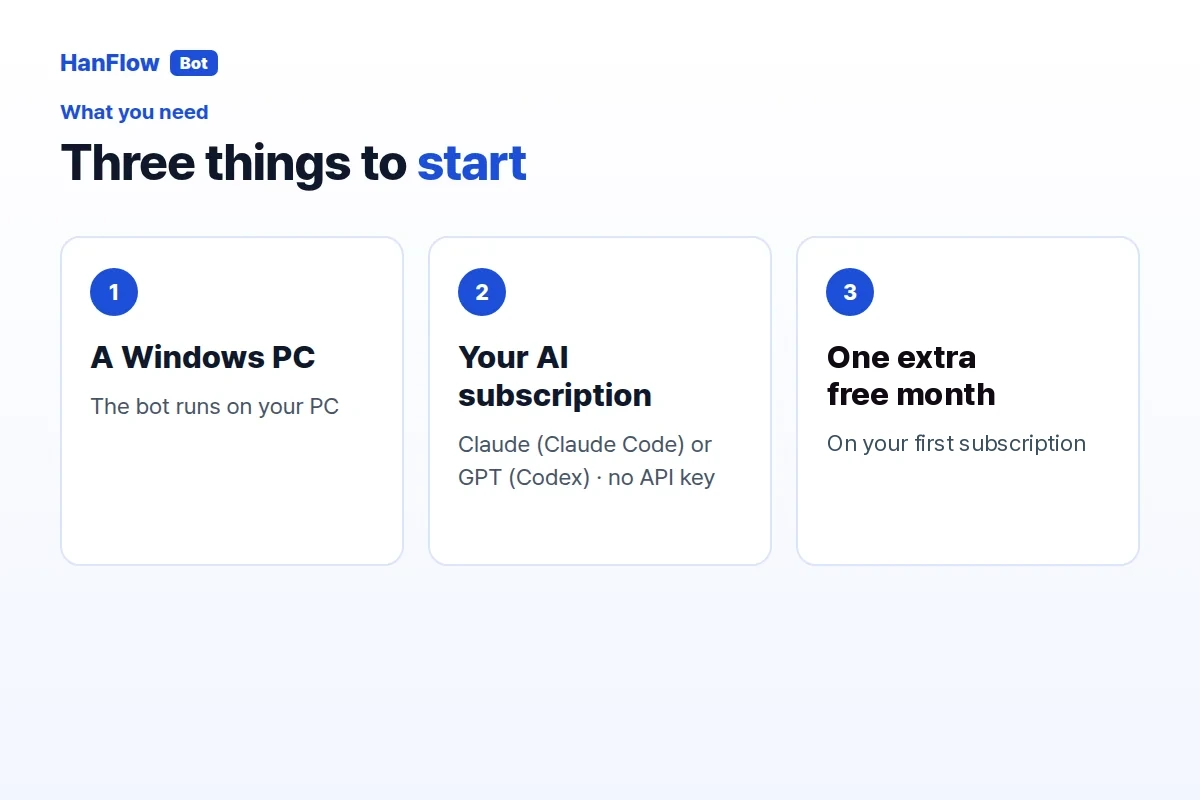
A Windows PC. HanFlow Bot runs on your machine. Documents and files are saved on your PC. The bot works — including phone access — when the PC is on and the app is running.
Your own AI subscription. Connect your Claude (Claude Code) or GPT (Codex) account. API keys cannot be registered. HanFlow Bot's subscription does not include the AI provider's fee. Only AI image generation requires a separate image API key.
The Base subscription, plus one extra free month. HanFlow Bot runs on the Base subscription. Your first subscription includes one extra free month, applied after your paid period ends.
Frequently asked questions
Do all bots share the same memory?
No. Each bot keeps its own memory, conversation history, and engine settings. What your Work Bot remembers stays separate from what your Expense Bot remembers. When you close a conversation, the bot saves long-term information as a memory card — this is not model training.
Can I use these bots from my phone?
Yes. The Android app is available on Google Play, and you can also reach your bots from a browser on another PC, iPhone, or tablet. The iPhone app is available on the App Store. Both require your PC to be on and HanFlow Bot running.
What happens when a bot drafts an email or fills a form on a website?
Emails always go through a draft-then-approve step — the bot writes, you review the draft alongside the original message, and only what you approve gets sent. For web forms, the bot fills fields in a browser window on your PC. Before any submission, it pauses so you can check. Passwords and security steps are always yours to handle.
Can I tell the bot what to do by voice?
Yes. HanFlow Bot includes a voice-input engine installed with the app. Speech recognition runs on your PC. Speak your instruction and the bot receives it as text.
To learn more or download the installer, visit hanflowbot.com.