
AI Agent for Team Chat — Catch Up, Get Files as PDF, Approve Replies
HanFlow Bot reads your web team messenger, summarizes channels and DMs, sends attachments to your phone as PDF, and drafts replies you approve.
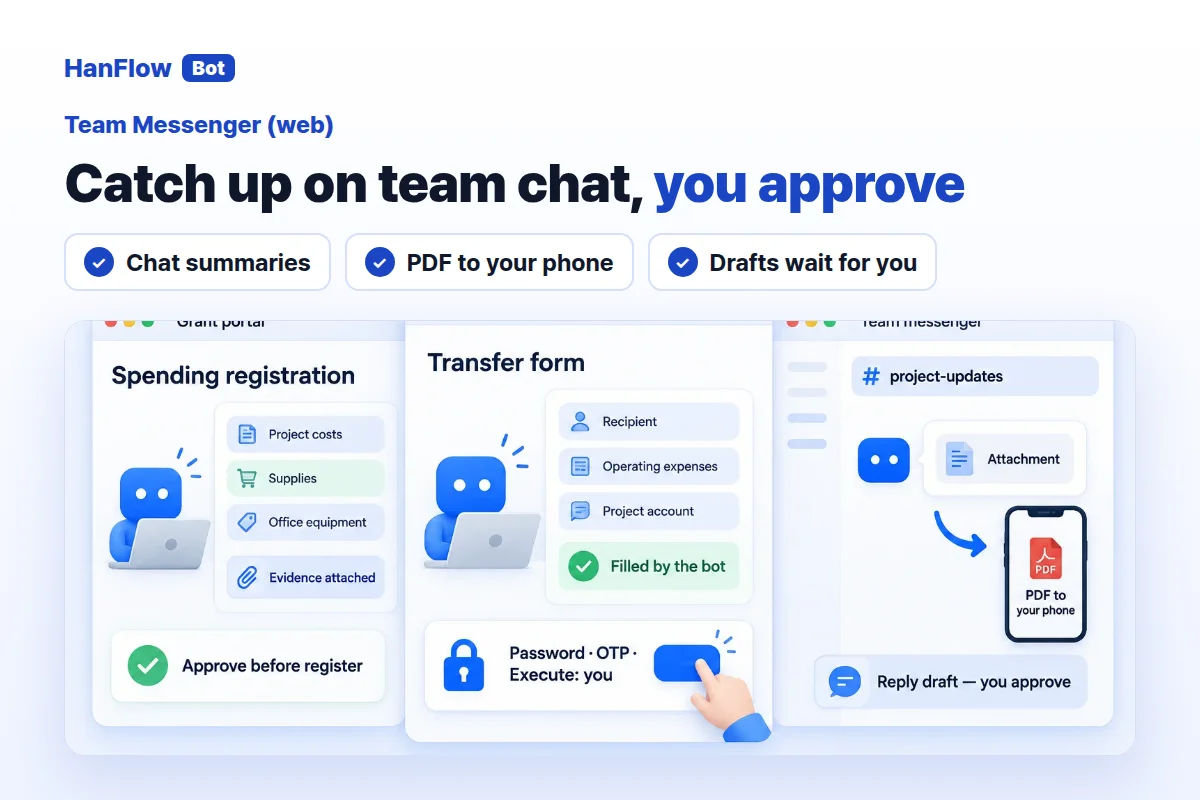
Team messengers pile up while you are in meetings or heads-down on other work. By the time you open the app, there are unread channels, direct messages buried under threads, and files people shared hours ago that you still need to read. Scrolling through everything, downloading attachments, and figuring out what actually needs a reply takes longer than it should.
HanFlow Bot handles the catching-up part. It works in a browser window on your PC, reading your team messenger the same way you would — going through channels and DMs, pulling out what needs you, and gets attachments ready for you on your phone.
What the bot does vs. what you do
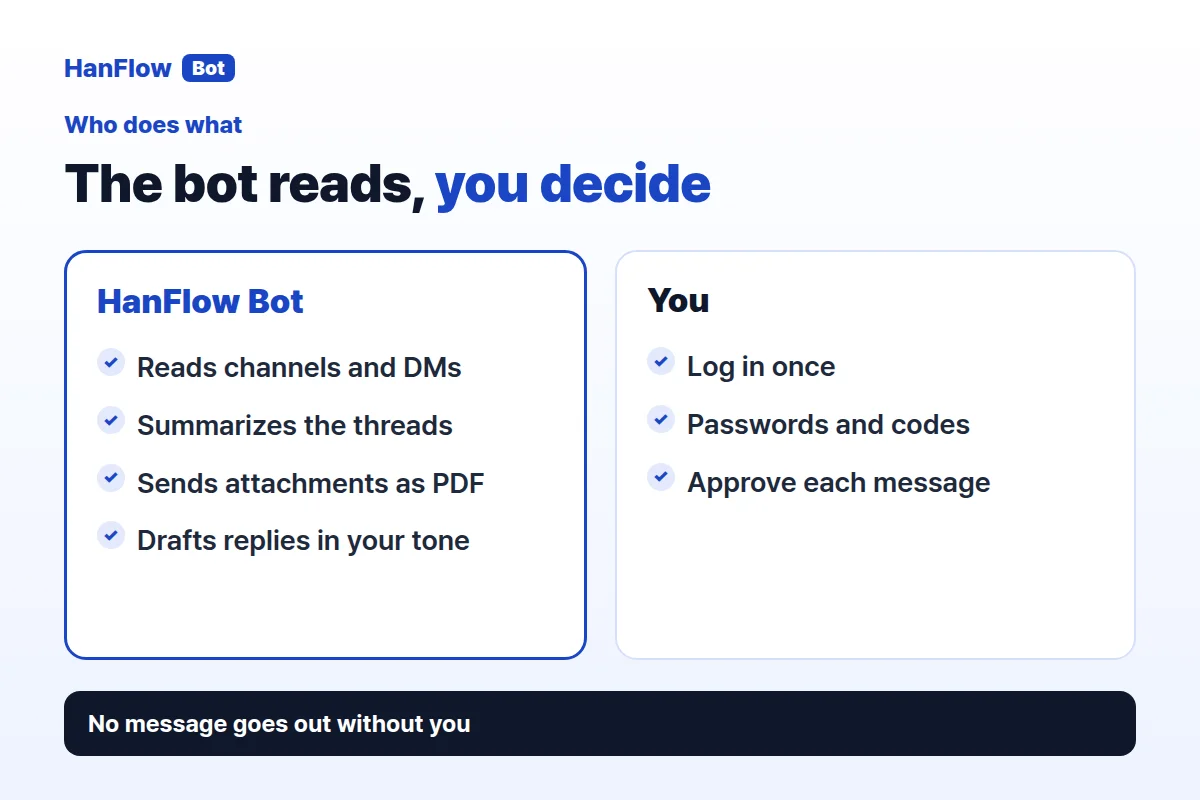
The bot opens your team messenger in a browser window on your PC. It reads channels and direct messages, summarizes conversations, downloads attachments, converts them to PDF, and sends them to your phone. When a message needs a reply or an announcement needs to go out, the bot writes a draft in your usual tone.
You log in once in that browser window. If the session expires or a security prompt appears, the bot pauses and tells you. Passwords and verification codes are always yours to enter. Every reply and every announcement the bot drafts is shown to you before anything is sent. No message goes out without your approval.
Catch up on channels and DMs
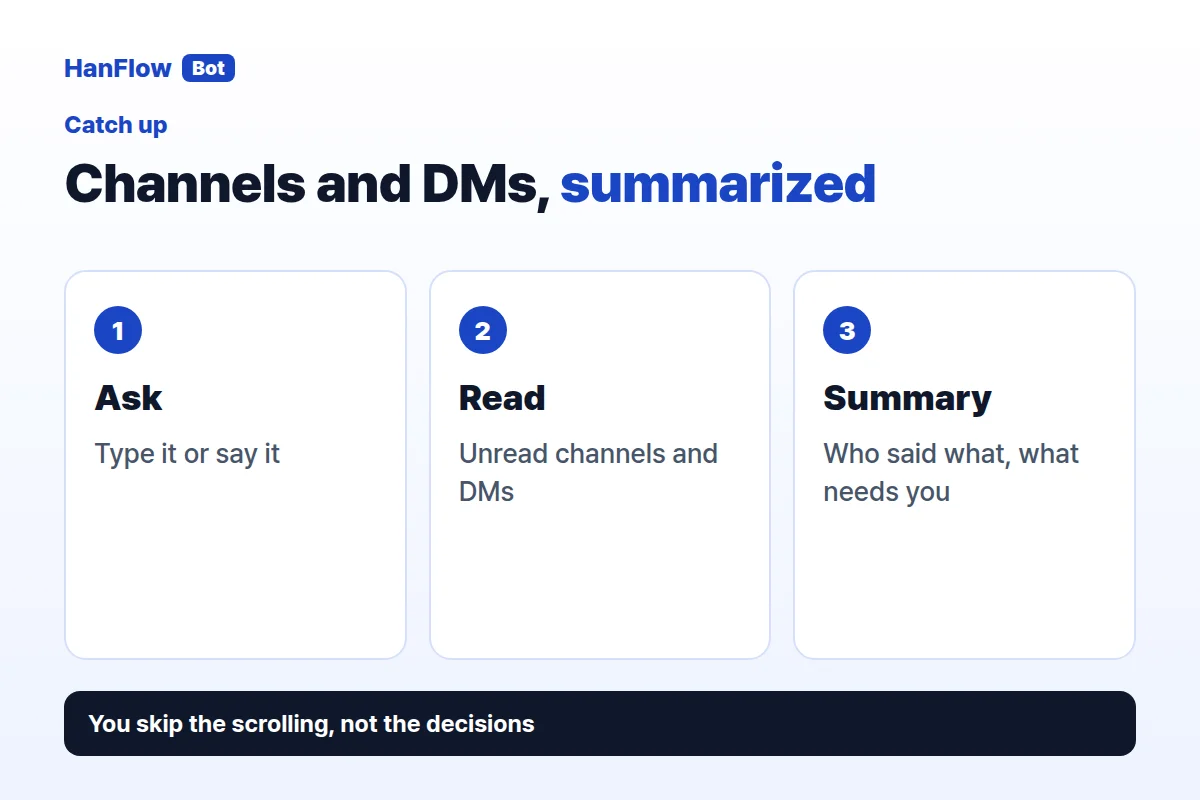
Tell the bot to check your messenger — type the instruction or speak it. HanFlow Bot includes a voice-input engine that runs speech recognition on your PC.
The bot opens the messenger in the browser window, goes through unread channels and direct messages, and summarizes what happened. Long threads get shortened to the key points. You see who said what, what decisions were made, and what still needs your input — without scrolling through every message yourself.
If a conversation mentions dates or meetings, the bot can add them to your connected calendar when you have Google Calendar linked through claude.ai.
Attachments to your phone as PDF
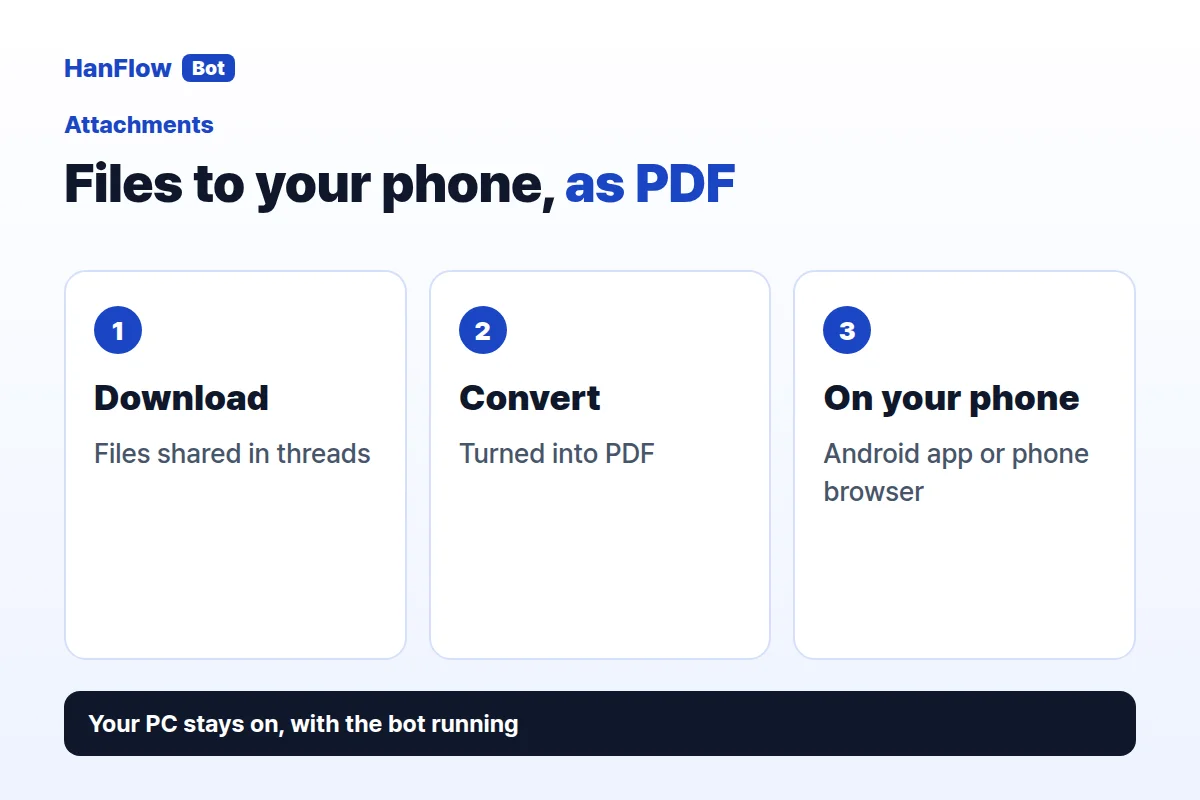
People share documents, spreadsheets, and images in messenger threads. Finding them later means remembering which channel they were in and scrolling to the right message.
The bot downloads those attachments, converts them to PDF, and sends them to your phone. You can review files from the Android app on Google Play, or through any mobile browser while your PC is on and HanFlow Bot is running. The original files stay on your PC.
Replies and announcements wait for you
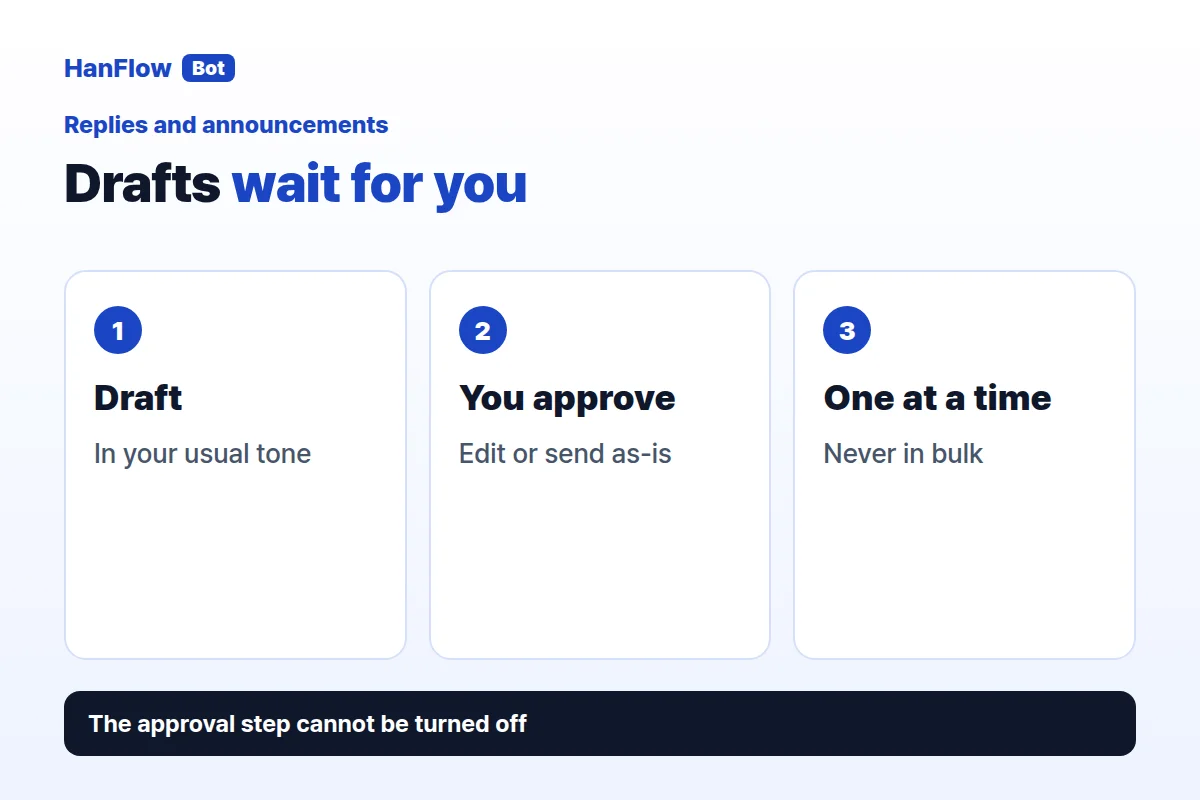
When a message needs a response, the bot drafts a reply in your usual tone. For announcements — project updates, reminders, follow-ups — it writes a draft and shows it to you alongside the original conversation.
You see exactly what will be sent and to whom. Edit the draft if you want, or approve it as-is. The bot sends only what you approve, one message at a time. It never sends in bulk. After sending, it checks the conversation to confirm the message went through and reports back.
This is not optional. There is no setting to turn off the approval step. Every outgoing message passes through you first.
What you need
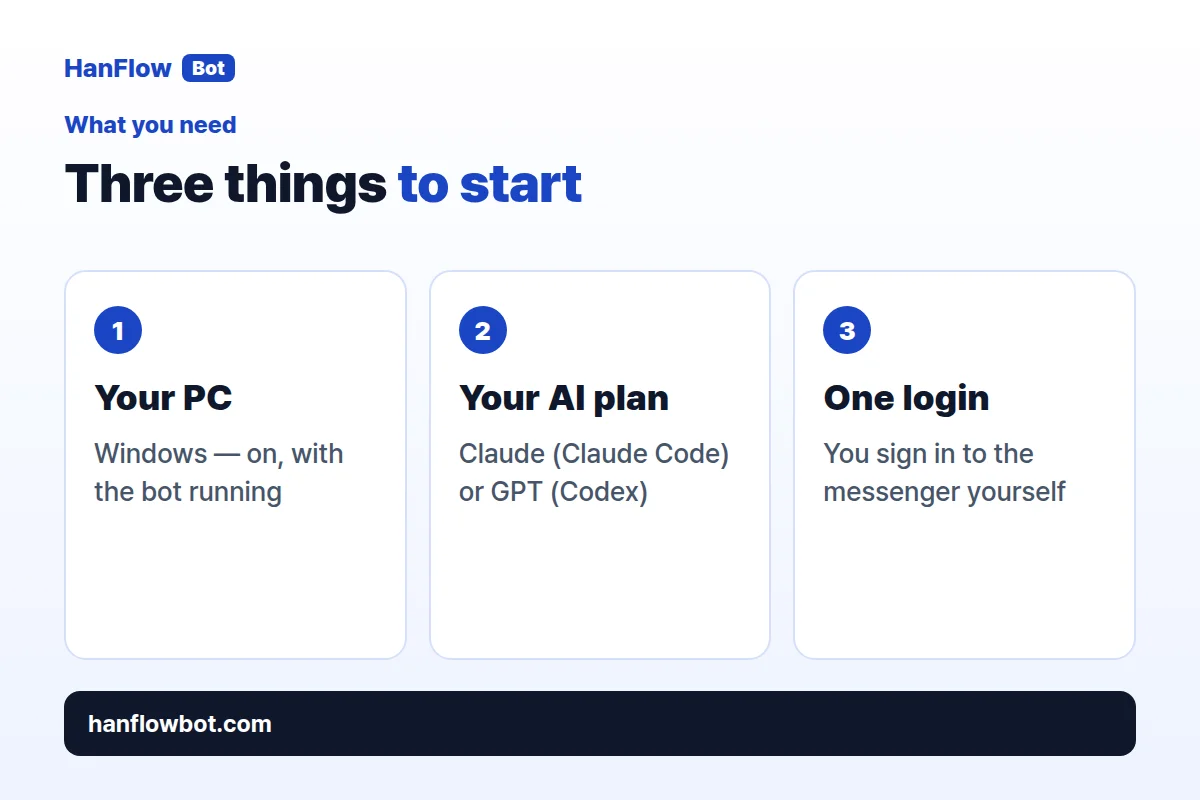
A Windows PC. HanFlow Bot runs on your machine and controls a browser window there. The PC needs to be on and the app running whenever you want the bot to work, including when you check from your phone.
Your own AI subscription. The bot connects to your Claude (Claude Code) or GPT (Codex) account. No API keys to enter. HanFlow Bot's subscription does not include the AI provider's fee.
One login. Open your team messenger in the browser window the bot uses and log in. When the session expires, the bot pauses and asks you to handle it.
HanFlow Bot runs on the Base subscription. Your first subscription includes one extra free month, applied after your paid period ends.
Frequently asked questions
Does the bot work with the team messenger my company uses?
The bot operates in a browser window on your PC. If your messenger runs in that browser, the bot can read the page and interact with it. Some messengers' terms restrict automation, so the bot never sends in bulk — one approved message at a time. Web pages that launch a separate desktop program may not be supported.
Can I use this from my phone when I am away from my desk?
Yes, as long as your PC is on and HanFlow Bot is running. You can send instructions and review drafts through the Android app on Google Play, or through any mobile browser. Files the bot converts to PDF are available on your phone too.
Will the bot ever send a reply without asking me first?
No. Every reply and every announcement is shown to you as a draft. You approve, edit, or reject it. Only approved messages are sent, one at a time. There is no way to skip this step.
Learn more or download the installer at hanflowbot.com.