
OpenClaw alternative for Windows: an AI agent that asks first
Looking for an OpenClaw alternative on Windows? HanFlow Bot is a desktop AI agent that always waits for your approval before it sends, submits or pays.

If you want an OpenClaw alternative on Windows that comes as a desktop app and always stops for your approval before sending, submitting or paying, HanFlow Bot is one option. It connects your own Claude (Claude Code) or GPT (Codex) subscription, runs on your PC and saves the files it makes there.
What OpenClaw is good at
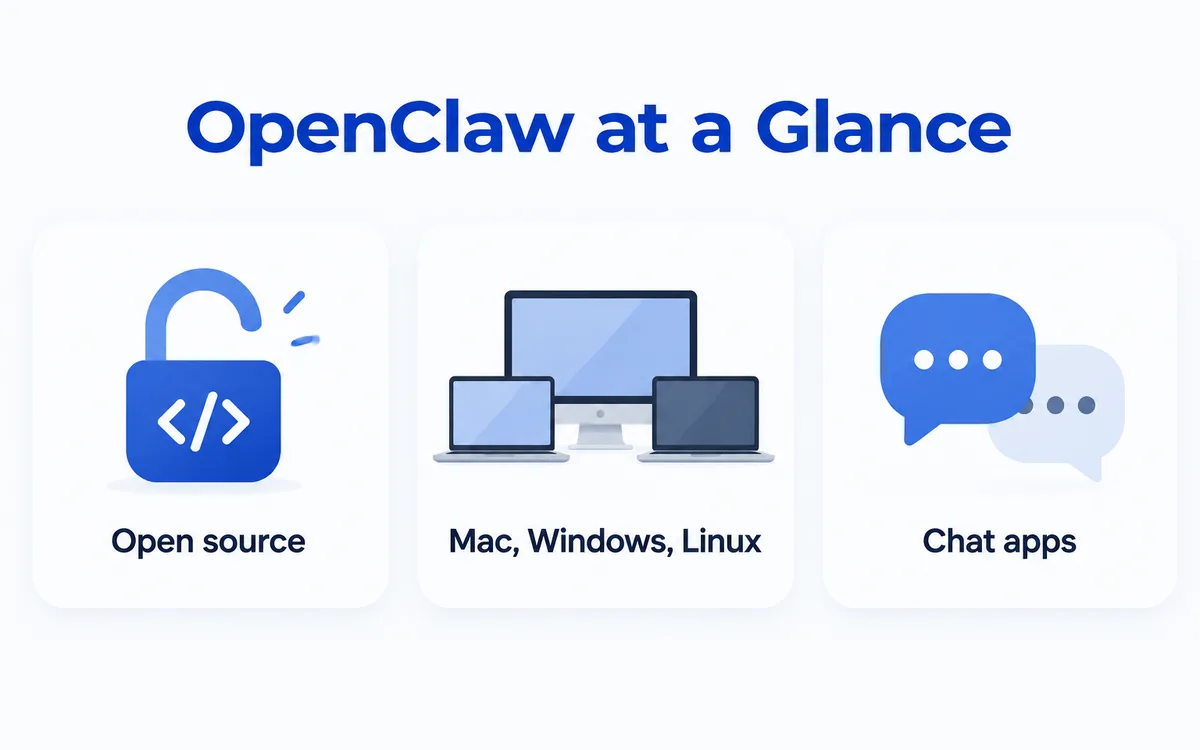
OpenClaw calls itself "the AI that really does things." It handles inboxes, calendars and check-ins through chat apps you already use, such as WhatsApp, Telegram, Discord, Slack, Signal and iMessage. It runs on Mac, Windows or Linux, and you can install it as a desktop app or with a one-line command.
It is MIT licensed, open source and free. There is no enterprise edition and no paid version, and an independent nonprofit foundation looks after the project.
You bring your own model: hosted, subscription-backed, gateway or local, and you can sign in with a ChatGPT account to use that subscription. Its state lives on your machine, and you choose full access or sandboxed. (OpenClaw, checked October 2026.)
Where HanFlow Bot is different

- A desktop app for Windows or Mac. HanFlow Bot is a Windows PC program, and there is a Mac installer for Apple Silicon.
- Approval is always on. Messages to people (email, messenger, text, Slack) are always draft, then your approval, then send. It never sends on its own, and there is no switch to turn that off.
- You see both sides. The approval card shows the message you received and the draft reply side by side, written in your usual tone.
- Final steps stop and wait. Form submissions and payments pause right before the last step. The bot does not complete a payment on its own.
- Works in a browser on your PC. The bot controls a browser window on your PC to fill forms, copy data into spreadsheets and download files on the sites you use. You log in once yourself. The bot never types your passwords.
- Voice input. Speak your request. Speech is turned into text on your PC.
- One bot per job. Each bot keeps its own memory, chat history and engine settings. When you close a chat, it saves what to remember on a memory card. This is not model training.
- Files on your PC. Documents and files the bot creates are stored on your computer.
- Reach it from other devices. Open a browser on your phone, tablet or another PC to talk to the same bot, as long as your PC is on and HanFlow Bot is running.
Which one to choose
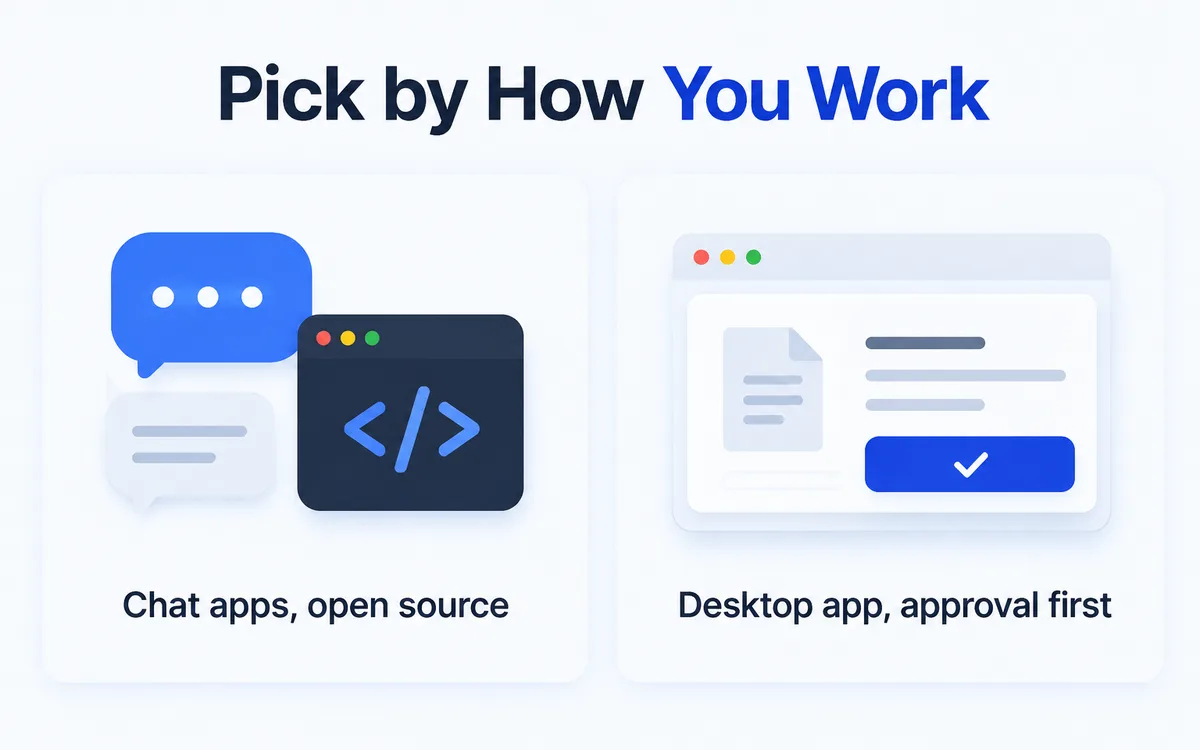
- Choose OpenClaw if you want free, open-source software, many chat channels, and you like setting it up yourself.
- Choose HanFlow Bot if you want a ready desktop app where sending messages, submitting forms and making payments always wait for you.
- Either way, start with one small task, such as a single reply draft, before you hand over more.
Getting started
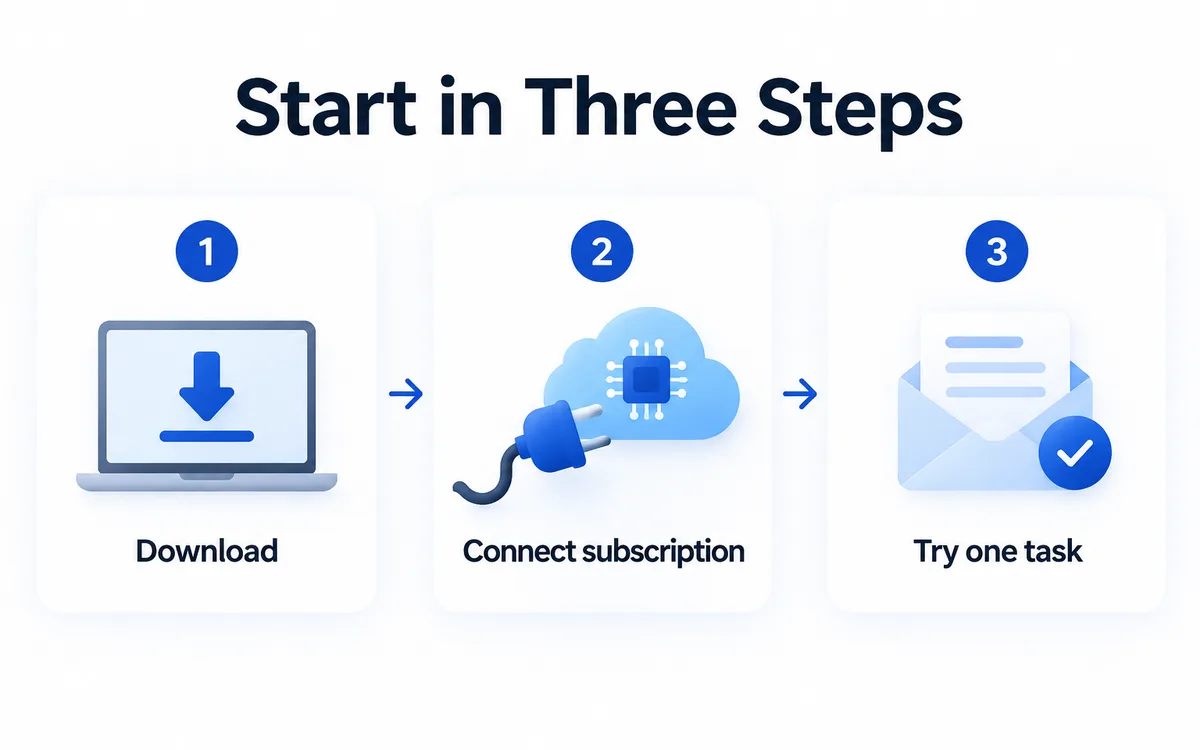
- Download HanFlow Bot for Windows or Mac from the home page.
- Connect your Claude (Claude Code) or GPT (Codex) subscription. API keys are not supported, and your AI subscription is not included in the HanFlow Bot price.
- Try one small task, such as one reply draft. Check the approval card, then send when you are happy.
See pricing for current plans.
Frequently asked questions
Is HanFlow Bot open source?
No. It is a desktop app with a paid subscription. See pricing for details.
Can I use my ChatGPT or Claude subscription?
Yes. Connect Claude through Claude Code or GPT through Codex. API keys are not supported.
Does it send emails on its own?
No. Every message to a person goes through a draft and your approval. There is no way to turn that off.
Does it run on Windows?
Yes. HanFlow Bot runs on Windows PCs, and there is a Mac version for Apple Silicon.