
ChatGPT Atlas Alternative: An AI Agent on Your PC After Atlas Retired
ChatGPT Atlas has been retired. HanFlow Bot is an AI agent app on your PC that drives a browser window and asks before it sends.
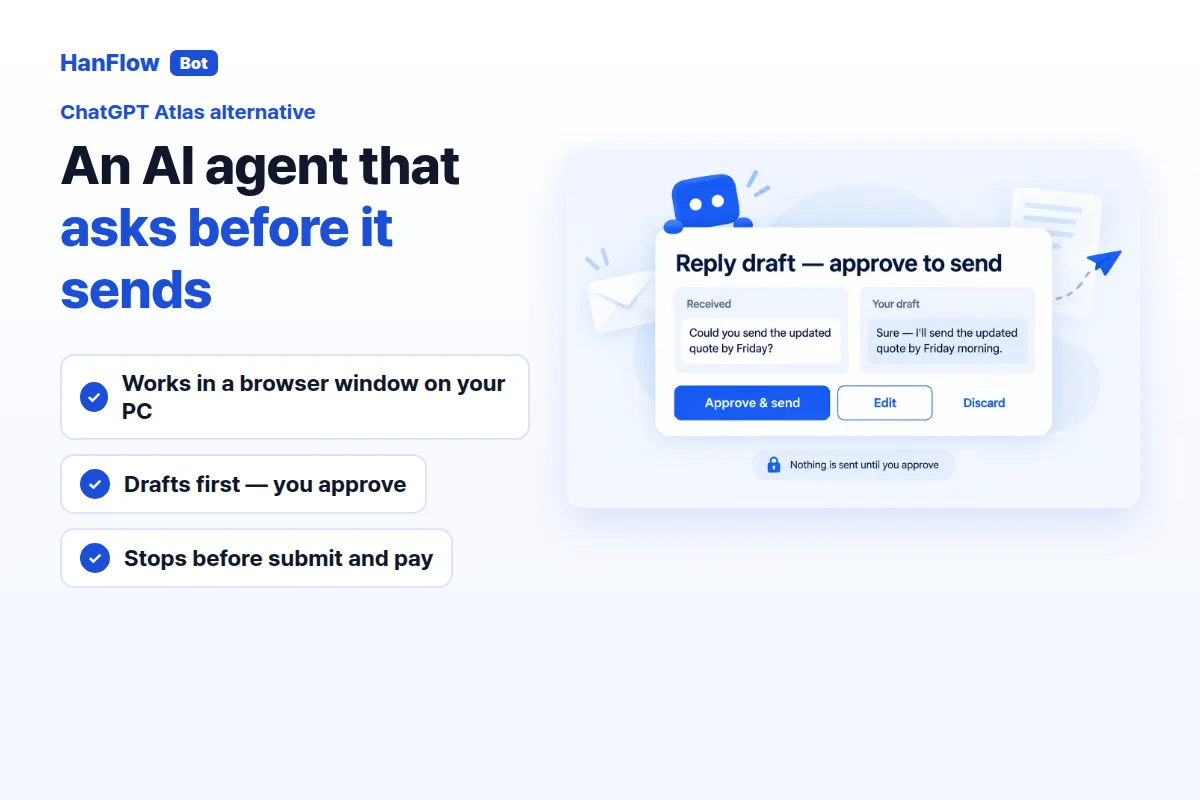
OpenAI has retired ChatGPT Atlas, and it no longer receives updates. If you relied on Atlas to handle tasks inside a browser, HanFlow Bot offers a different path: a PC agent app that controls a browser window on your machine and stops to ask before anything goes out.
What happened to ChatGPT Atlas
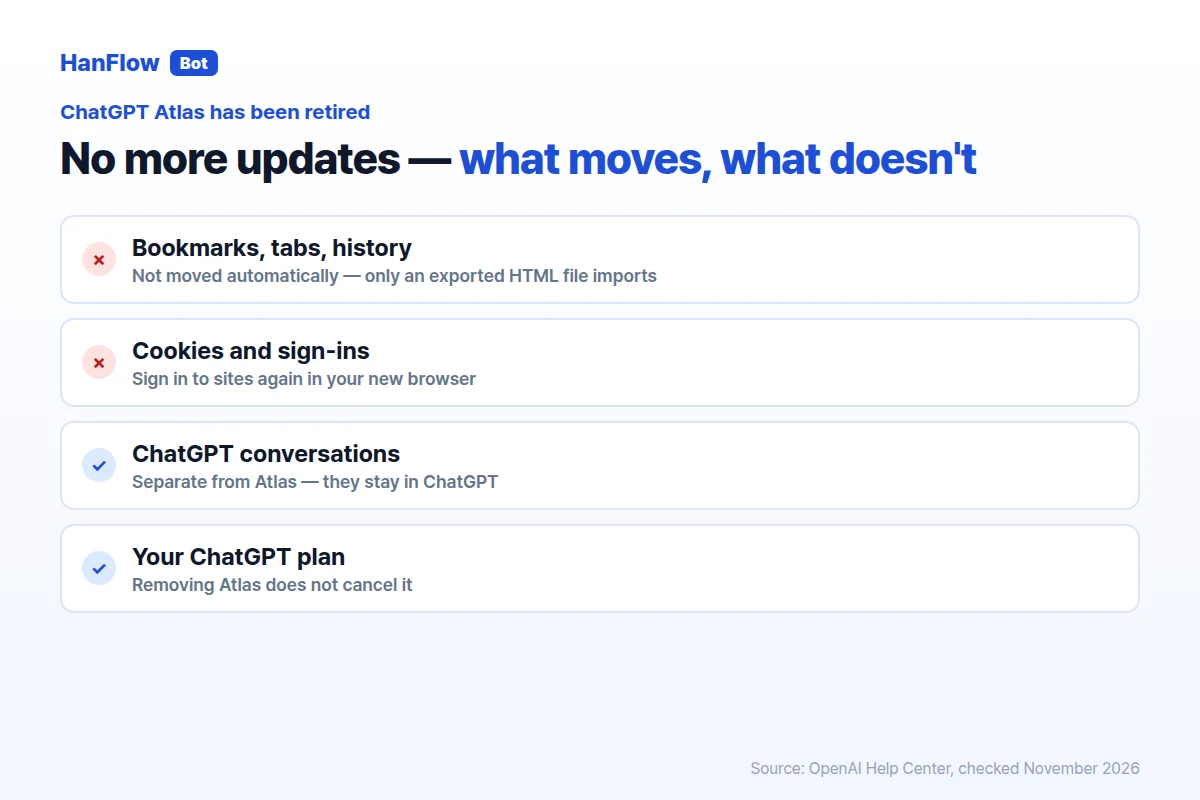
ChatGPT Atlas has been retired and no longer receives updates (OpenAI Help Center, checked November 2026). Bookmarks, open tabs, browser history and signed-in sessions do not transfer automatically. If you previously exported an HTML bookmarks file, you can import it into another browser; otherwise they do not come across on their own. Cookies and logins need to be set up again in whatever browser you move to (OpenAI Help Center, checked November 2026).
Your ChatGPT conversations are separate from Atlas browser data and continue to work in ChatGPT (OpenAI Help Center, checked November 2026). Passwords are a different story: if you exported a password CSV from Atlas, you can import it into Google Password Manager and then delete the CSV, since it contains readable passwords. If you did not export, you will need each site's account recovery flow (OpenAI Help Center, checked November 2026).
Removing Atlas does not cancel a ChatGPT plan (OpenAI Help Center, checked November 2026).
What Atlas agent mode did
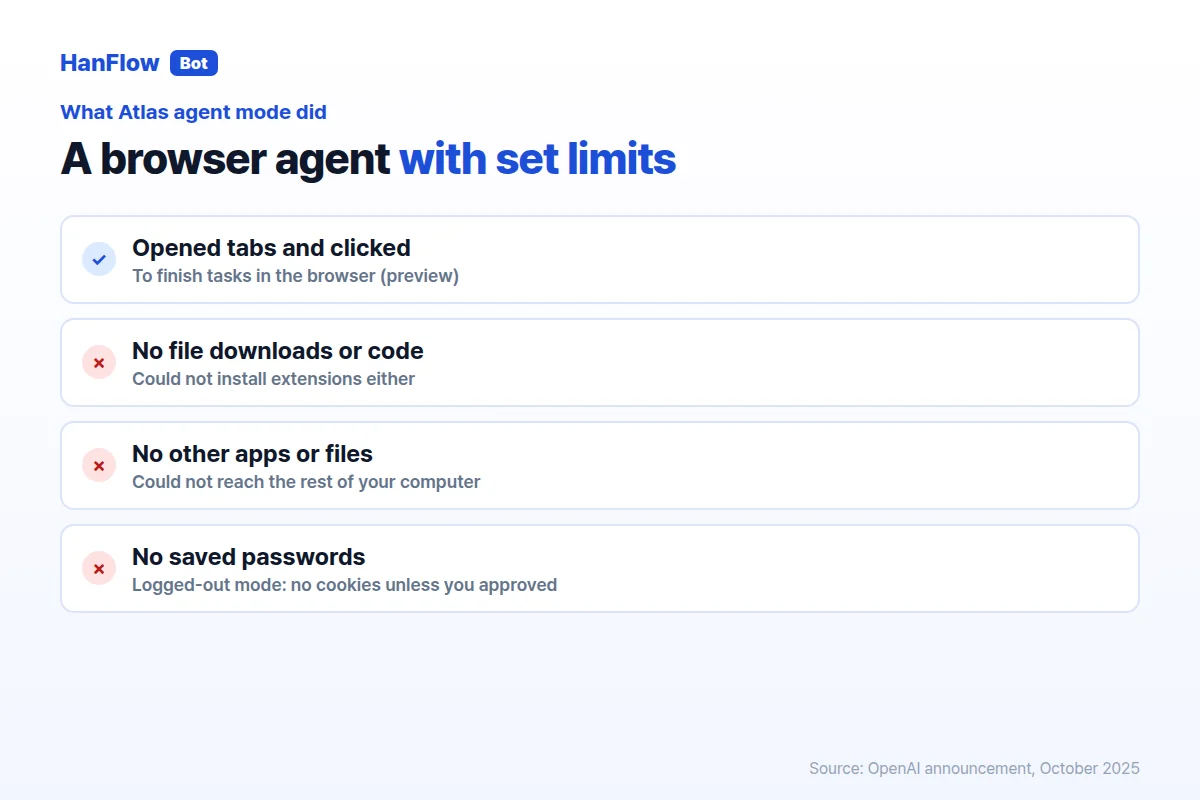
Atlas was a web browser with ChatGPT built in, launched for macOS in October 2025, with Windows, iOS and Android listed as in development (OpenAI, October 2025 announcement). Its agent mode — available as a preview for Plus, Pro and Business users — could open tabs, click through pages and complete tasks inside the browser (OpenAI, October 2025 announcement).
Agent mode had clear limits. It could not run code in the browser, download files or install extensions. It could not reach other apps or the file system on your computer, and it could not access saved passwords or use autofill data (OpenAI, October 2025 announcement). A logged-out mode let the agent work without using your cookies, so it would not sign in to your accounts unless you specifically approved it. OpenAI advised users to stay careful and monitor what the agent was doing (OpenAI, October 2025 announcement).
With the retirement, none of this is updated anymore.
Where HanFlow Bot is different
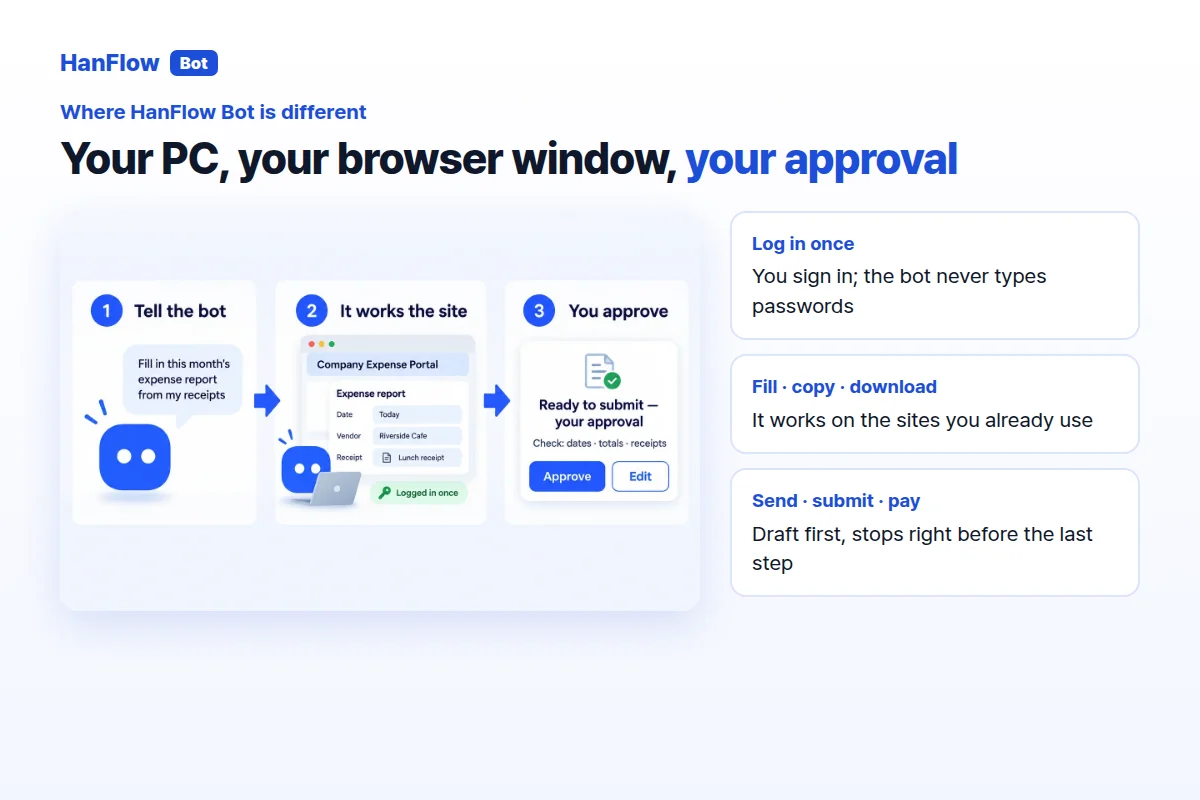
HanFlow Bot is not a browser. It is a PC agent app that controls a browser window on your machine to fill forms, copy data between sites and download files. You log in to the sites you use once in that browser window, then tell the bot what to do — by text or voice.
Messages to people — email, messenger, any channel — always follow a draft-then-approve-then-send path. There is no switch to turn that off. The approval card shows the incoming message and the outgoing draft side by side, written in your usual tone. Submissions and payments pause right before the final step; the bot never completes a payment on its own. Passwords are never typed by the bot.
Before submitting, the bot can compare what it filled against the original — a receipt, a previous submission, an attached file — and flag mismatches in amounts, dates or missing attachments.
Files the bot creates are saved on your PC.
Moving your work over
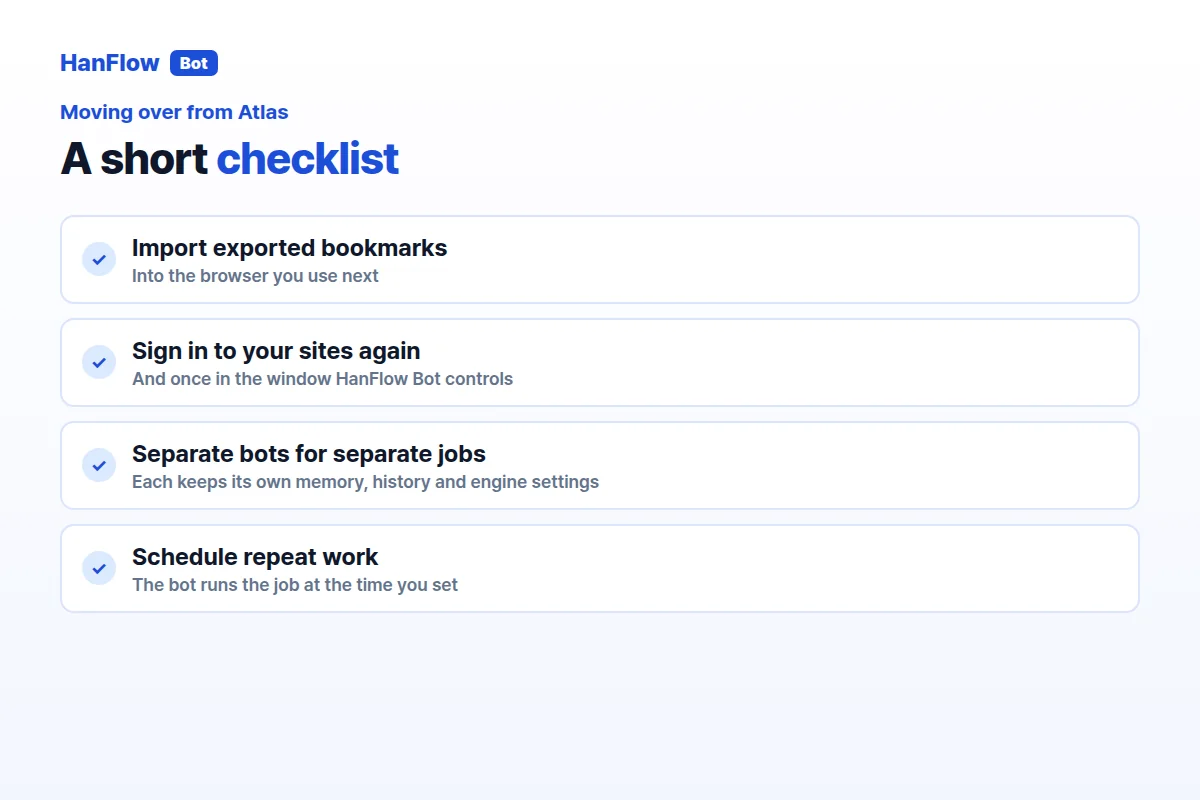
A short checklist for anyone coming from Atlas:
- Bookmarks. If you exported an HTML bookmarks file from Atlas, import it into the browser you plan to use going forward (OpenAI Help Center, checked November 2026).
- Site logins. Sign in to your sites again in the new browser. In the browser window HanFlow Bot controls, log in once to each site you want the bot to work with.
- Passwords. If you exported a password CSV, import it into Google Password Manager and then delete the CSV. If not, use each site's account recovery (OpenAI Help Center, checked November 2026).
- Repeating tasks. You can set up separate bots for different jobs. Each bot keeps its own memory, chat history and engine settings. When a conversation closes, the bot saves what it should remember long-term to a memory card — this is not model training.
- Scheduled work. Set a time, and the bot runs the job on its own at that time.
Which one fits you
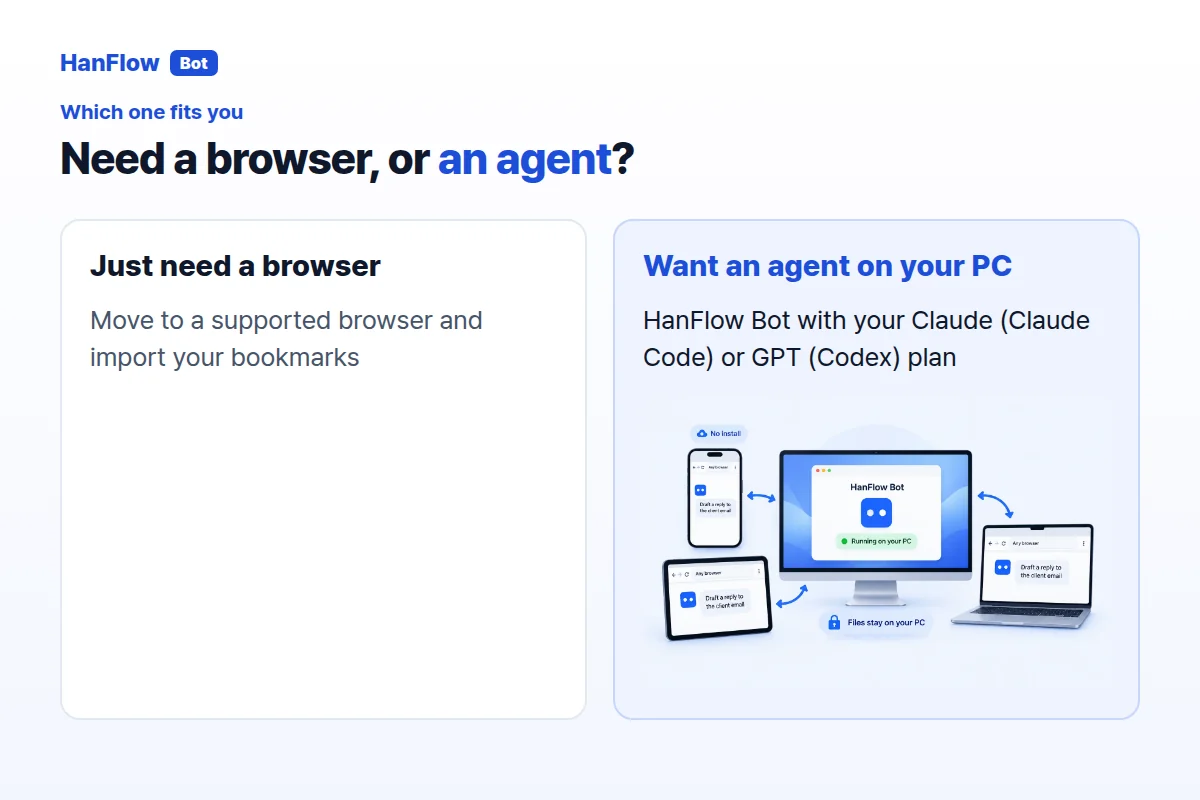
If what you need is a browser — bookmarks, tabs, extensions — move to any supported browser you like. Atlas bookmarks can come along if you have that HTML export. Open tabs, browser history, cookies and signed-in sessions do not transfer automatically; your ChatGPT conversations continue in ChatGPT.
If what you need is an agent on your own PC that handles web tasks and asks before sending, submitting or paying, HanFlow Bot fills that role. It connects through the Claude (Claude Code) or GPT (Codex) plan you already use — whichever one. You can also speak your request; voice is transcribed on your PC. While your PC is on and HanFlow Bot is running, you can reach the same bot from a phone, tablet or another browser.
Getting started
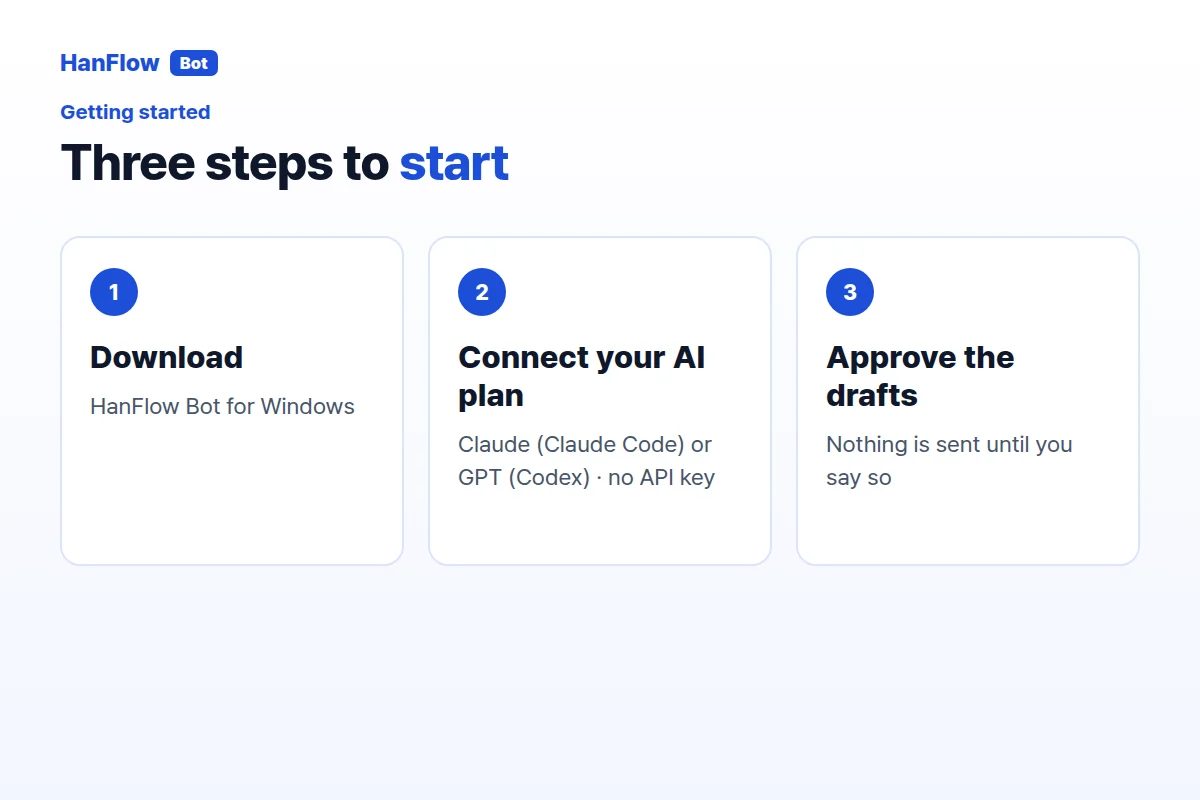
- Download HanFlow Bot for Windows from the download page.
- Connect your Claude (Claude Code) or GPT (Codex) plan. Claude and GPT API keys cannot be registered.
- Create your first bot, give it a job, and review its drafts before anything goes out. See pricing for plan details.
Frequently asked questions
Is ChatGPT Atlas still available?
No. ChatGPT Atlas has been retired and no longer receives updates (OpenAI Help Center, checked November 2026). Your ChatGPT conversations continue to work in ChatGPT, but Atlas browser data — bookmarks, tabs, cookies — does not carry over automatically.
Can HanFlow Bot import my Atlas bookmarks or passwords?
No. HanFlow Bot is not a browser, so it does not manage bookmarks or passwords. Import your exported bookmarks HTML into any browser you choose. For sites you want the bot to automate, log in once yourself in the browser window HanFlow Bot controls. The bot never types your passwords.
Does HanFlow Bot type my passwords?
No. You log in to sites once yourself, and the bot never types your passwords.
Does HanFlow Bot need its own AI credits?
No. It uses your linked Claude (Claude Code) or GPT (Codex) plan, and hanflowai.com credits are not used. Your AI plan is not included in the HanFlow Bot price. Claude and GPT API keys cannot be registered; AI images need a separate image API key.
Try HanFlow Bot and see what an agent that asks first can do with the tasks you already handle in a browser.