
Perplexity Comet Alternative: An AI Agent That Asks Before It Sends
Comet is an AI browser with an Always Allow option. HanFlow Bot is a desktop AI agent where every message waits for your approval.
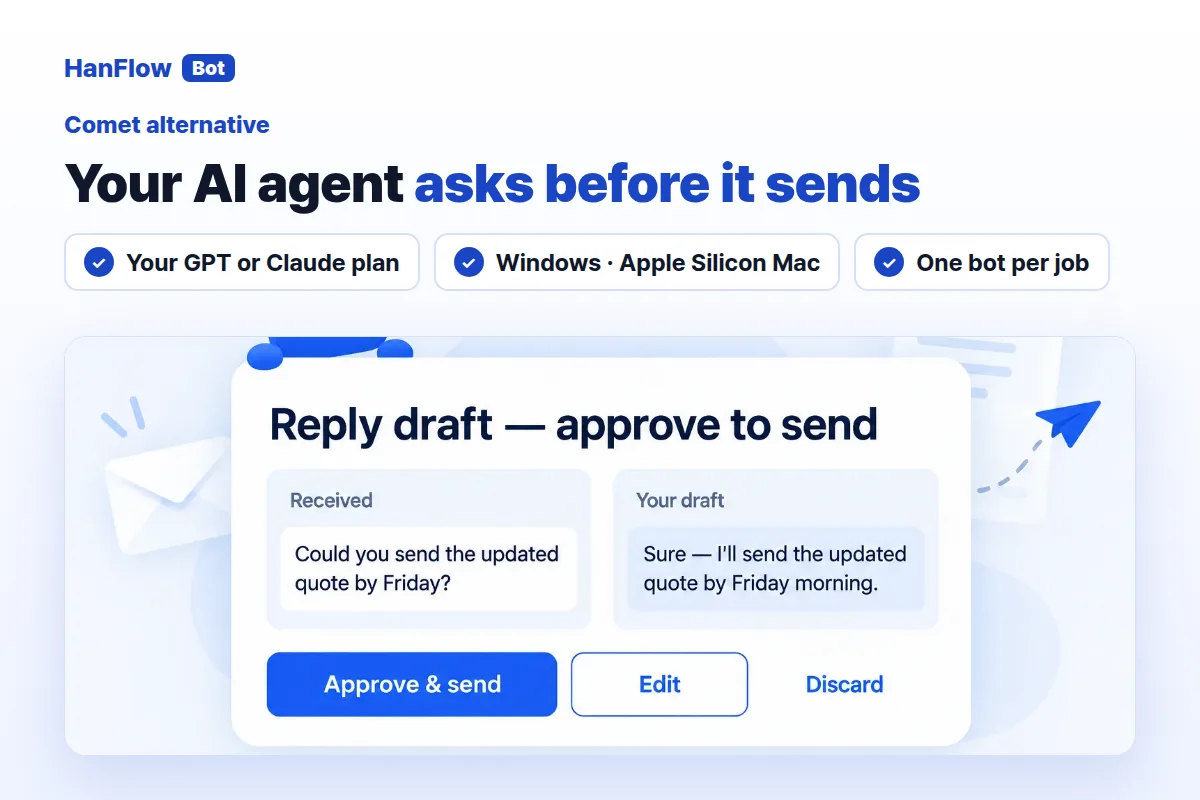
Perplexity's Comet puts an AI assistant inside a new browser. HanFlow Bot takes a different route: a desktop agent app that drives a browser window on your PC and stops to ask before anything goes out. Both let AI handle real tasks. They differ on how much the AI may do without checking with you.
What Comet offers
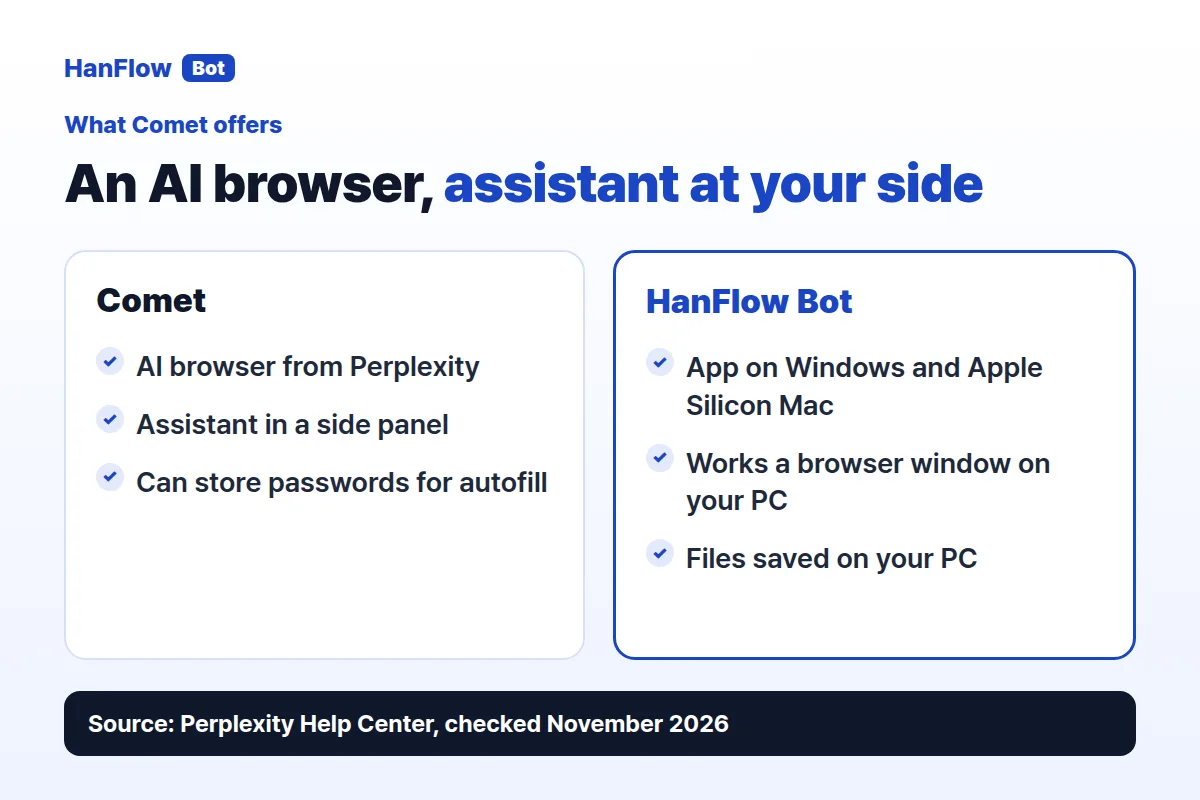
Comet is a Chromium-based browser from Perplexity for Mac, Windows, iOS and Android. It keeps bookmarks, page translation and most Chrome extensions, and adds Perplexity search as the main search engine, Personal Search that draws on your browsing history, natural-language tab commands, a Gmail connector for email and calendar questions, Ask and Summarize buttons, and a built-in ad blocker (Perplexity Help Center, checked November 2026).
The Comet Assistant runs in a side panel and can click, navigate and fill forms for you. Comet can also store website passwords and payment details in your keychain for autofill (Perplexity Help Center, checked November 2026).
Where HanFlow Bot is different
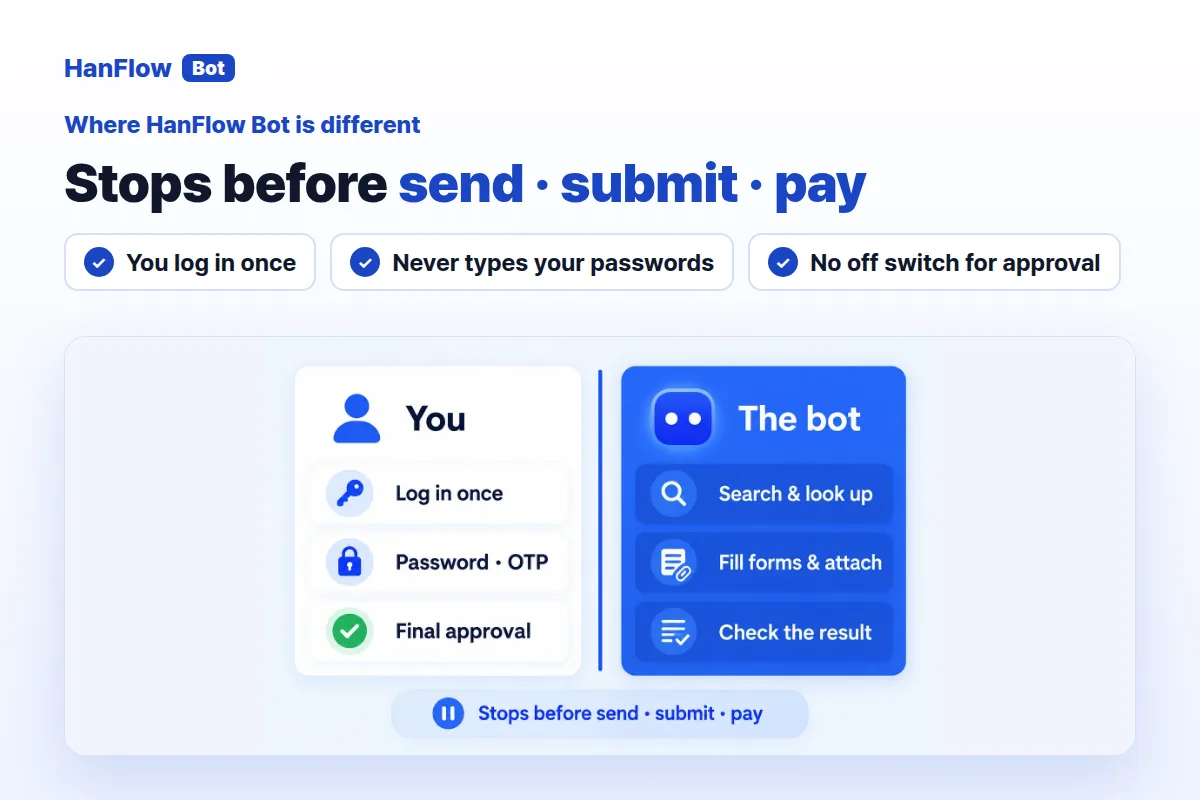
HanFlow Bot is not a browser. It is a desktop AI agent app for Windows and Apple Silicon Mac. It controls a browser window on your PC to fill forms, copy data and download files.
Messages to people — email, messenger — always follow a draft-approve-send path, and there is no switch to turn that off. The approval card shows the received message and the draft side by side. Payments pause right before the final step; the bot never completes a payment on its own. You log in to sites once yourself, and the bot never types your passwords.
Each job gets its own bot with separate memory, chat history and engine settings. When a conversation closes, the bot saves what it should remember to a memory card — this is not model training. Files it creates are saved on your PC; when the bot uses AI, the content it works on is sent to the AI provider you connected.
"Always Allow," or always ask
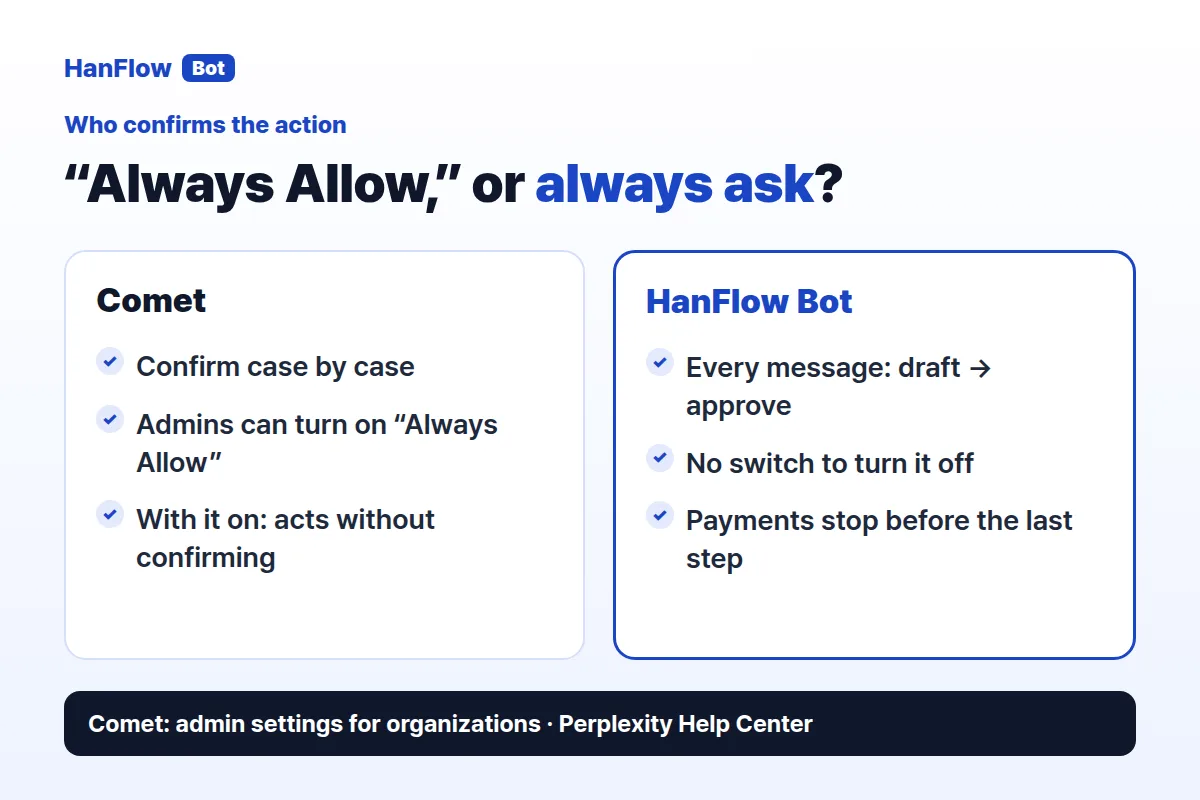
For organizations, Comet's admins can let the assistant control the browser, with actions confirmed case by case. They can also turn on an "Always Allow" option that lets Comet act on a user's behalf without having to confirm, and set each domain to Browser Control, Read Only or No Access (Perplexity Help Center, checked November 2026).
HanFlow Bot has no such option for messages or payments. Every outgoing message waits for your approval, and every payment pauses before the last step. You trade a little speed for knowing that nothing is sent or paid without you.
Which one to choose
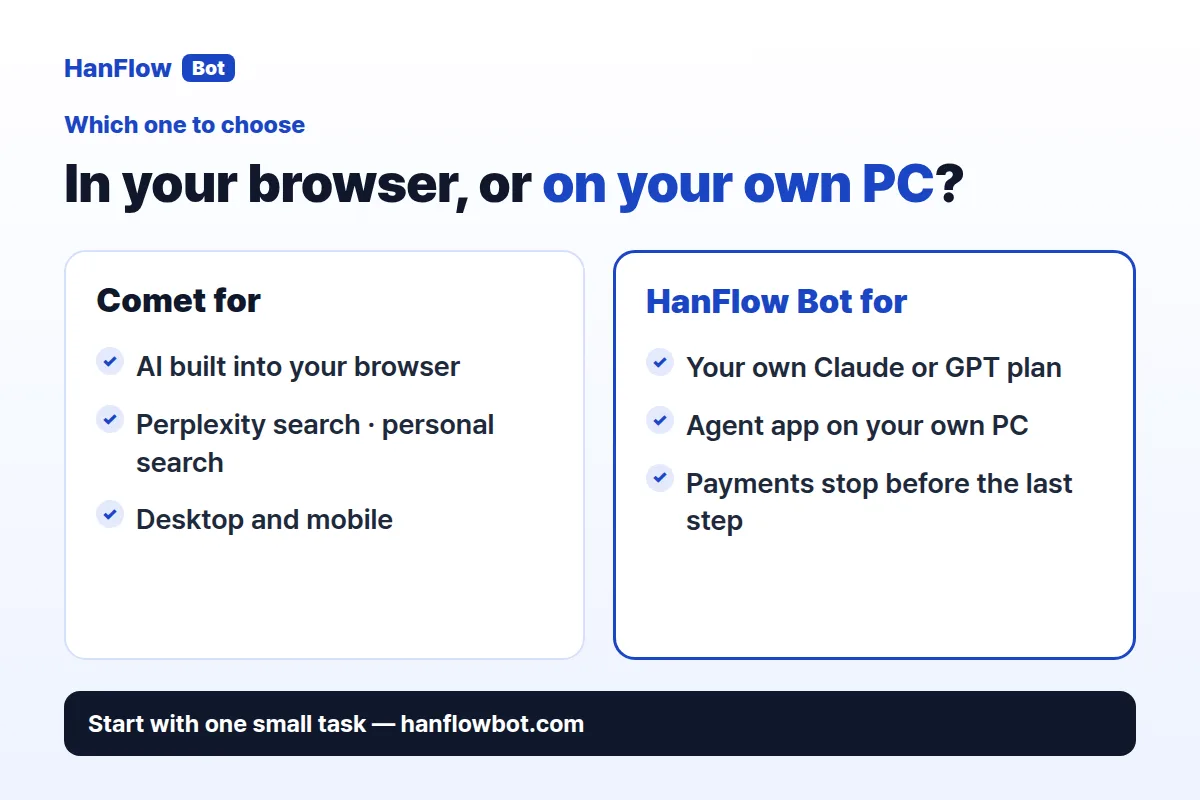
Comet suits people who want AI built into the browser they use every day, with Perplexity search, personal search over their history and an assistant one click away — on desktop and mobile.
HanFlow Bot suits people who want an agent on their own PC that never sends a message or finishes a payment without their sign-off, and that runs on the Claude (Claude Code) or GPT (Codex) plan they already have. You can reach it from a phone, tablet or another browser while your PC is on and HanFlow Bot is running, and set scheduled jobs for a specific time.
Getting started
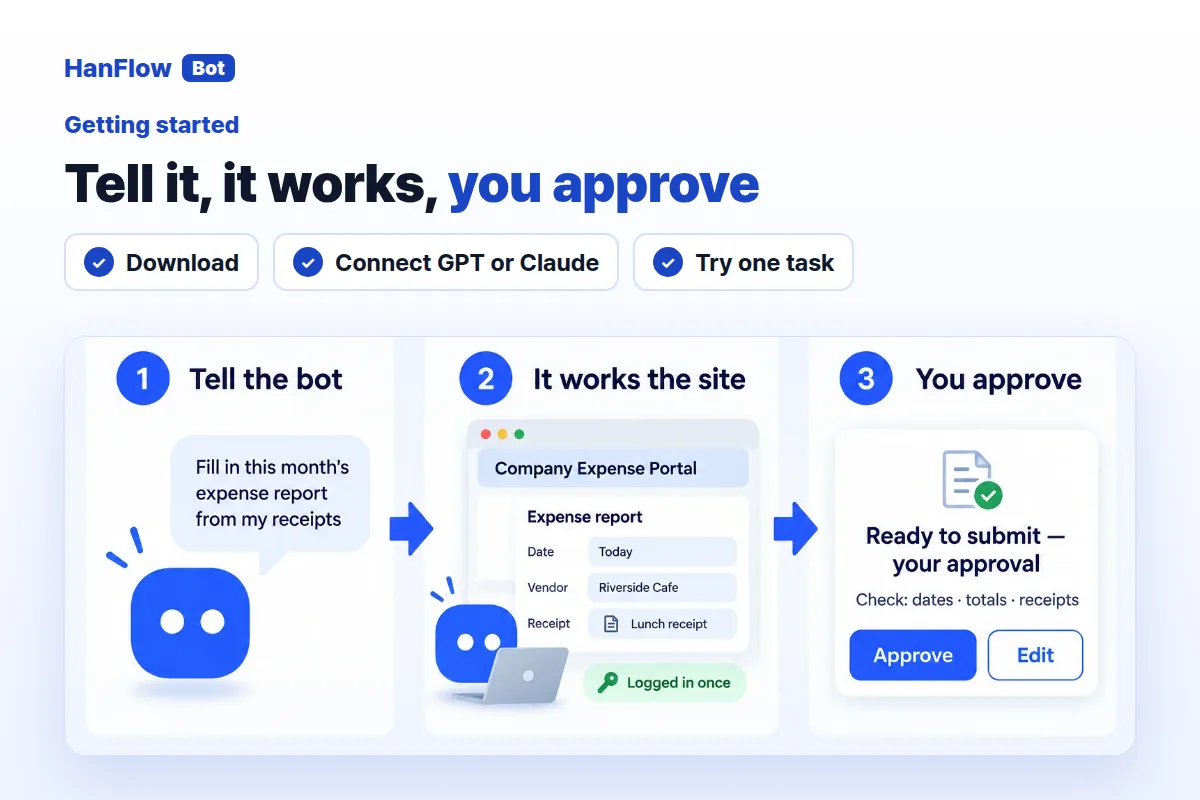
- Download HanFlow Bot for Windows or Apple Silicon Mac from the download page.
- Connect your Claude (Claude Code) or GPT (Codex) plan — whichever you already use.
- Create your first bot, give it a job, and review its drafts before anything goes out. See pricing for plan details.
Frequently asked questions
Does HanFlow Bot type my passwords?
No. You log in to sites once yourself, and the bot never types your passwords.
Can I use HanFlow Bot from my phone?
Yes. While your PC is on and HanFlow Bot is running, you can reach it from a phone, tablet or another PC's browser.
Does HanFlow Bot need its own AI credits?
No. It connects through your Claude (Claude Code) or GPT (Codex) plan, and usage counts against that plan. There are no separate credits and API keys are not supported. Your AI plan is not included in the HanFlow Bot price.