
ChatGPT Agent Alternative: What Changed and What to Try Now
ChatGPT agent is gone. Here's what replaced it and a desktop agent that asks before it sends.
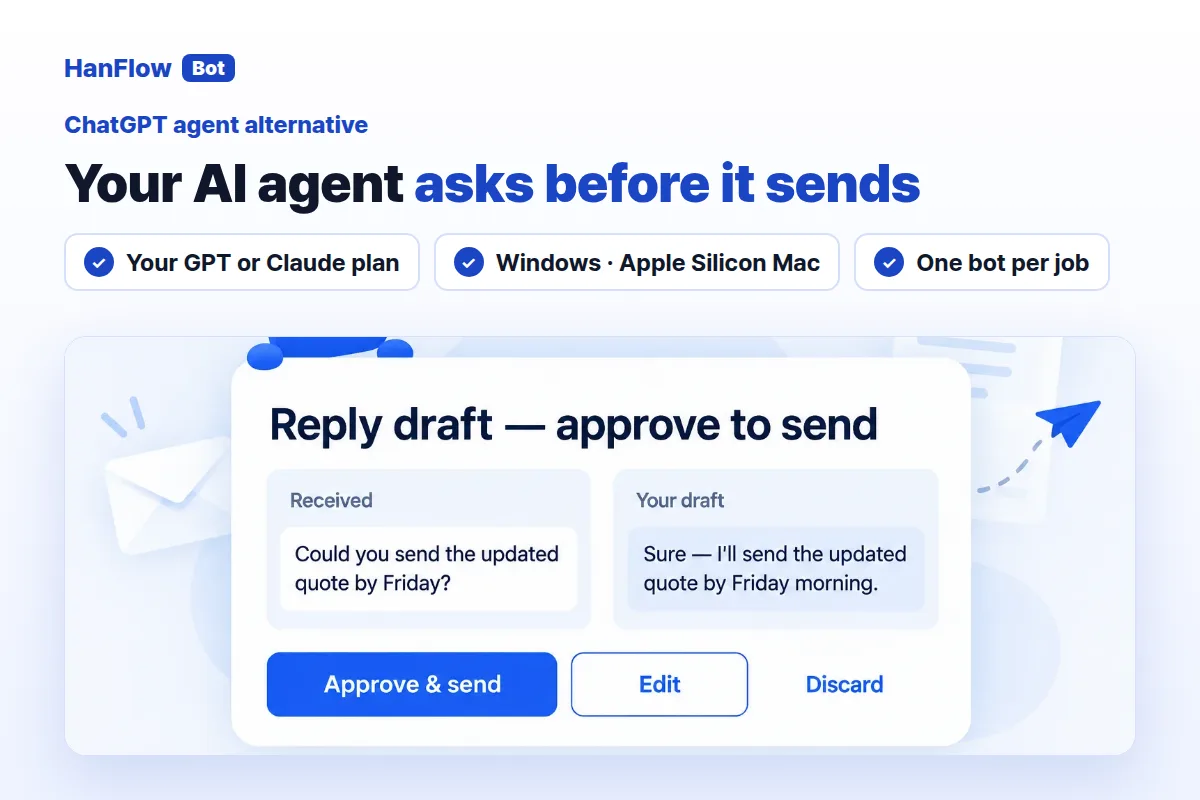
If you used ChatGPT agent for browser tasks such as filling forms or downloading files, you may have noticed it is gone. Here's what happened, what replaced it, and an alternative worth knowing about.
What happened to ChatGPT agent
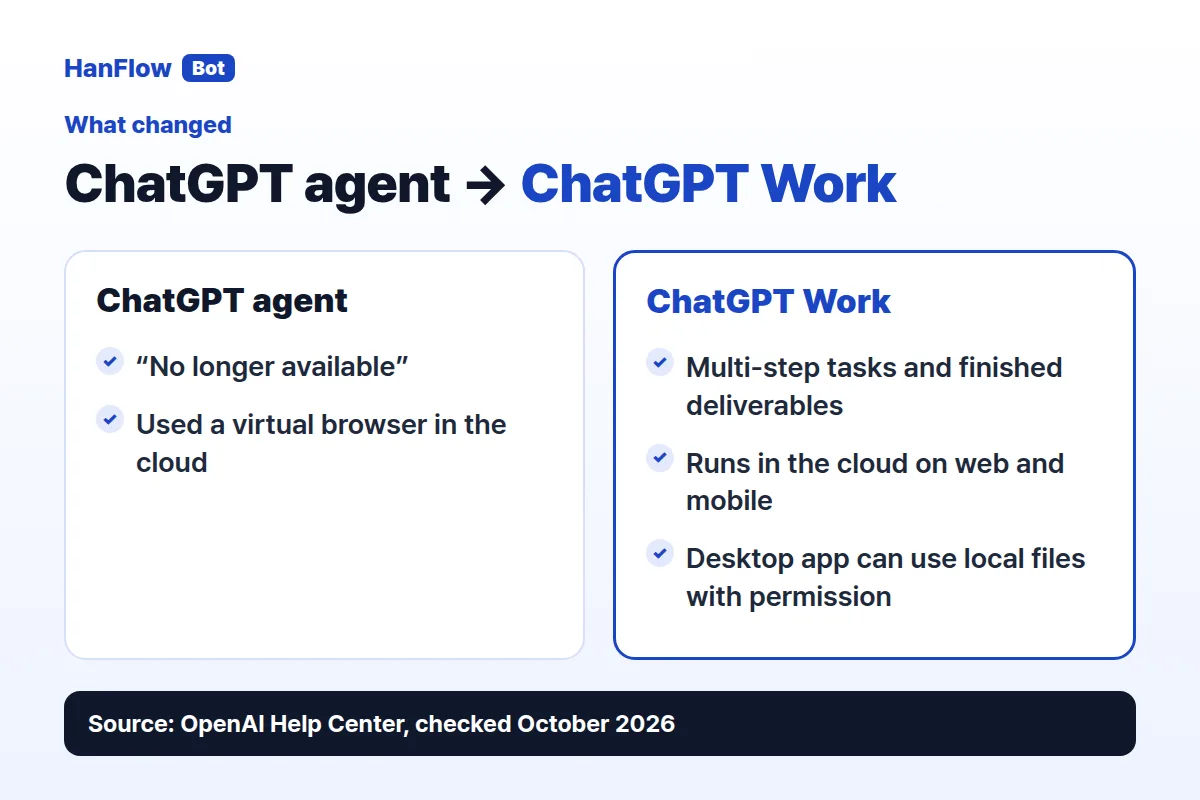
OpenAI's help center now says it directly: "ChatGPT agent is no longer available. Use ChatGPT Work for longer, multi-step tasks and finished deliverables" (OpenAI Help Center, checked October 2026). A separate guide covers browser workflows under the heading "Using cloud browser in ChatGPT."
ChatGPT agent ran a virtual remote browser and paused for your confirmation before high-impact actions. When a site required a login, you took over the virtual browser yourself.
What ChatGPT Work does now
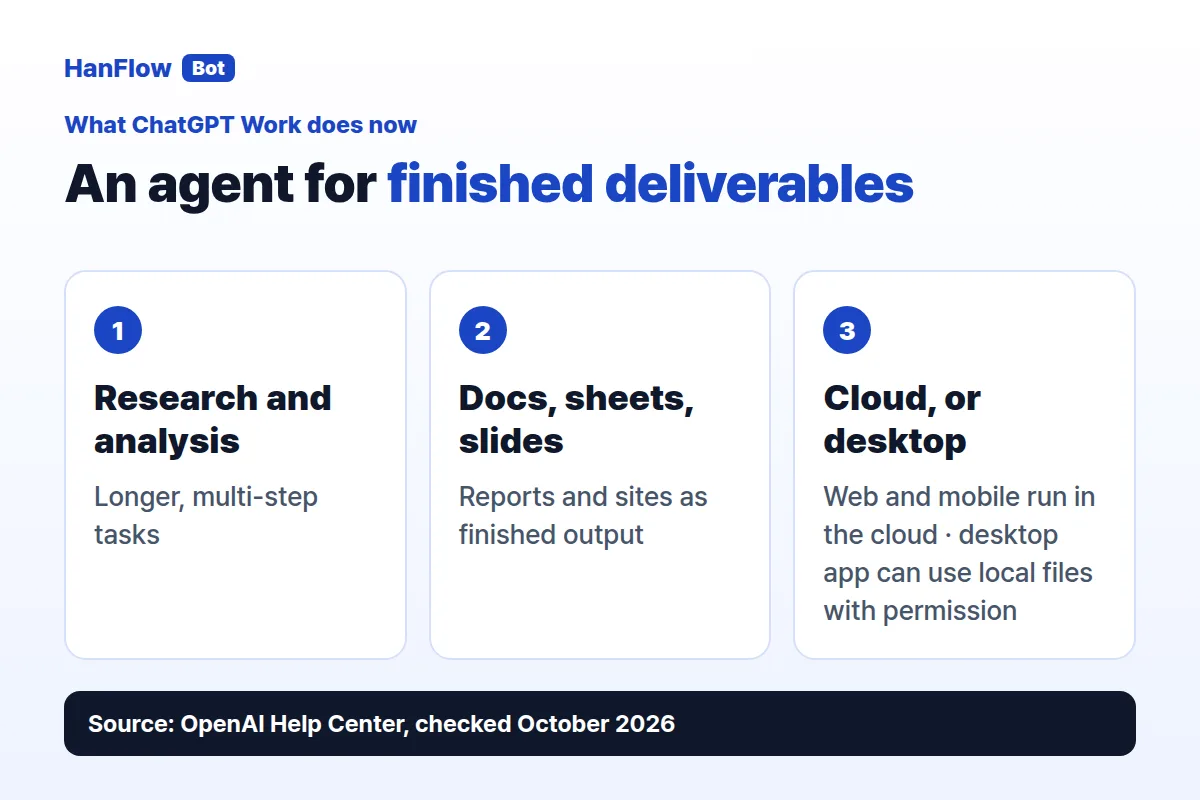
ChatGPT Work is OpenAI's replacement. It handles research, analysis, documents, spreadsheets, presentations, reports, and sites—available on supported paid plans via web and mobile, with tasks running in the cloud.
On the ChatGPT desktop app, if your plan and workspace allow it, Work can also use local files and desktop apps with your permission. One thing to know: even when a task runs locally, messages and task context may be stored in the cloud (OpenAI Help Center, checked October 2026). Work uses the same usage system as Codex.
Where HanFlow Bot is different
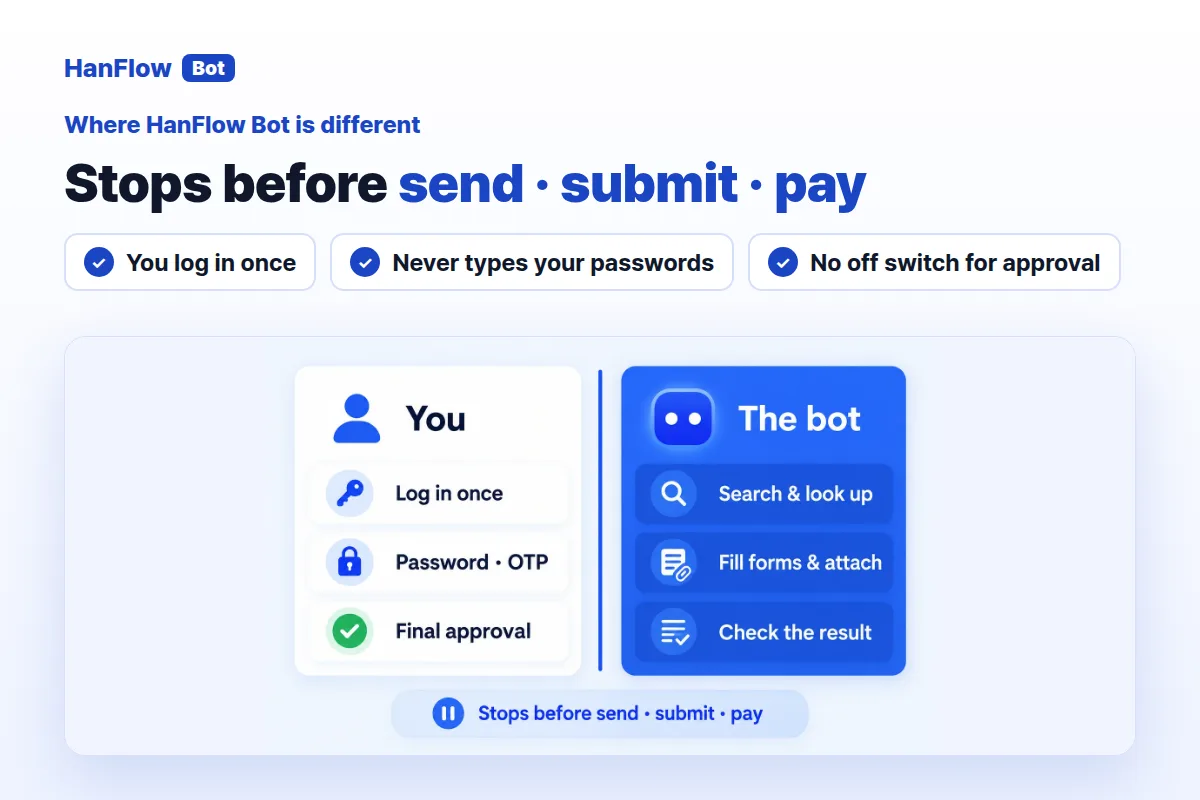
HanFlow Bot is a desktop AI agent for Windows and Apple Silicon Mac. Instead of a cloud browser, it controls a browser window on your PC to fill forms, copy data, and download files.
The core difference is the approval model.
Messages always wait for you. Emails and messenger drafts follow a strict three-step flow: draft, your approval, send. There is no toggle to skip this. The approval card shows the received message alongside the draft so you can compare them before anything goes out.
Payments pause before the final step. The bot never completes a payment on its own. It stops and waits.
You own your logins. You sign in to websites yourself. The bot never types your passwords.
One bot per job. Each task gets its own bot with separate memory, chat history, and engine settings. When a conversation closes, the memory card is saved—not used for model training.
Files are saved on your PC. Documents and files the bot creates are saved on your computer. When the bot uses AI, the content it works on is sent to whichever AI provider you connected.
HanFlow Bot connects through your own GPT (Codex) or Claude (Claude Code) subscription—you choose which one. There's no separate credit system, and API keys aren't supported. Your AI subscription is separate and not included in the HanFlow Bot price.
A few more things: you can reach HanFlow Bot from your phone, tablet, or another PC's browser as long as your computer is on and the app is running. You can schedule jobs for a set time. And voice requests work through a speech recognition engine bundled with the installer—speech is turned into text on your machine.
Which one to choose
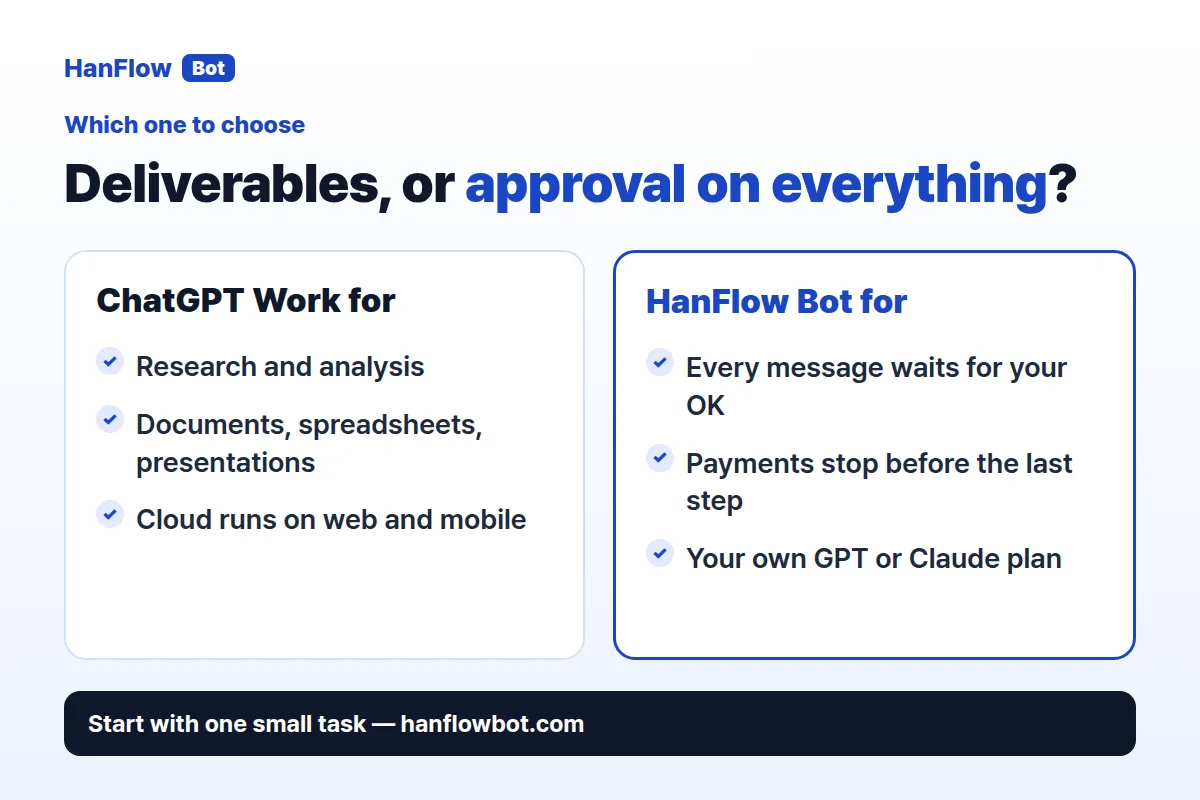
ChatGPT Work is a strong option for research and polished deliverables. Its desktop app can access local files with permission, and it is built to produce documents, spreadsheets and presentations.
Pick HanFlow Bot if you want hard guardrails on communication and payments. Every outgoing message requires your approval—no exceptions, no setting to disable it. Every payment stops before it goes through. Files the bot creates are saved on your PC. And you can pick your AI engine: if you already pay for Claude or GPT, HanFlow Bot connects to that directly.
Getting started
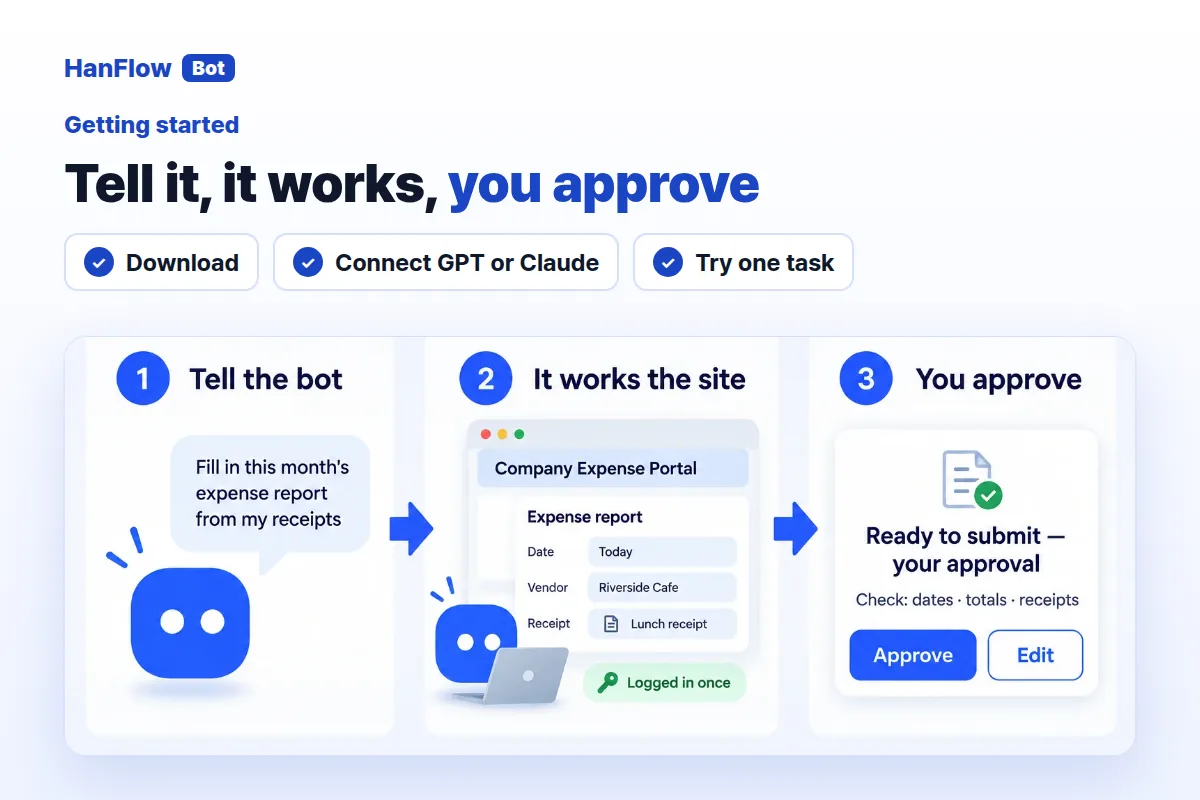
- Download the app. Get HanFlow Bot from the download page for Windows or Apple Silicon Mac.
- Connect your AI subscription. Open the app and connect your GPT (Codex) or Claude (Claude Code) subscription.
- Give it a task. Type or speak your request. When the bot drafts a message or reaches a payment screen, it pauses and shows you an approval card. Nothing goes out until you say so.
See pricing for current plans.
Frequently asked questions
Does HanFlow Bot need its own AI credits?
No. It connects through your GPT (Codex) or Claude (Claude Code) subscription, and usage counts against that subscription. There is no separate credit system, and API keys are not supported. Your AI subscription is separate from the HanFlow Bot price.
Can I use it from my phone?
Yes. While your PC is on and HanFlow Bot is running, you can reach it from a phone, tablet, or another computer's browser.
Can it handle scheduled tasks?
Yes. You can set jobs to run at a specific time, so repetitive tasks don't need you sitting at the keyboard.