
Claude Cowork alternative: a PC agent for Claude or GPT
Looking for a Claude Cowork alternative? HanFlow Bot is a Windows and Mac AI agent that works with a Claude or GPT subscription and asks before it sends.

If you want a Claude Cowork alternative that runs as its own desktop app on a Windows PC or Mac, works with either a Claude (Claude Code) or GPT (Codex) subscription, and always stops for your approval before sending, submitting, or paying, HanFlow Bot is one option. Below is what each one offers, so you can choose for yourself.
What Claude Cowork is good at
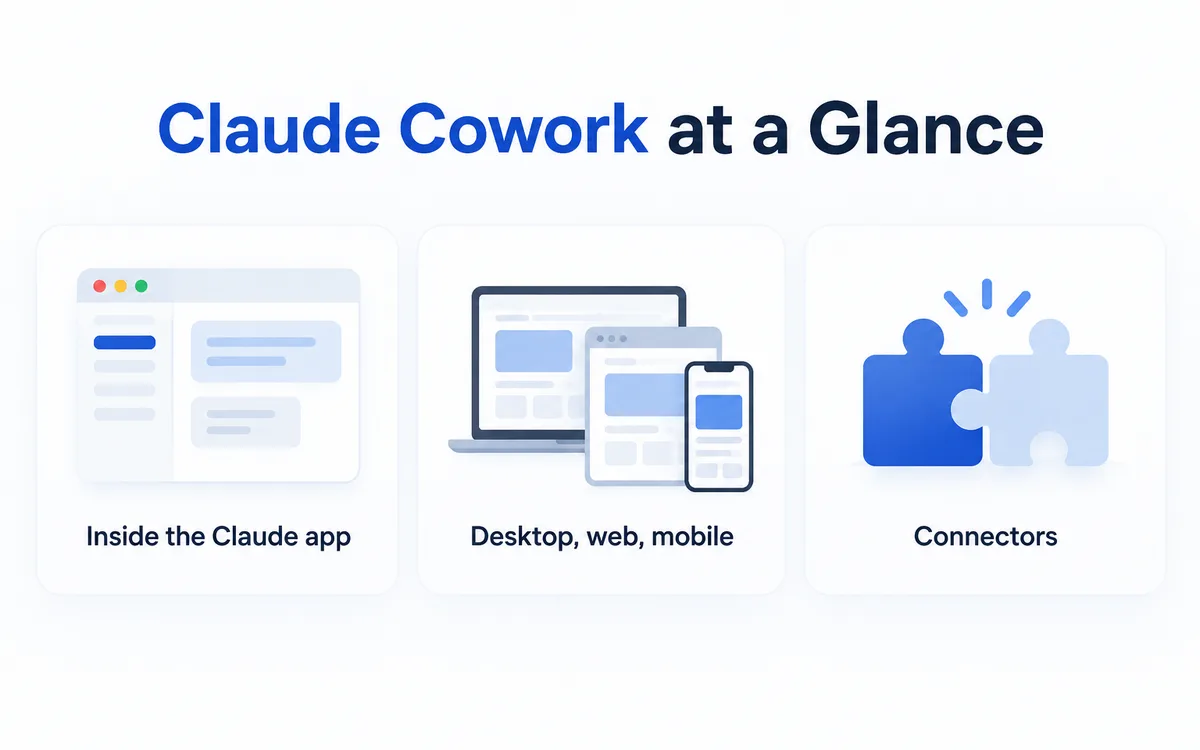
Anthropic describes Cowork as "where you hand Claude real work." It is part of the Claude app, included in Pro, Max, Team, and Enterprise plans. It runs in the Claude desktop app, with web and mobile access. The desktop app reaches folders and applications on your computer directly.
Cowork opens its own browser in a side panel, connects to tools you already use through connectors, and delivers work for you to review. Scheduled tasks run unattended at any cadence. It can show its plan and wait for your approval before doing anything significant when you turn on its permission settings, and deleting anything needs your approval. Computer use is a research preview, designed to ask permission before accessing each application.
If you already subscribe to Claude and want your agent built right into the Claude app, Cowork is a strong starting point. (Claude, checked October 2026.)
Where HanFlow Bot is different

-
Choose your AI subscription. HanFlow Bot works with a Claude (Claude Code) or GPT (Codex) subscription — you pick one. API keys are not supported. Your AI subscription is separate; it is not included in the HanFlow Bot price.
-
Messages to people always wait for you. Email, messenger and other messages to people always go draft, then your approval, then send. The bot never sends on its own, and there is no switch to turn that off. The approval card shows the received message and the draft side by side, written in your usual tone.
-
Forms and payments stop before the final step. When the bot fills out a submission form or reaches a payment screen, it pauses right before the final step and waits for you. The bot does not complete a payment on its own.
-
Works in a browser window on your PC. The bot controls a browser window on your PC to fill forms, copy data and download files on the sites you use. You log in once yourself, and the bot never types your passwords.
-
One bot per job, with its own memory. Each bot stores its own memory, chat history, and engine settings separately. When you close a conversation, the bot saves what it should remember long-term to a memory card. This is not model training.
-
Voice requests, processed on your PC. Speak your request and the speech recognition engine — bundled with the installer — turns it into text on your machine.
-
Files on your PC. Documents and files the bot creates are saved on your computer.
-
Reach it from other devices. Open a browser on your phone, tablet, or another PC to talk to the same bot, view files, and approve drafts — as long as your PC is on and HanFlow Bot is running.
-
Scheduled jobs. Set a time and the bot works on its own at that time.
Which one to choose

-
Choose Cowork if you already pay for Claude and want your agent built into the Claude app with connectors and a side-panel browser.
-
Choose HanFlow Bot if you want to pick between Claude and GPT, keep one bot per job with its own memory, and have sending, submitting, and paying always wait for your approval.
-
Either way, start with one small task — a single email draft or a form fill — and see how the approval step feels before scaling up.
Getting started
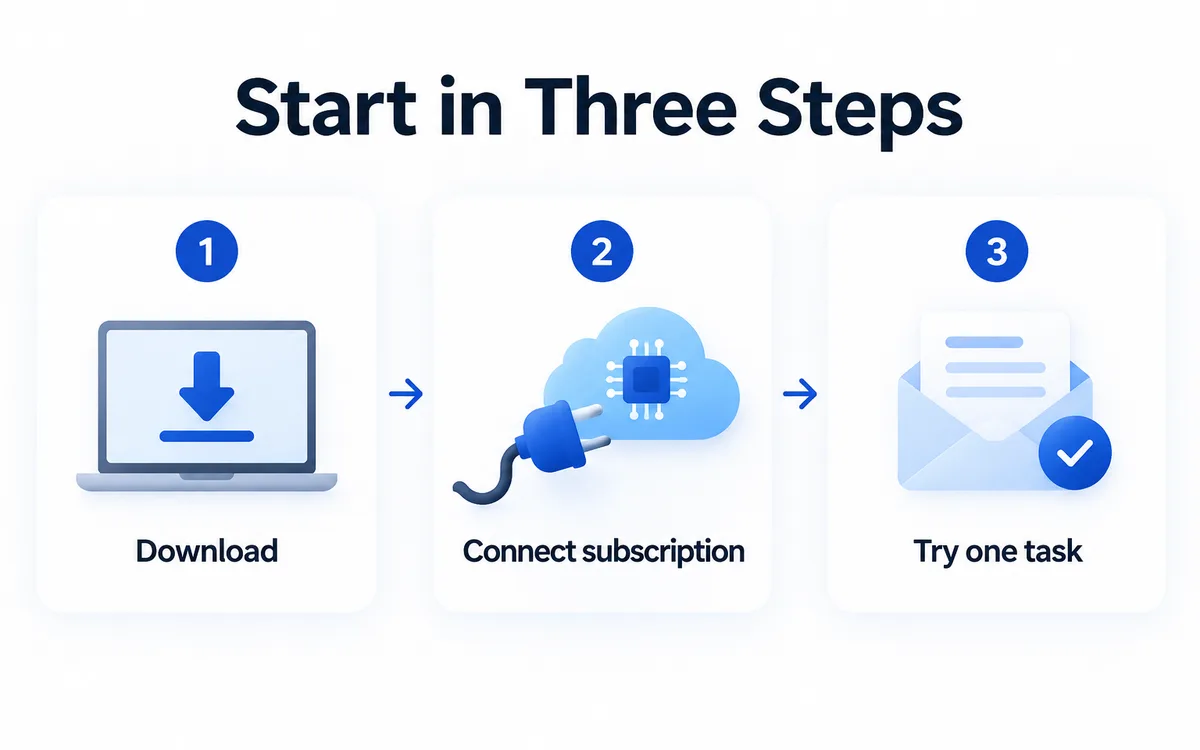
- Download HanFlow Bot from the home page for Windows or Apple Silicon Mac.
- Connect your Claude (Claude Code) or GPT (Codex) subscription inside the app.
- Try one small task — ask the bot to draft a reply to one email, then check the approval card before it sends.
See pricing for current plans.
Frequently asked questions
Can I use my existing Claude subscription with HanFlow Bot?
Yes. HanFlow Bot connects through Claude Code. You can also use a GPT subscription through Codex. API keys are not supported.
Does HanFlow Bot replace my Claude subscription?
No. You keep your Claude or GPT subscription as it is. HanFlow Bot has its own separate subscription. See pricing for details.
Does it send emails on its own?
No. Every message to another person — email, messenger, or otherwise — goes through a draft, then your approval, then send. There is no way to skip that step.
Does it run on Windows?
Yes. HanFlow Bot runs on Windows PCs and Apple Silicon Macs.