
Lindy Alternative: An AI Assistant That Runs on Your Desktop
Compare Lindy and HanFlow Bot — two approaches to AI email and calendar help, a credit pool, or your own Claude or GPT plan on your PC.
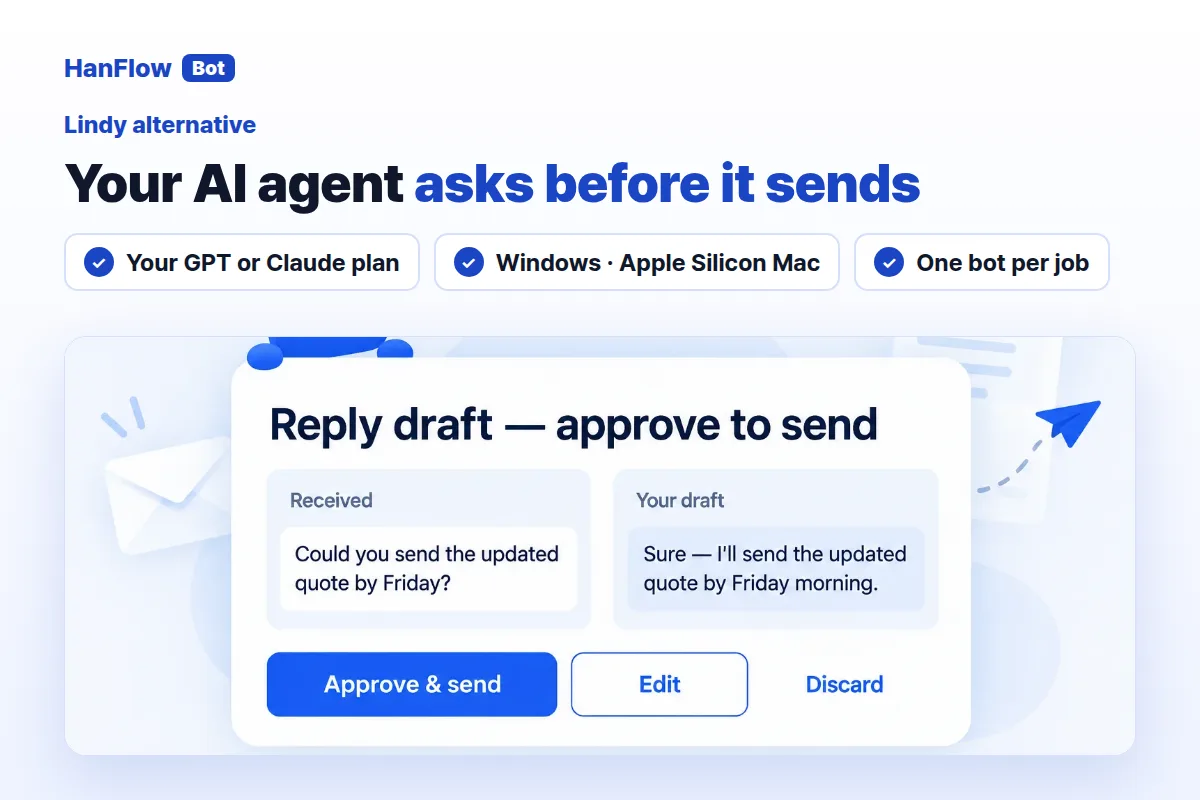
If you want an AI assistant for email and calendar but prefer it on your own computer, using your own Claude or GPT subscription, the choice gets interesting. Lindy and HanFlow Bot solve similar problems in different ways. Here is an honest look at both.
What Lindy offers
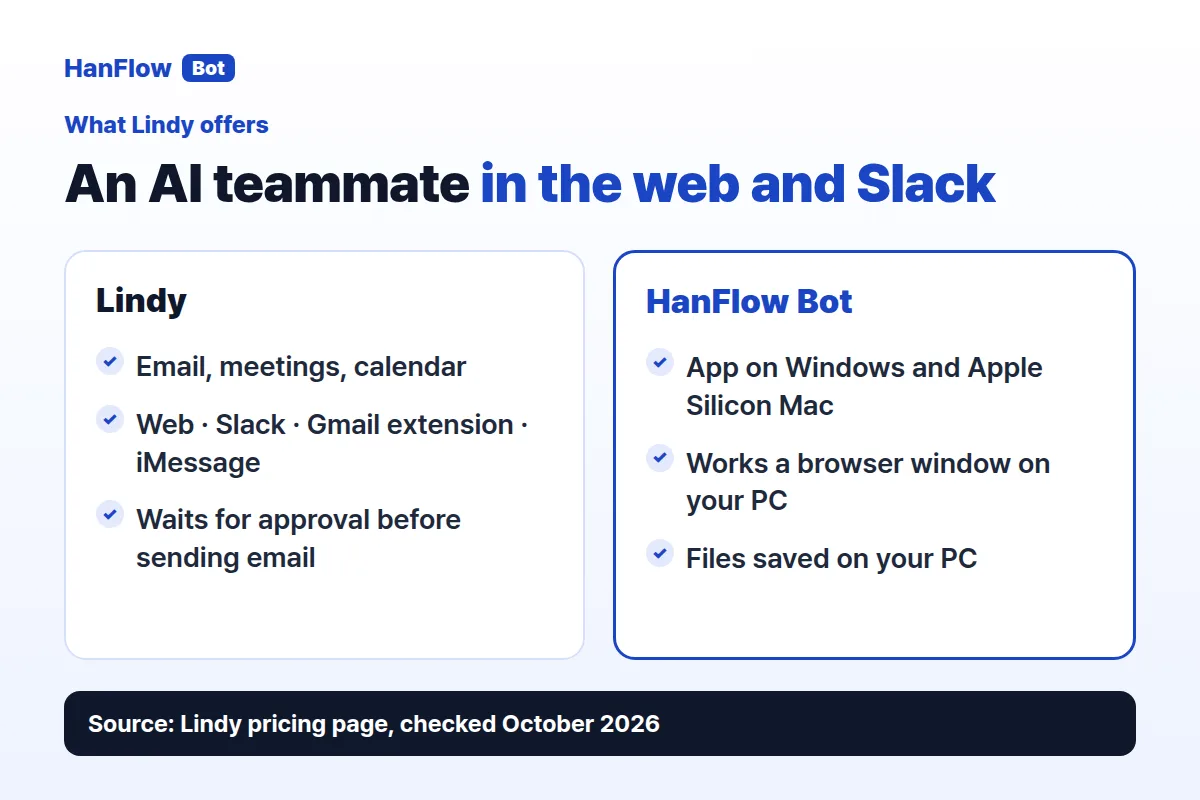
Lindy describes itself as an AI teammate for email, meetings, and calendars. It comes with Skills, Memory, Routines, Meetings, Phone calls, and Apps, along with many integrations and MCP support (Lindy pricing page, checked October 2026).
You can reach Lindy on the web, as a Slack-native teammate, through a Chrome extension inside Gmail, and via iMessage. That spread of access points makes it easy to work with across devices.
Lindy offers three plans. Free gives you a trial with starter credits for a limited time, no credit card needed. Team is a monthly plan billed per active user, with credits pooled across the workspace — admins can top up. Enterprise adds custom credits and billing, SSO, audit logs, and HIPAA compliance.
Importantly, Lindy also waits for your approval before sending emails or taking other actions with outside impact. Read-only lookups from approved sources run without asking.
Where HanFlow Bot is different
HanFlow Bot is a desktop AI agent app for Windows and Apple Silicon Mac. It runs as an app on your PC.
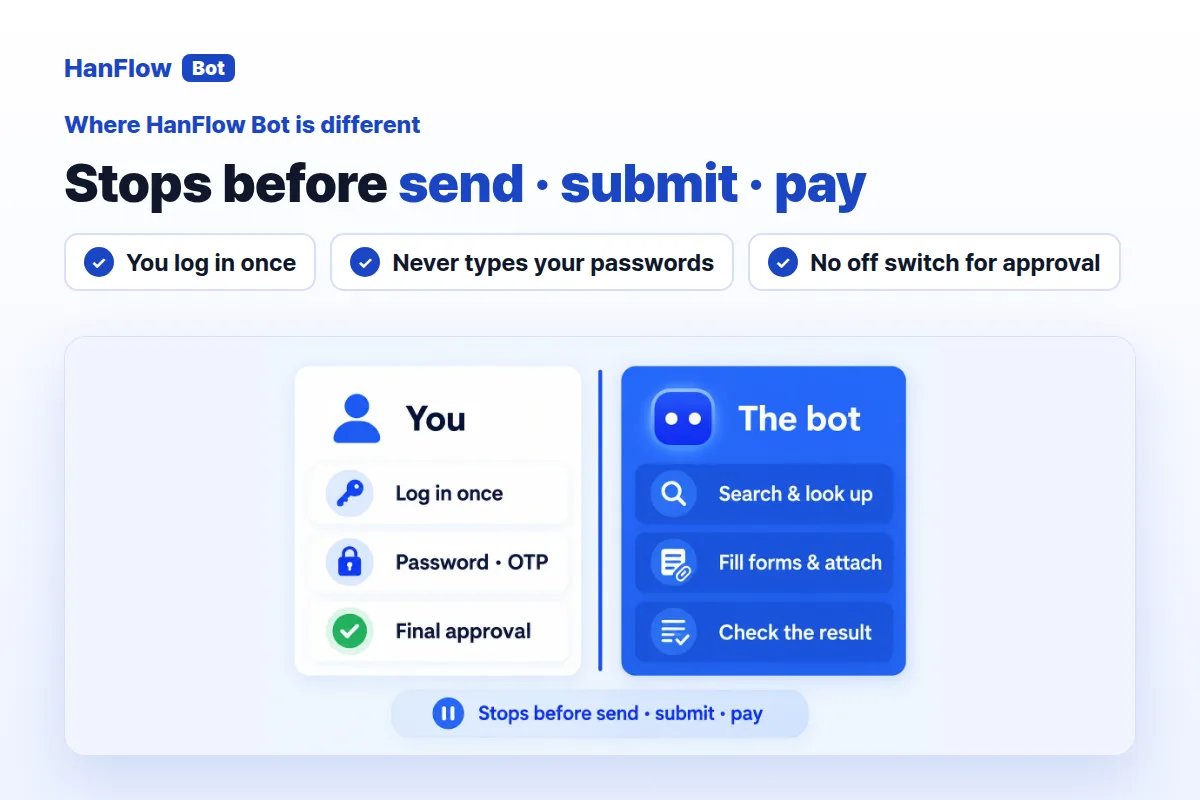
In HanFlow Bot, messages to people — email, messenger — always follow a draft-approve-send path. There is no switch to turn that off. The approval card shows the received message and the draft side by side so you see exactly what goes out.
Payments get the same treatment. The bot pauses right before the final step and waits. It never completes a payment on its own.
The bot controls a browser window on your PC to fill forms, copy data, and download files. You log in to sites once yourself; the bot never types your passwords. Files it creates are saved on your computer; when the bot uses AI, the content it works on is sent to the AI provider you connected.
Each job gets its own bot with separate memory, chat history, and engine settings. When a conversation closes, the bot saves what it should remember to a memory card. This is not model training.
You can also reach it from a phone, tablet, or another browser while your PC is on and HanFlow Bot is running. Scheduled jobs let you set tasks for a specific time. A bundled speech recognition engine handles voice requests on your machine.
Credits, or your own AI subscription
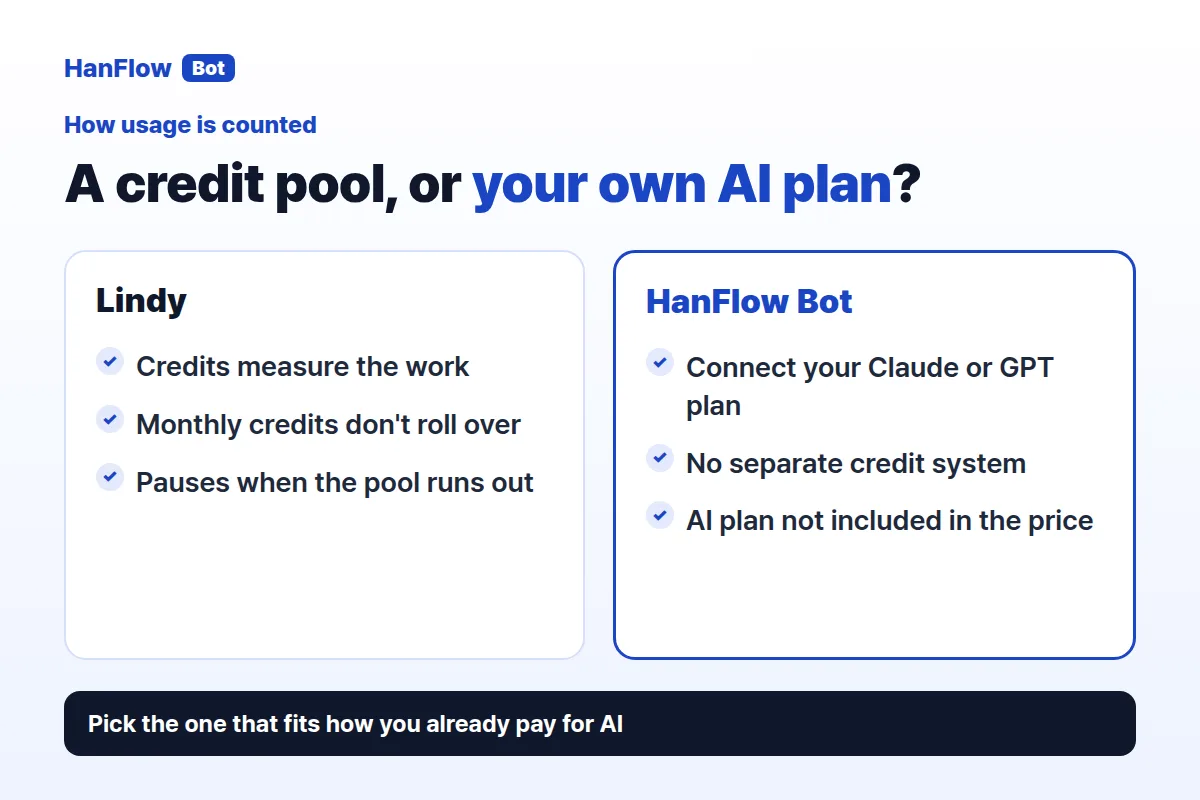
Lindy runs on credits. Credits measure the work Lindy does, and bigger jobs use more. Monthly credits do not roll over; top-up credits stay until used. When the pool runs out, Lindy pauses credit-using actions (Lindy pricing page, checked October 2026).
HanFlow Bot takes a different path. You connect it through your own Claude (Claude Code) or GPT (Codex) subscription — you pick one — and usage counts against that subscription. There is no separate credit system. API keys are not supported. Your AI subscription is separate and not included in the HanFlow Bot price.
Which one to choose
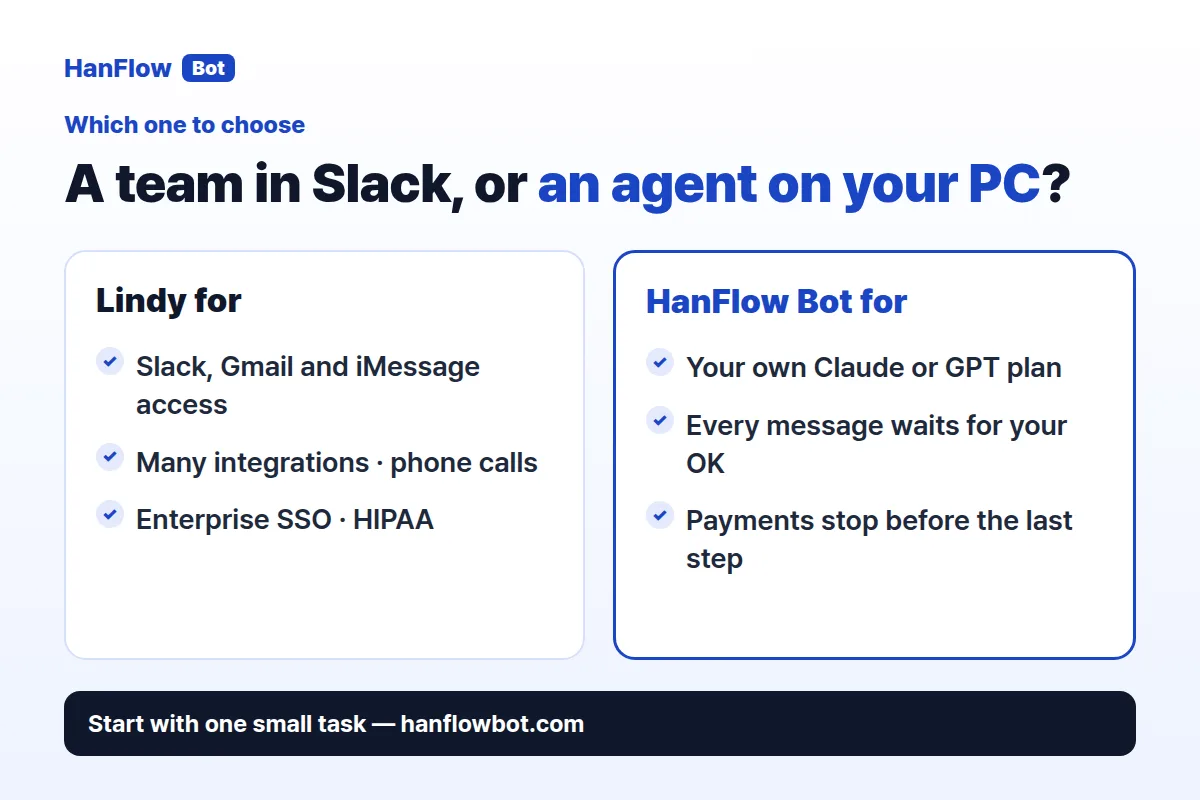
Lindy suits teams that want a web-based AI teammate with broad integrations, phone calls, Slack and iMessage access, and enterprise features like SSO and HIPAA compliance. Credit pooling simplifies billing when multiple people share a workspace.
HanFlow Bot suits people who want the agent on their own PC, tied to their own Claude or GPT subscription. The always-on approval flow for messages and the mandatory pause before payments appeal to anyone who wants tight control over outgoing actions. Files saved on your PC and one bot per job, each with its own memory, round it out.
Getting started
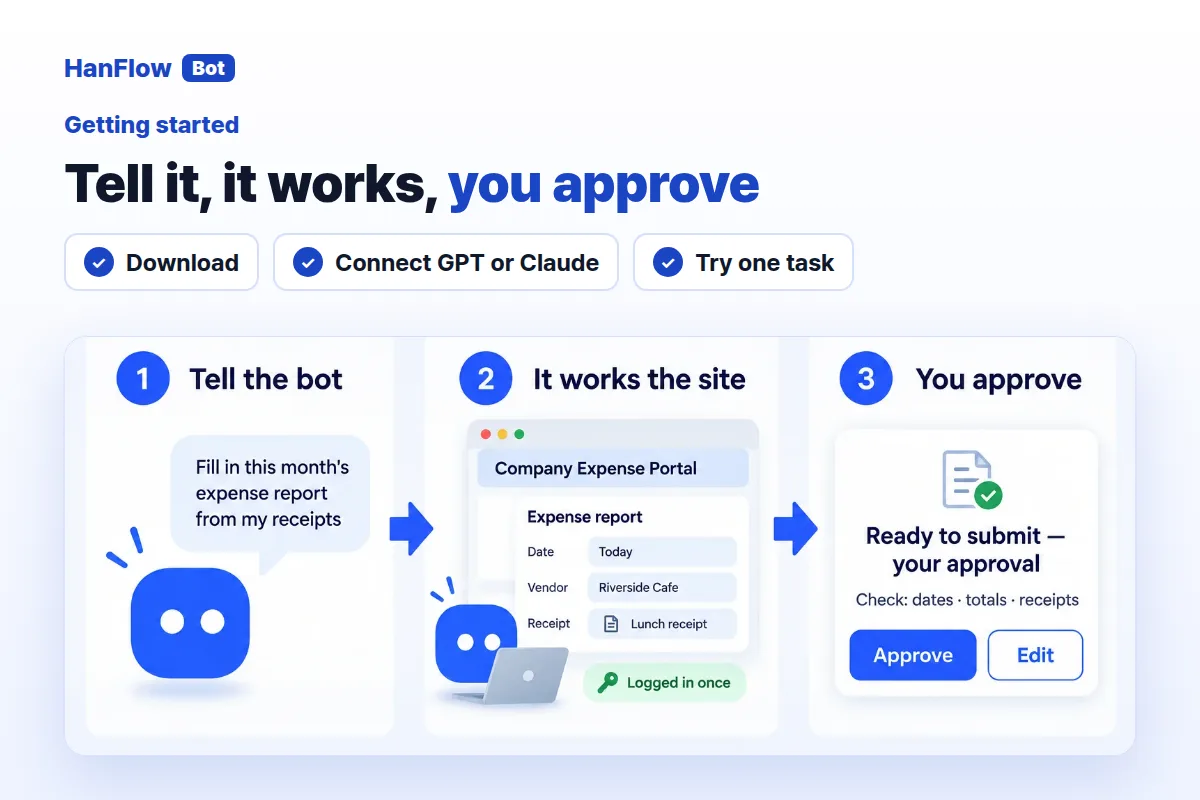
- Download HanFlow Bot for Windows or Apple Silicon Mac from the download page.
- Connect your Claude (Claude Code) or GPT (Codex) subscription — whichever you already use.
- Create your first bot, give it a job, and review its drafts before anything goes out. Check pricing for plan details.
Frequently asked questions
Does HanFlow Bot need its own AI credits?
No. It connects through your Claude (Claude Code) or GPT (Codex) subscription, and usage counts against that subscription. There is no separate credit system. Your AI subscription is not included in the HanFlow Bot price.
Can I use HanFlow Bot from my phone?
Yes. While your PC is on and HanFlow Bot is running, you can reach it from a phone, tablet, or another PC's browser. Voice requests work too — the bundled speech recognition engine processes speech into text on your machine.
Does Lindy also require approval before sending messages?
Yes. Actions with outside impact, such as sending an email, wait for approval. Read-only lookups from approved sources do not (Lindy pricing page, checked October 2026).