
AI Agent for Sign-Ups and Bookings — It Stops Before Payment
HanFlow Bot fills sign-up forms, confirms the welcome email, checks the login, and finds bookings for your dates and terms — then stops before payment.
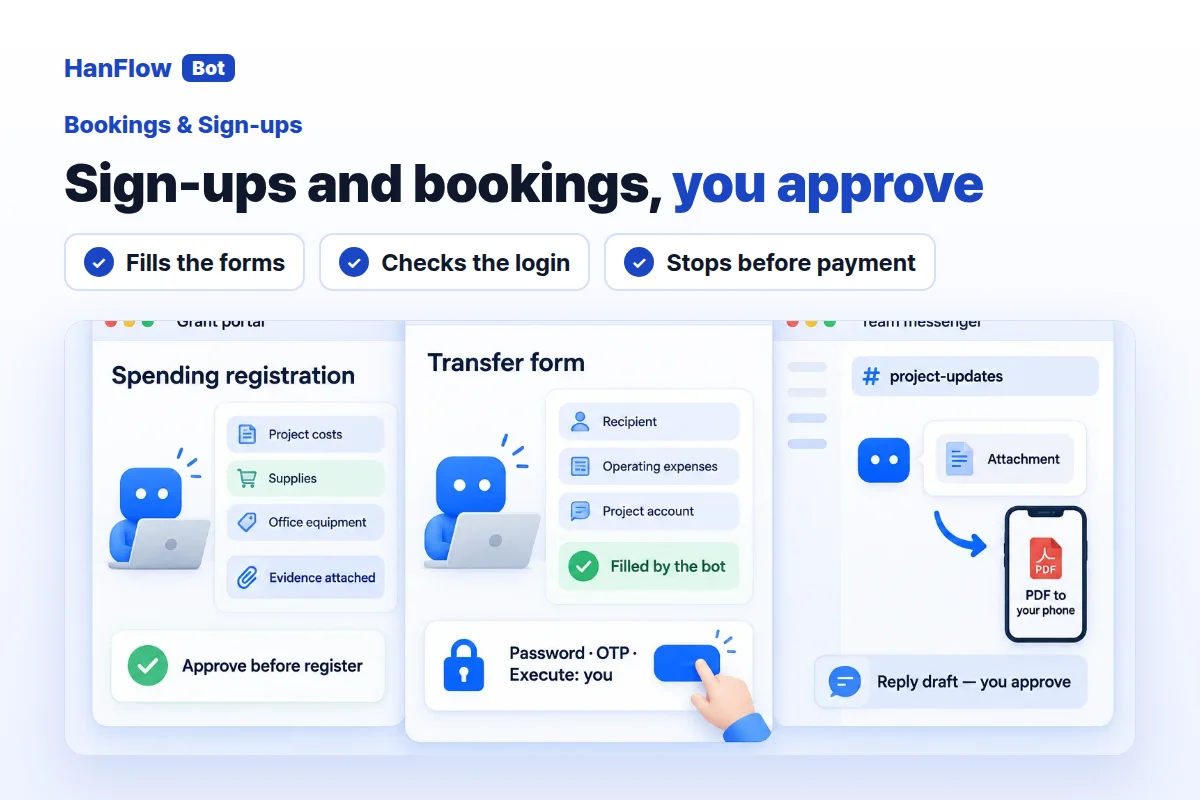
Signing up for a new service means filling the same kind of form again — name, email, phone number, address. Then you wait for the confirmation email, click the link, and try logging in to make sure it worked. Booking a consultation slot or a hotel room adds another layer: date pickers, guest counts, terms to read, and a payment page at the end.
HanFlow Bot handles the filling and checking. It works in a browser window on your PC, navigating the sign-up or booking site the way you would. It fills fields, confirms emails, verifies the new account, and finds available slots for the dates you want. When it reaches a payment step, it stops and waits for you.
What the bot does vs. what you do
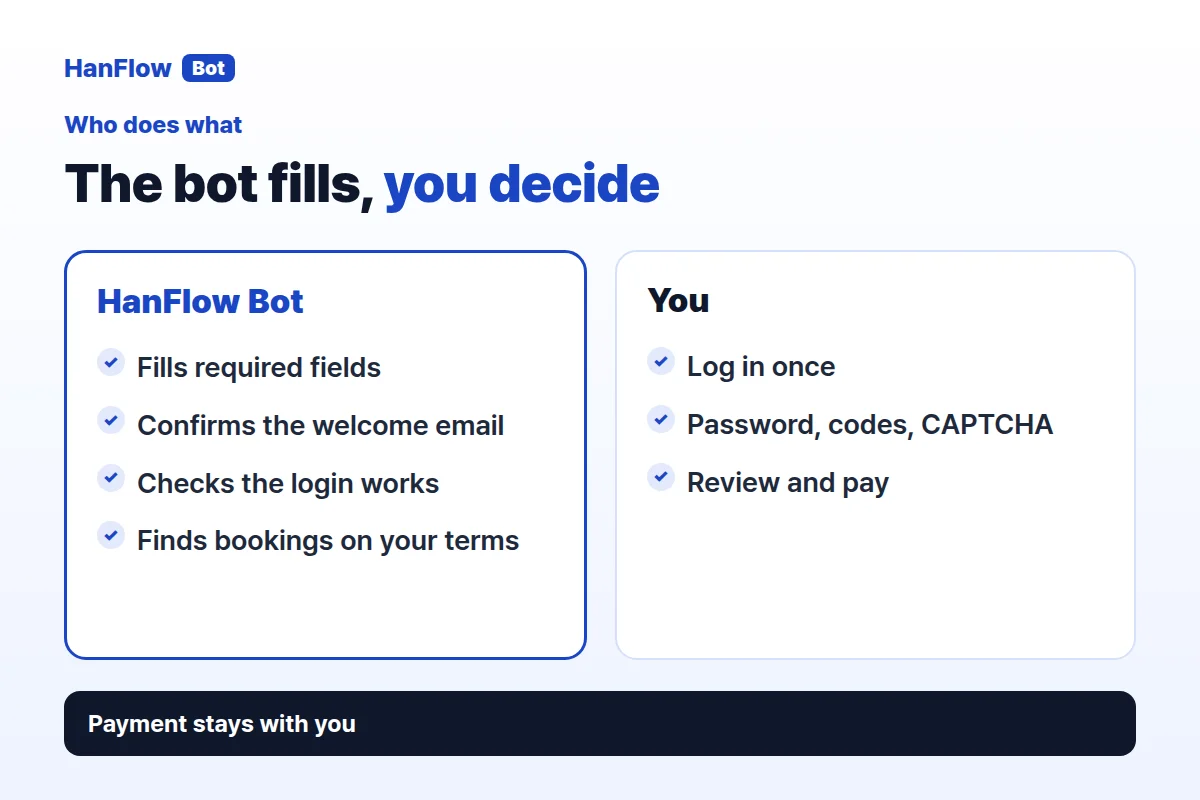
The split is simple.
The bot opens the site in a browser window on your PC, reads the required fields, fills them in, and navigates confirmation steps. For bookings, it searches for availability based on what you asked for and fills the reservation form. Before showing you the result, it compares what it entered with what you asked for and points out anything that doesn't match.
You log in once in that browser window. Password fields are never touched by the bot — it hands those back to you. If a phone verification code, CAPTCHA, or other security check appears, you handle it. Payment is yours too. The bot stops right before any charge goes through.
Sign-ups: form, welcome email, login check
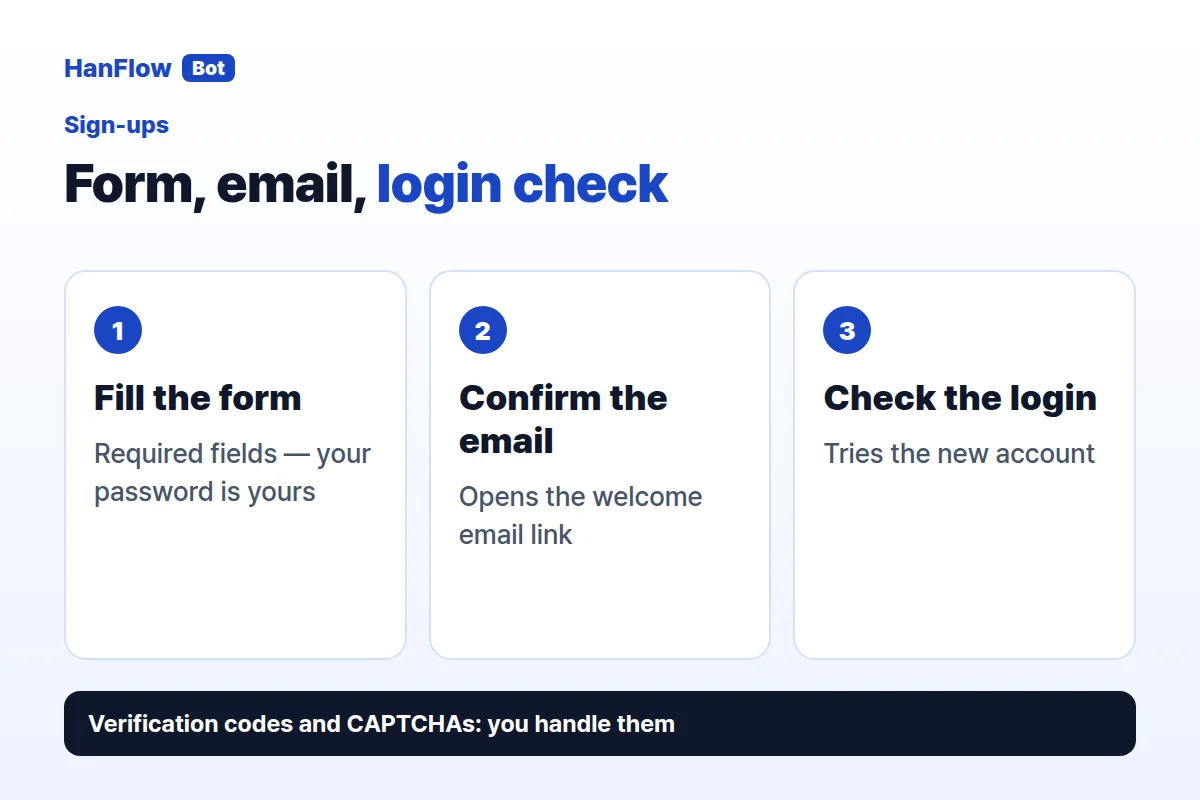
Tell the bot which service to sign up for. Type the instruction or speak it — HanFlow Bot includes a voice-input engine that runs speech recognition on your PC.
The bot navigates to the sign-up page, reads the required fields, and fills them. The password field is left for you — you type the new password yourself. When the site sends a confirmation email, the bot opens your webmail, finds the message, and clicks the verification link. Then it goes back to the site and tries logging in with the new account to confirm everything works.
If something needs your attention along the way — a CAPTCHA, a phone verification code, a security question — the bot pauses and tells you. You handle it, and the bot picks up where it left off.
At the end you have a confirmed, working account without having typed each field yourself.
Bookings: your time and your terms
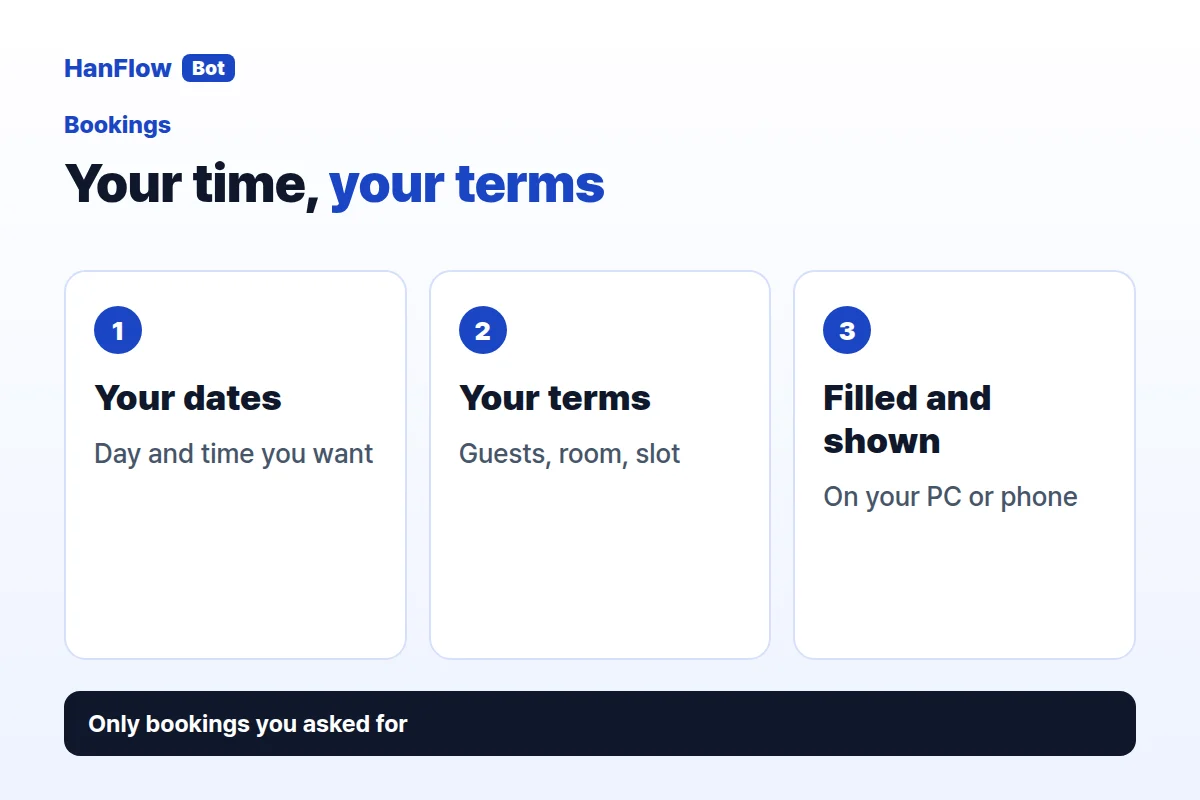
Give the bot your dates, your preferences, and any conditions that matter — number of guests, room type, morning or afternoon slot, cancellation policy. The bot searches the booking site and finds options that match what you asked for.
It fills in the reservation form with the details you specified.
You see the filled booking on your PC screen or from your phone through the Android app on Google Play, or through any mobile browser while your PC is on and HanFlow Bot is running. Review the dates, the terms, and the total. If something needs changing, tell the bot. It updates the entry and shows you the revised version.
It stops before payment
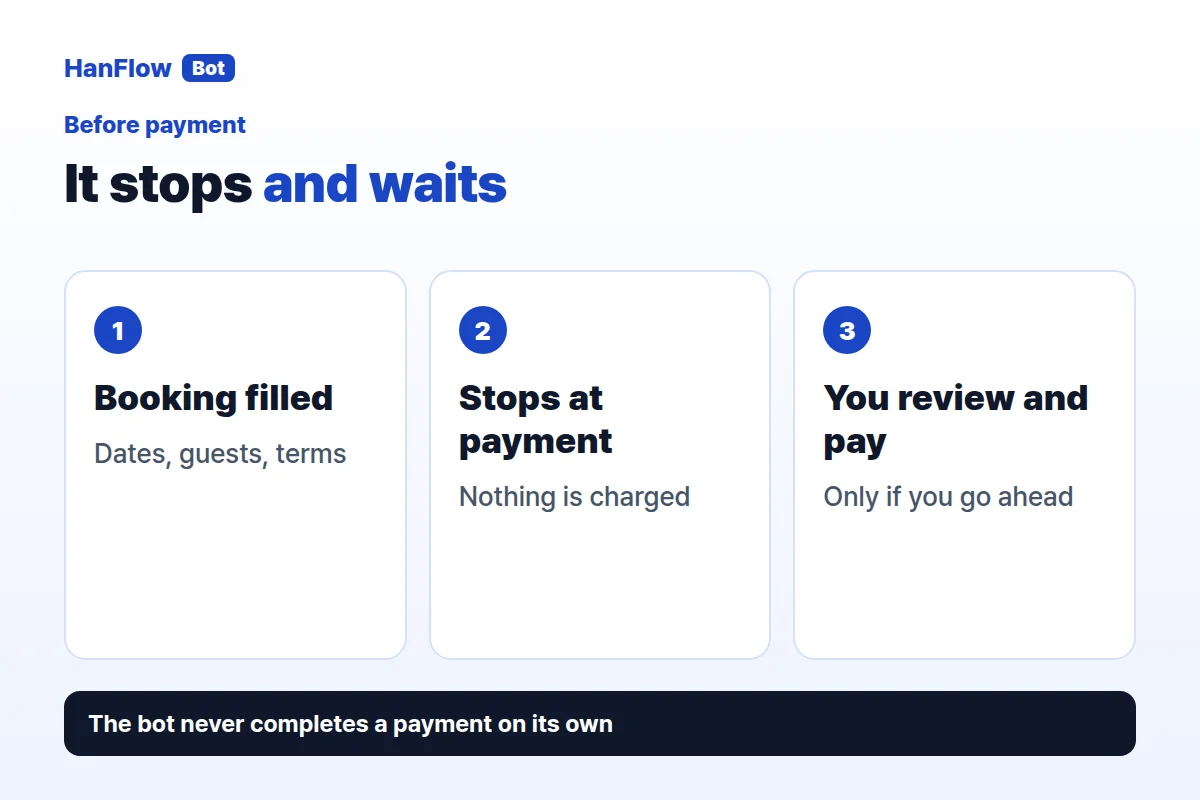
Booking sites almost always end with a payment page. The bot does not complete that step. It fills in what it can, then stops and waits for you.
You see exactly what is about to be charged — the amount, the dates, the cancellation terms. You decide whether to go ahead. If you want to change the booking first, tell the bot. It revises the reservation and brings you back to the review step when you are ready.
This rule applies to every irreversible action the bot encounters. Submitting a form that cannot be undone, confirming a charge, placing an order — the bot pauses right before and hands control to you. Only bookings you actually asked for are ever filled, and none go through without your say.
What you need
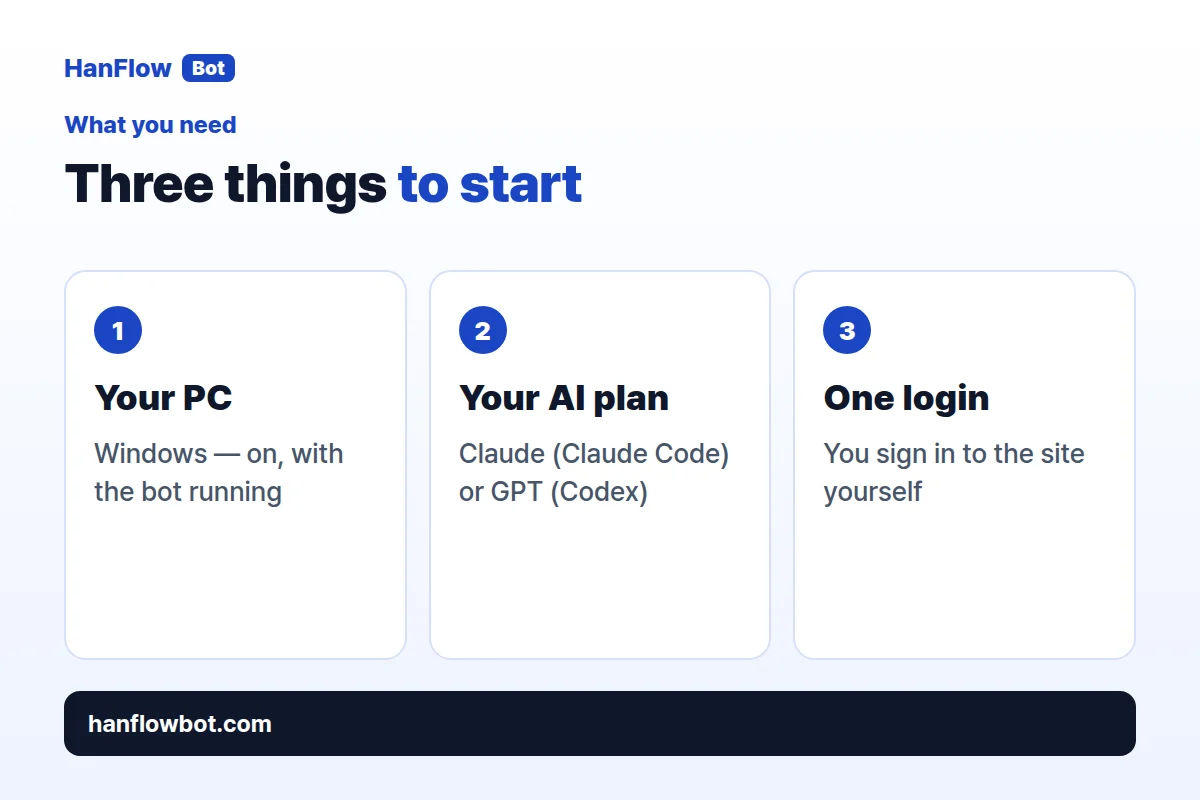
A Windows PC. HanFlow Bot runs on your machine and controls a browser window there. The PC needs to be on and the app running whenever you want the bot to work, including when you send instructions from your phone.
Your own AI subscription. The bot connects to your Claude (Claude Code) or GPT (Codex) account for its AI features. No API keys to enter. HanFlow Bot's subscription does not include the AI provider's fee.
One login. Open the sign-up or booking site in the browser window the bot uses. Log in if needed. When a session expires or a security prompt appears, the bot pauses and asks you to step in.
HanFlow Bot runs on the Base subscription. Your first subscription includes one extra free month, applied after your paid period ends.
Frequently asked questions
Does the bot work with the sign-up or booking site I use?
The bot operates in a browser window on your PC. If the site runs in that browser, the bot can read the page and fill the fields — it does not need a pre-built connector for each site. Some sites that launch a separate desktop program may not be supported.
What if the site asks for a phone verification code or CAPTCHA?
The bot pauses and tells you. You enter the verification code or complete the security check yourself. Once you finish, the bot continues from where it stopped.
Will the bot ever pay for a booking on its own?
No. The bot fills the reservation and stops right before payment. You review what it filled and complete the payment yourself — only for bookings you asked for.
Learn more or download the installer at hanflowbot.com.