
AI Email Replies You Approve Before They Send
HanFlow Bot drafts email replies in your tone, then waits for your approval. Nothing is sent until you say so.
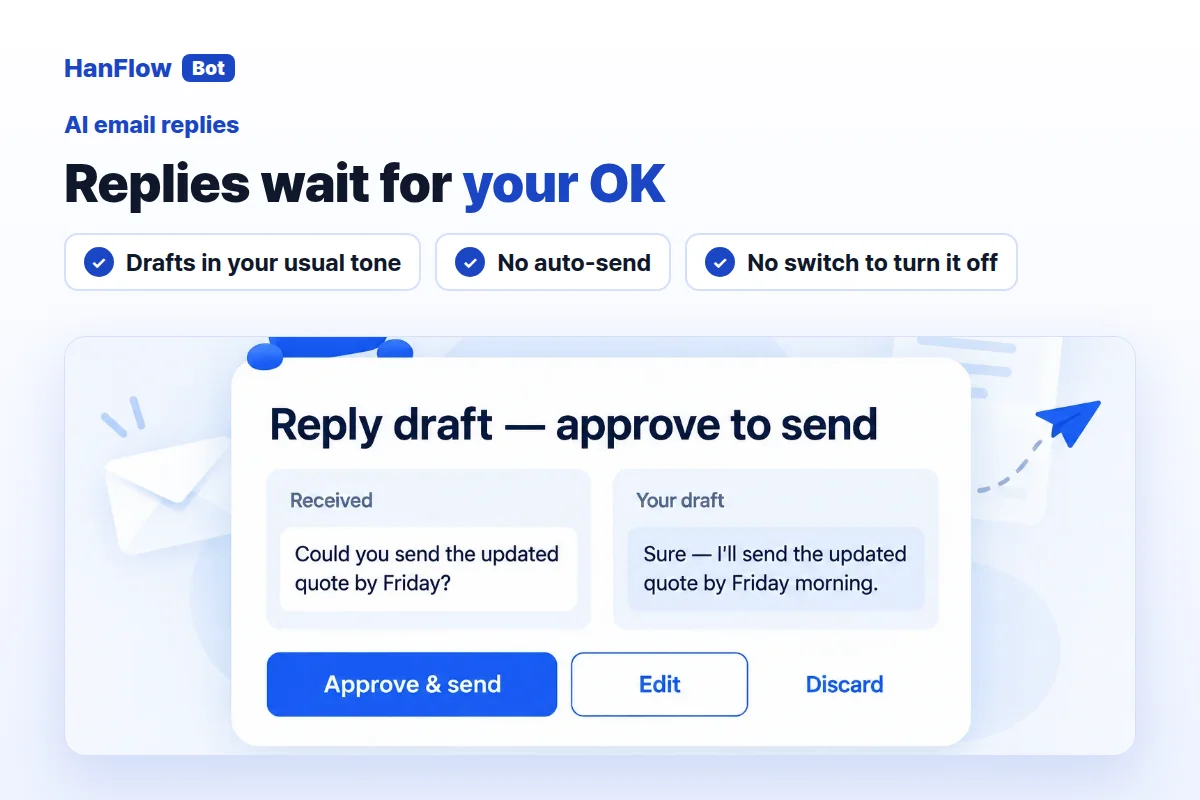
HanFlow Bot reads the mail you point it at, writes a reply in your usual tone, and shows you an approval card with the received message and the draft side by side. Only what you approve gets sent. Nothing goes out without your approval, and there is no switch to turn approval off.
Sort new mail and messages in one pass
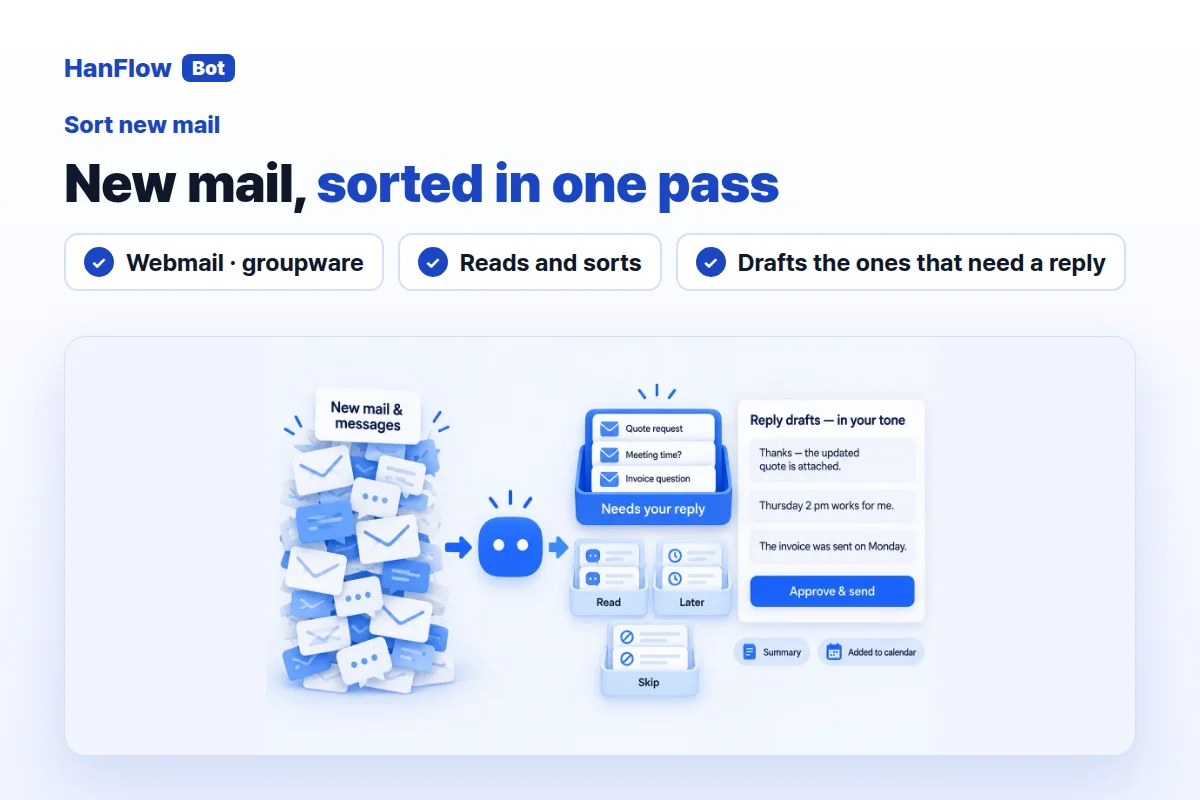
Open your webmail or groupware in a browser window and let HanFlow Bot read through what came in. The bot reads new mail and messages in one pass, sorts them, and drafts replies for the ones that need an answer.
You log in to the site once yourself. After that, the bot navigates, reads and fills fields on its own. It never types your passwords — if a session expires, the bot stops and asks you to log in again.
Because HanFlow Bot is a desktop agent app, not a browser extension, it controls the browser window on your PC. It works with whatever webmail or groupware you already open in that browser. You tell it what to do by typing or speaking — HanFlow Bot includes a voice-input engine bundled in the installer, and speech recognition runs on your PC.
Every reply waits on an approval card
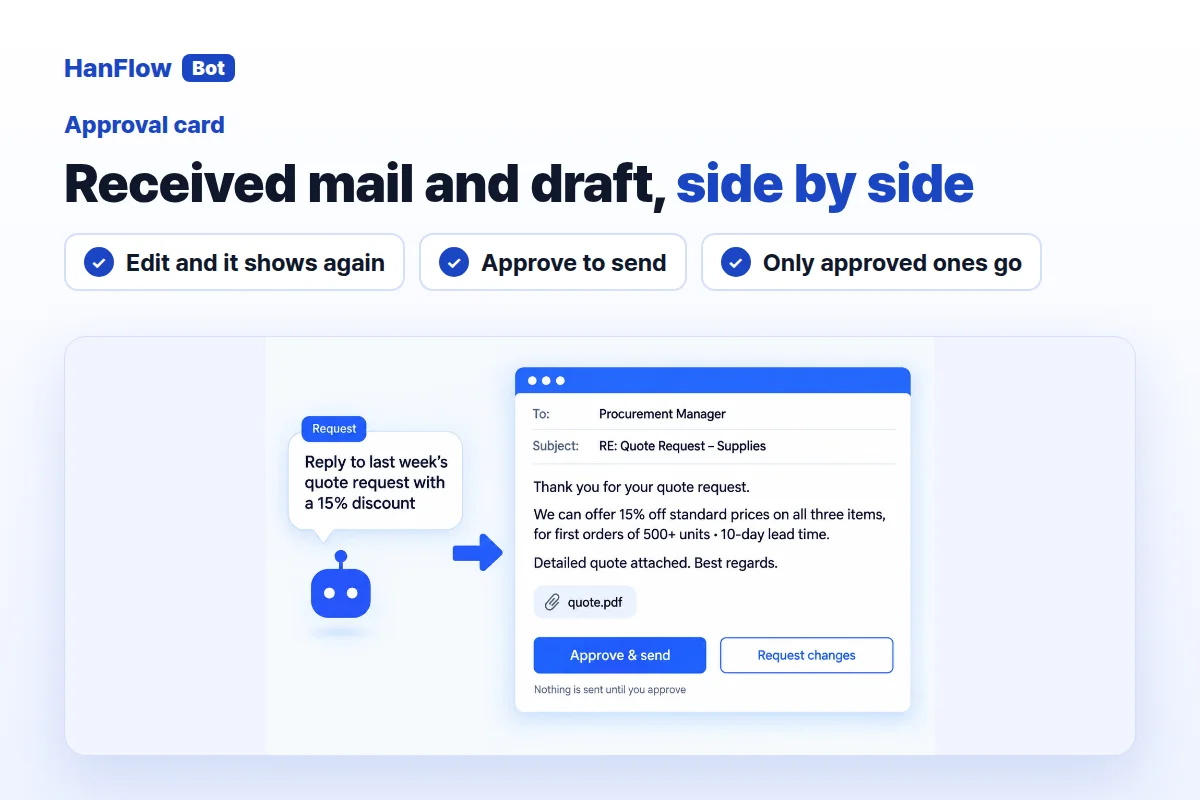
When a draft is ready, HanFlow Bot shows an approval card. The left side is the message you received; the right side is the reply the bot wrote. You read both, and you decide.
Approve, and the bot sends it. Edit the draft, and the card appears again with your changes so you can check once more before it goes. Only the replies you approve are sent — the bot never sends on its own.
The bot writes drafts in your usual tone. Each bot keeps its own memory, and when a conversation closes it saves what it should remember to a memory card — this is not model training.
After the approved reply is sent, the bot checks the sent folder to confirm the message is there. It reports back so you know the job is done, not just attempted.
Approve from your phone while your PC is on
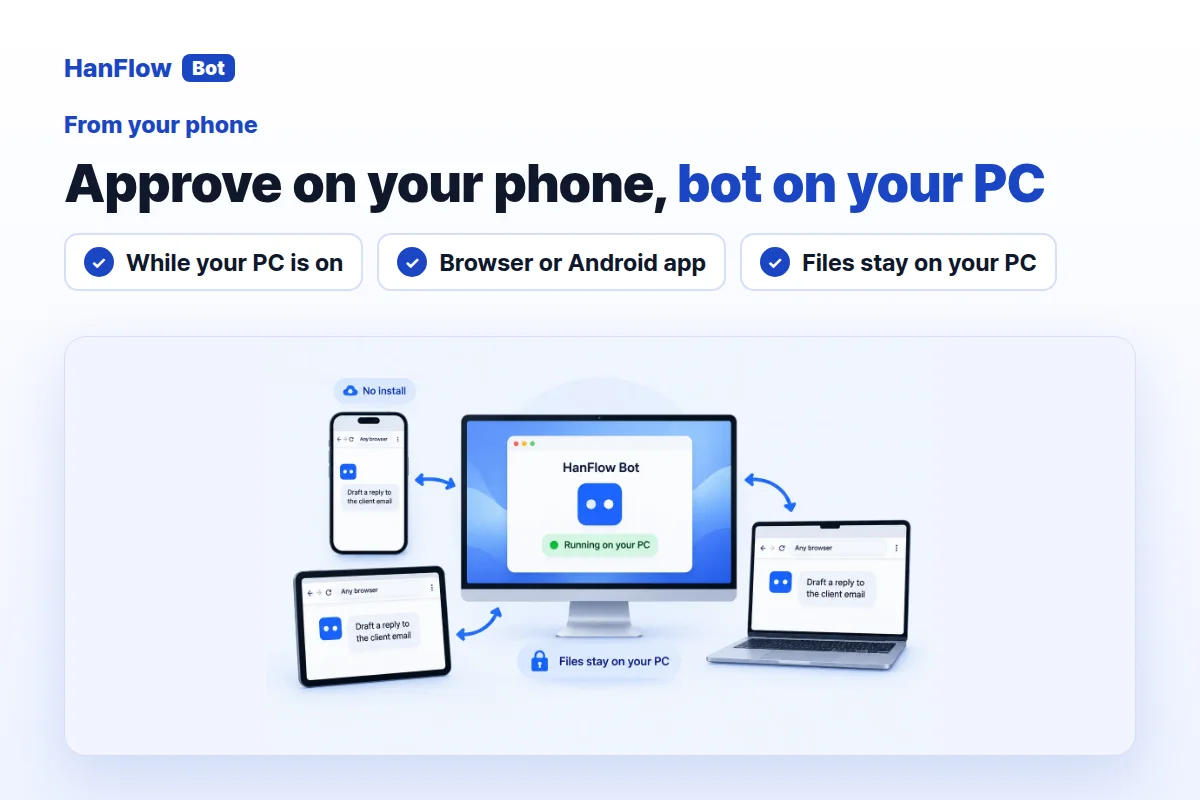
You do not have to be sitting at your desk. While your PC is on and HanFlow Bot is running, you can open a browser on your phone, tablet or another computer and reach the same bot. Approval cards appear there too — tap to approve or edit, and the bot on your PC carries out the send.
The bot runs on your PC. Files it creates stay on your PC. When the bot uses AI, the content it works on is sent to the AI provider you connected — your Claude (Claude Code) or GPT (Codex) subscription. The connection only works while your PC is on and HanFlow Bot is running.
How a reply goes out, step by step
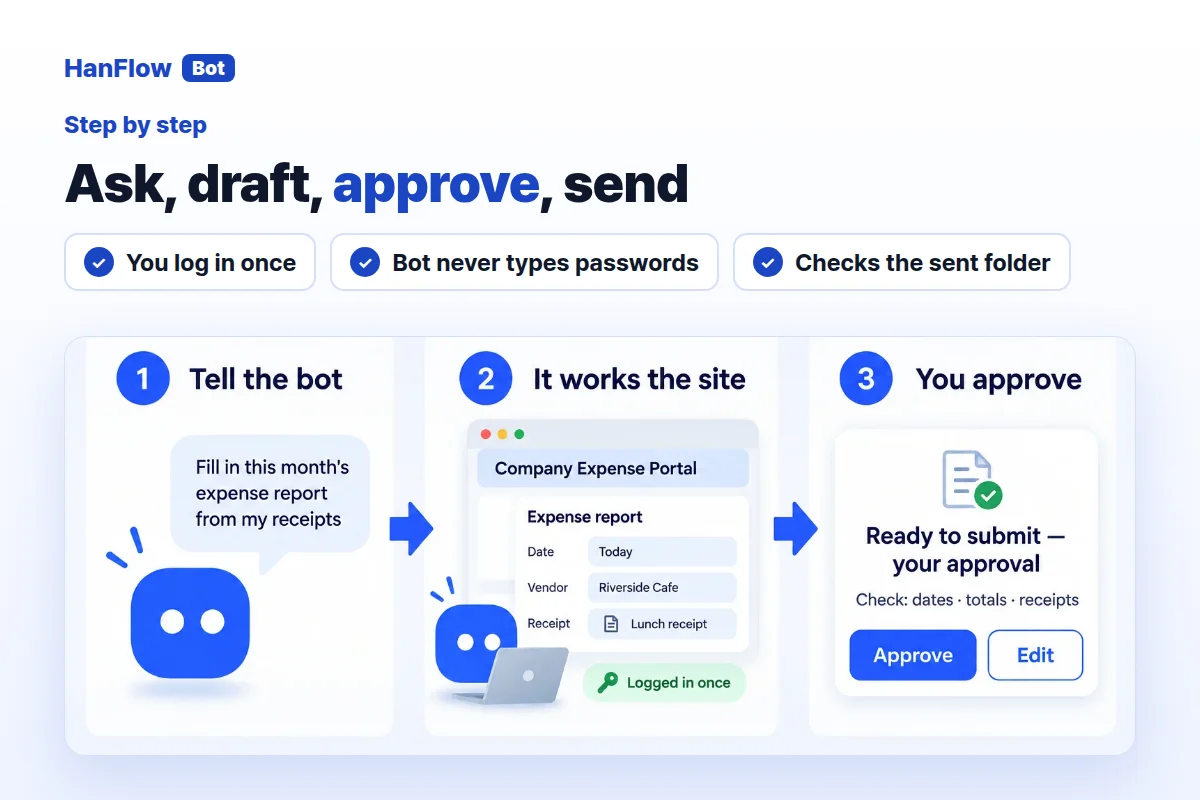
- You ask. Type or speak: "Reply to the last three mails from the project thread."
- The bot reads. It opens your webmail, finds the messages, and reads them.
- Login check. If the session has expired, the bot stops and tells you to log in. Passwords and authentication are yours to handle.
- Drafts appear. One approval card per reply, each showing the original message and the proposed answer.
- You approve. Read, edit if needed, then approve. Edited drafts come back for one more look.
- The bot sends. Only approved replies are sent, one at a time, through the same webmail window.
- Sent-folder check. The bot opens the sent folder, confirms each reply is there, and reports the result.
No step is skipped. No message leaves without your say-so.
Each bot keeps its own memory, conversation history and engine settings, so a bot you set up for project mail stays separate from one you use for personal replies. You can schedule a bot to run at a set time — for example, sorting incoming mail every morning before you sit down — and review its drafts when you are ready.
Download HanFlow Bot for Windows or Apple Silicon Mac and see pricing for plan details.
Frequently asked questions
Can it send without me?
No. Every outgoing message waits for your approval. There is no mode that skips approval and no switch to bypass the approval card. If you edit a draft, the card reappears so you can confirm the final version.
Does it type my password?
No. You log in to your webmail or groupware once yourself. The bot never fills password fields. If a session expires or a site asks for a security code, the bot pauses and hands the screen back to you.
What AI does it use?
HanFlow Bot connects through your own Claude (Claude Code) or GPT (Codex) subscription. Usage counts against that plan. API keys are not supported, and there are no separate credits. Your AI subscription cost is not included in the HanFlow Bot price. AI-generated images require a separate image API key.