
Catch Mistakes Before You Hit Send — AI Agent Pre-Send Review
HanFlow Bot cross-checks totals, dates, and attachments before anything goes out. It flags the mismatches it finds — you make the final call.
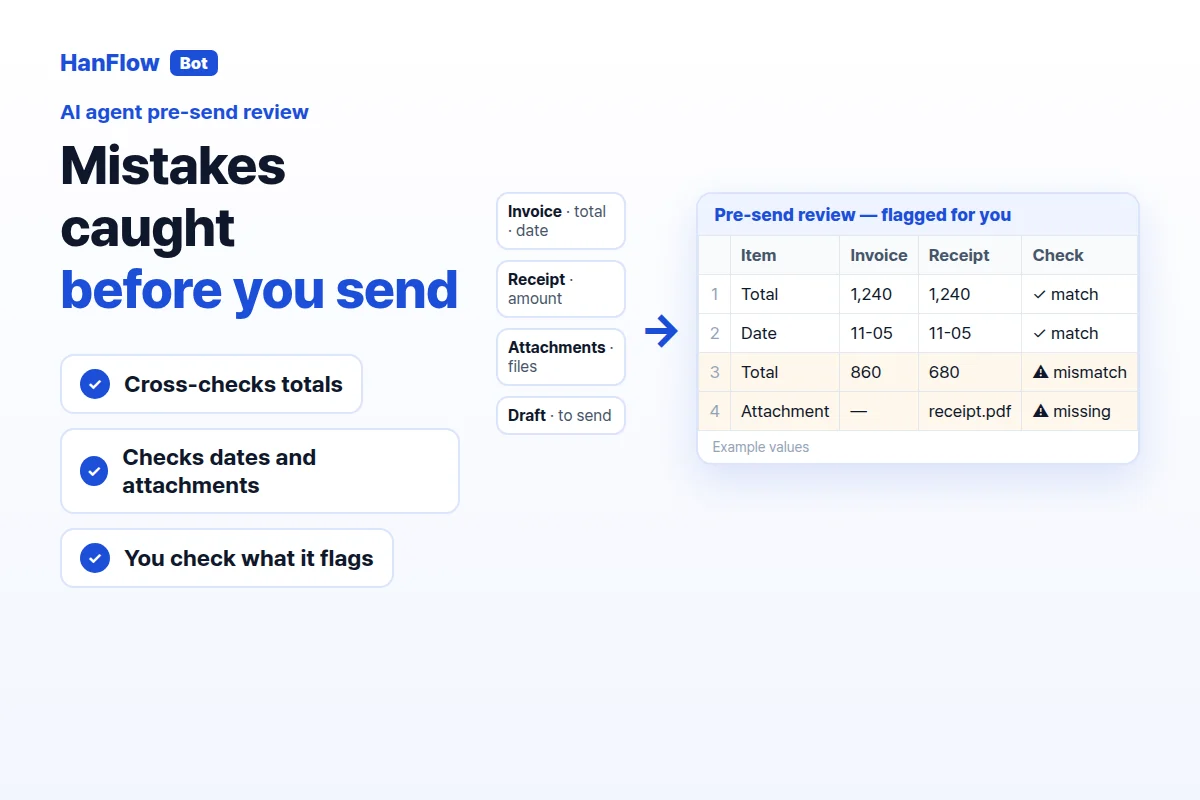
You pull up the invoice. You compare the total to the receipt. You check the date. You open the attachment and make sure it matches. Then you move on to the next one and do it all over again. Line by line, document by document — and you still wonder if you missed something three invoices back.
HanFlow Bot does the comparing for you. It cross-checks totals, dates, and attachments, then flags the mismatches it finds. You review what it flagged and decide what needs fixing.
What the bot does vs. what you do
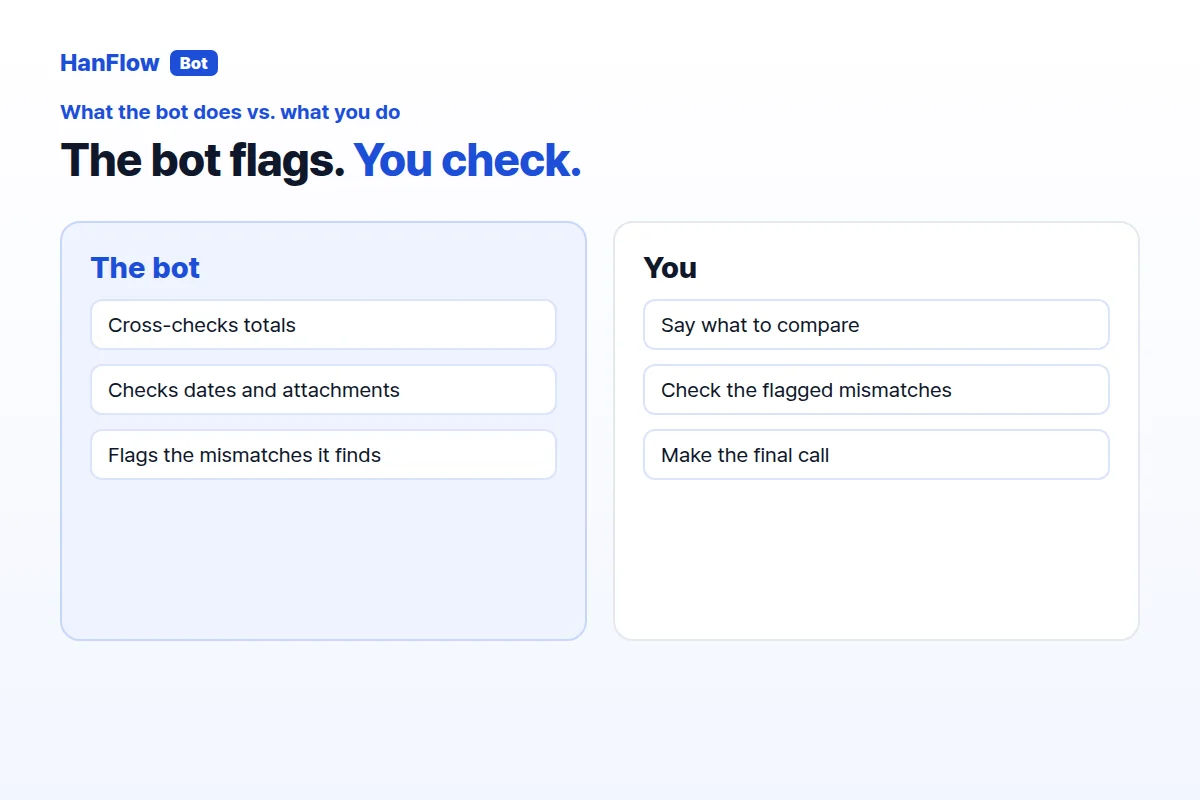
By hand, you compare totals to receipts, check dates, and verify attachments one by one.
The bot cross-checks totals, dates, and attachments, and flags the mismatches it finds.
You review the flagged mismatches and decide what to correct. The bot finds what it can — the final check is yours.
Tell the bot what to check
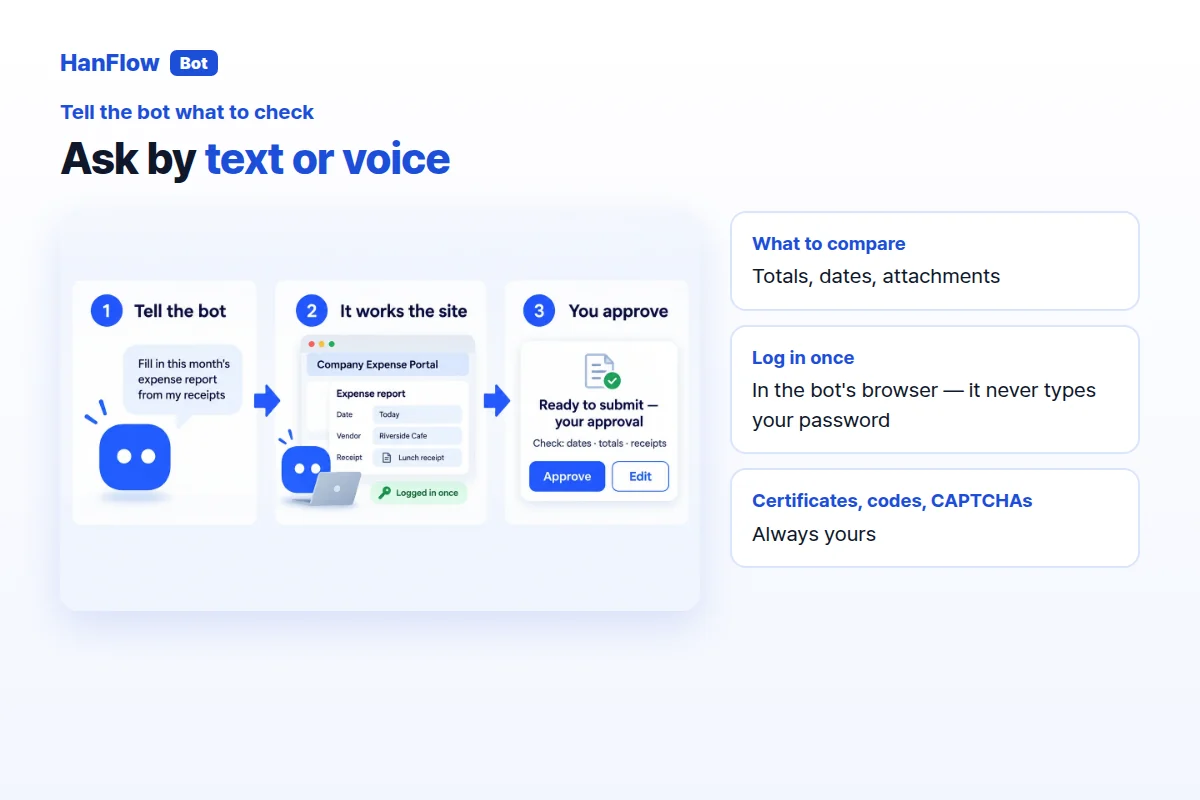
Type what you need or say it out loud — HanFlow Bot runs speech recognition on your PC, so voice works too. Tell it what to check.
The bot controls a browser window on your machine and works in the websites you use. When it finds a mismatch, it flags it for you.
Sites that need a login: Log in once in the bot's browser window. The bot never types your password. If the session expires, the bot stops and lets you know. Certificates, phone verification codes, and CAPTCHAs are always yours to handle.
If you also need the bot to gather tax documents and draft invoices in the first place, see how it handles invoices and tax docs.
Nothing goes out without you
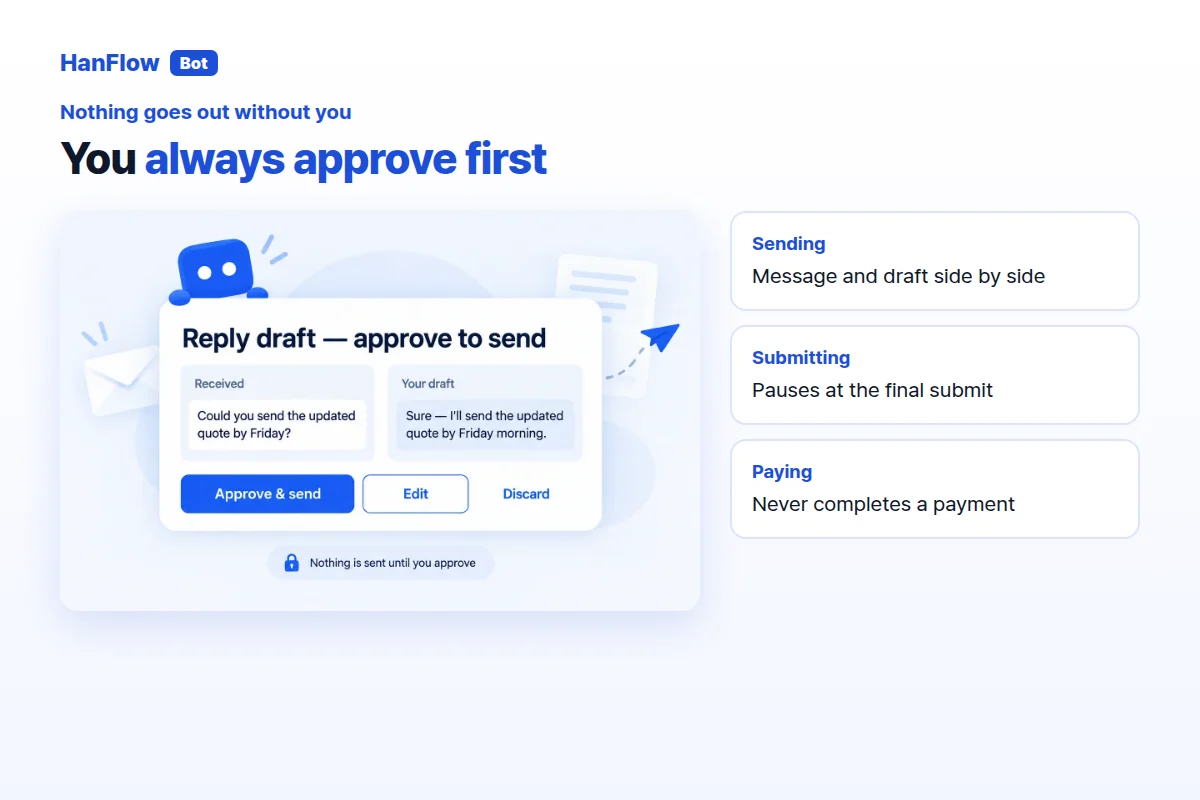
This is the rule: you always approve first.
Sending. When the bot drafts a message — email, messenger, text — it shows the received message and the draft side by side. Nothing leaves until you approve it.
Submitting. Forms and applications pause at the final submit step. The bot stops and waits for you.
Paying. The bot never completes a payment on its own. It stops right before, shows you the details, and waits for your go-ahead.
The same approve-first rule applies to expense reports too.
Run it on a schedule, check from another device
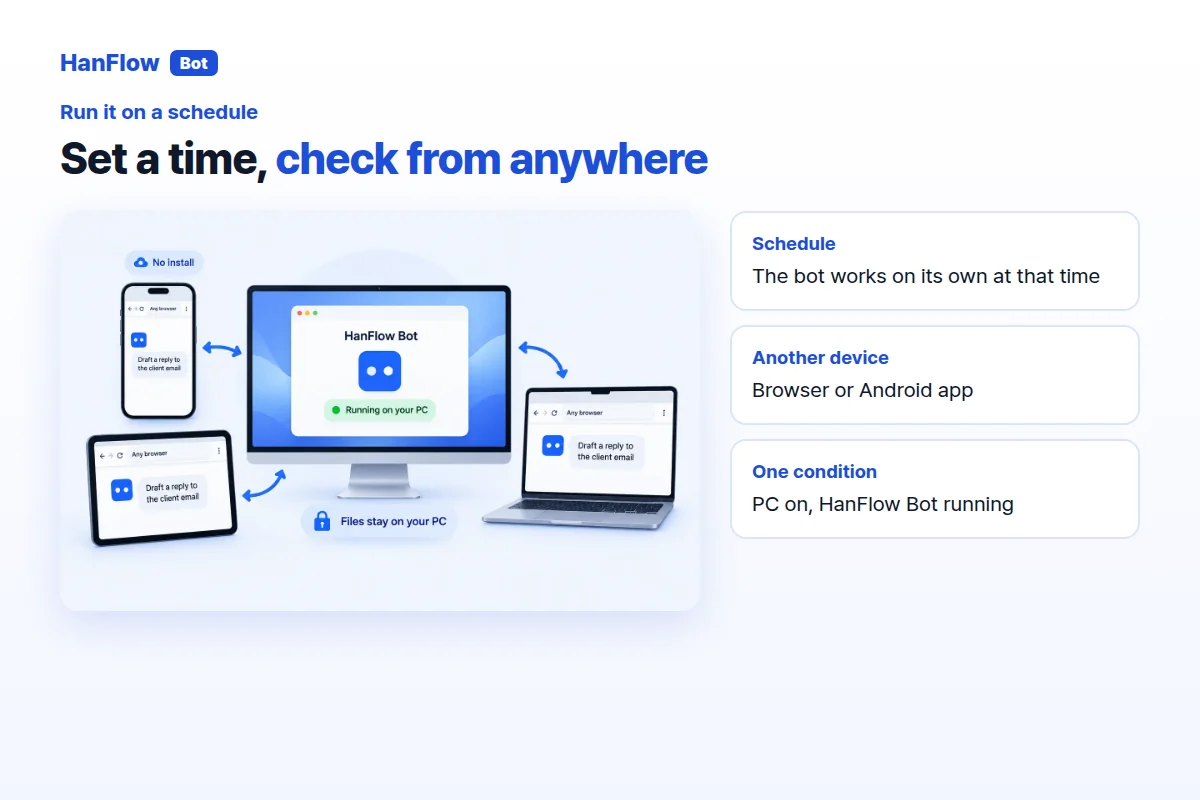
Set a schedule, and the bot does the job on its own at the time you pick. Files it creates are saved on your PC.
You can talk to the bot and see its files from another device — a browser on another PC, iPhone, or tablet, or the Android app on Google Play. One condition: your PC needs to be on and HanFlow Bot needs to be running.
Getting started
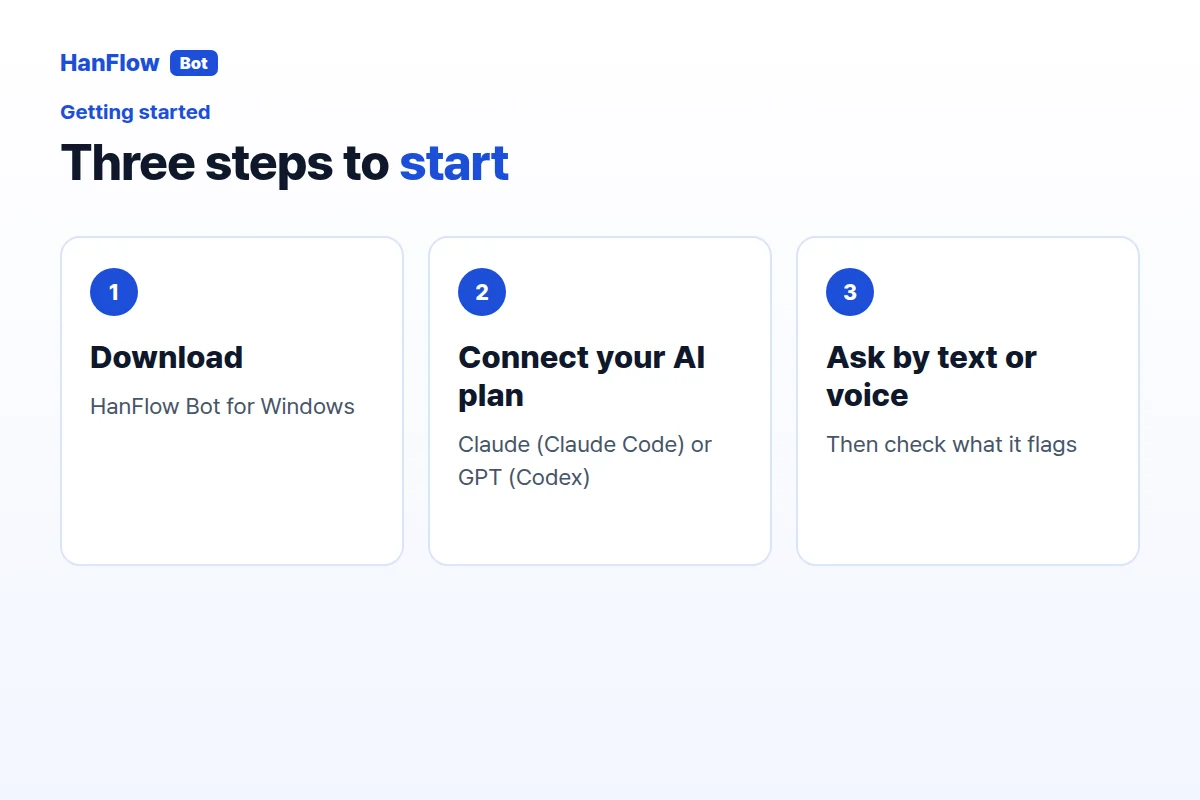
Download the Windows app from hanflowbot.com/download/bot/win. The bot runs on your PC and controls a browser window there.
Connect your AI subscription. HanFlow Bot works with your Claude (Claude Code) or GPT (Codex) account. The AI provider's fee is separate from HanFlow Bot's pricing.
Pricing. HanFlow Bot runs on the Base subscription. Your first subscription includes one extra free month, applied after your paid period ends. See pricing for details.
You can set up multiple bots, each with its own memory, conversation history, and engine settings.
Frequently asked questions
Does it catch every mistake?
No. The bot flags the mismatches it finds when it cross-checks totals, dates, and attachments. It can miss things. The final check is yours — open what it flagged, verify, and correct what needs correcting.
Will it send anything without me?
No. Messages always stop as a draft first. You see the received message and the reply side by side. Nothing is sent until you approve. Submissions pause at the final step too.
Can it stop a payment?
The bot never completes a payment. It stops right before, shows you the details, and waits for your approval. It does not proceed on its own.
Can I review from my phone?
Yes. From a browser on your iPhone, tablet, or another PC — or from the Android app on Google Play — you can talk to the bot and see the files it made. Your PC needs to be on and HanFlow Bot needs to be running.
Before you hit send, HanFlow Bot cross-checks your totals, dates, and attachments, flags what doesn't match, and leaves the final check to you.