
AI Agent for Online Banking — It Fills the Transfer, You Execute
HanFlow Bot fills your bank transfer form and pending list. Password, OTP and the execute button stay with you — then it checks the transaction history.
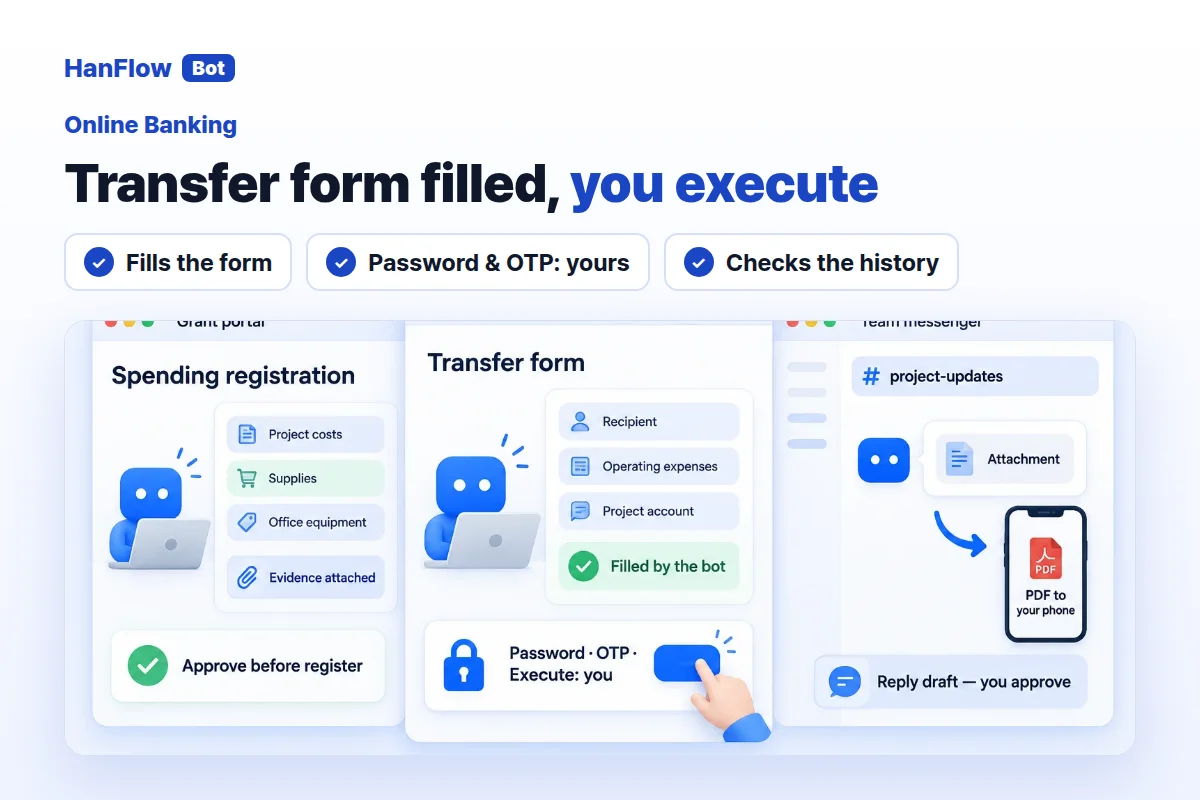
Bank transfers mean typing the same fields over and over — source account, destination bank, account number, amount, memo. One wrong digit and the money goes to the wrong place. When there are several transfers to make, the repetition adds up fast.
HanFlow Bot fills those fields for you in a browser window on your PC. It builds the transfer form, adds it to the pending list, and stops. The password, the OTP, and the final execute button stay with you. After you complete the transfer, the bot checks the transaction history to confirm the debit went through.
What the bot does vs. what you do
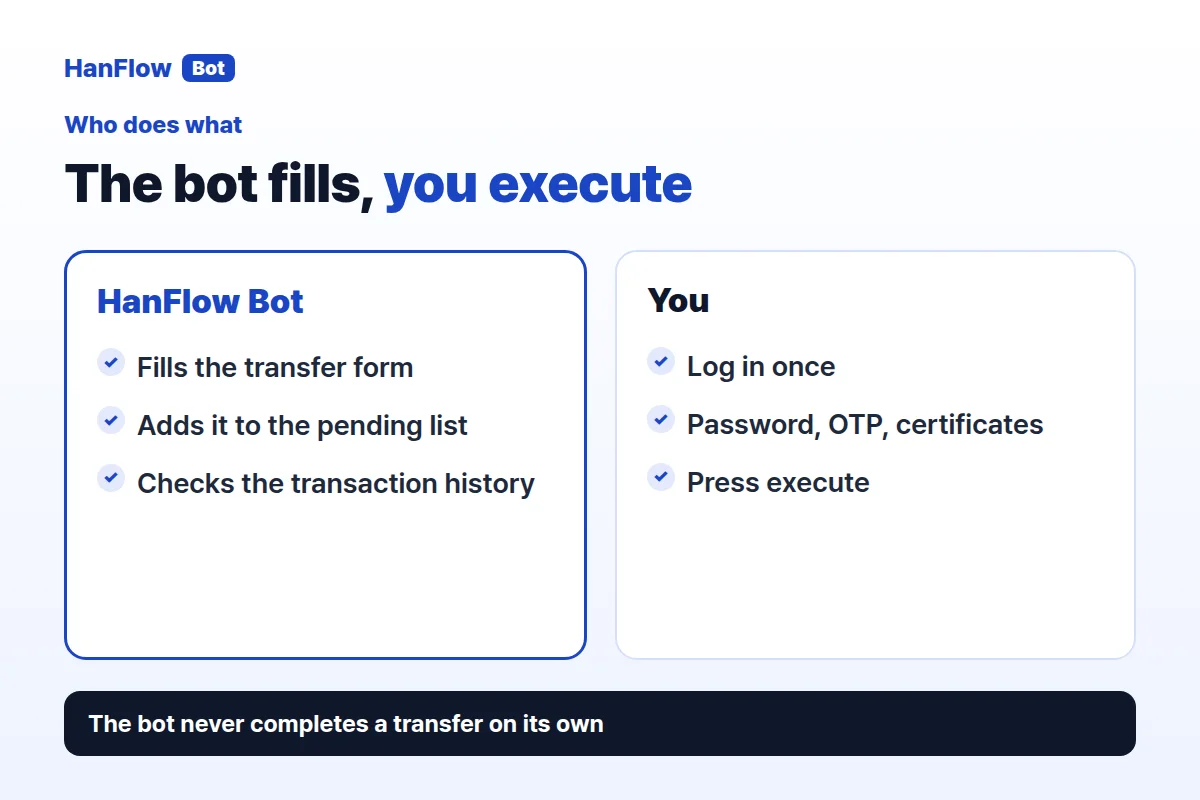
The bot opens your bank's website in a browser window on your PC. It finds the transfer screen, fills in the source account, destination bank, destination account, amount, and memo, then adds the transfer to the pending list. After you execute, the bot opens the transaction history, confirms the debit, and reports back.
You log in once in that browser window. If the session expires or a security prompt appears, the bot pauses and tells you. Digital certificates, SMS verification codes, app-based identity checks, and CAPTCHAs are yours to handle. You enter the password, type the OTP, and press the execute button yourself. The bot never completes a transfer on its own.
The bot fills the transfer form
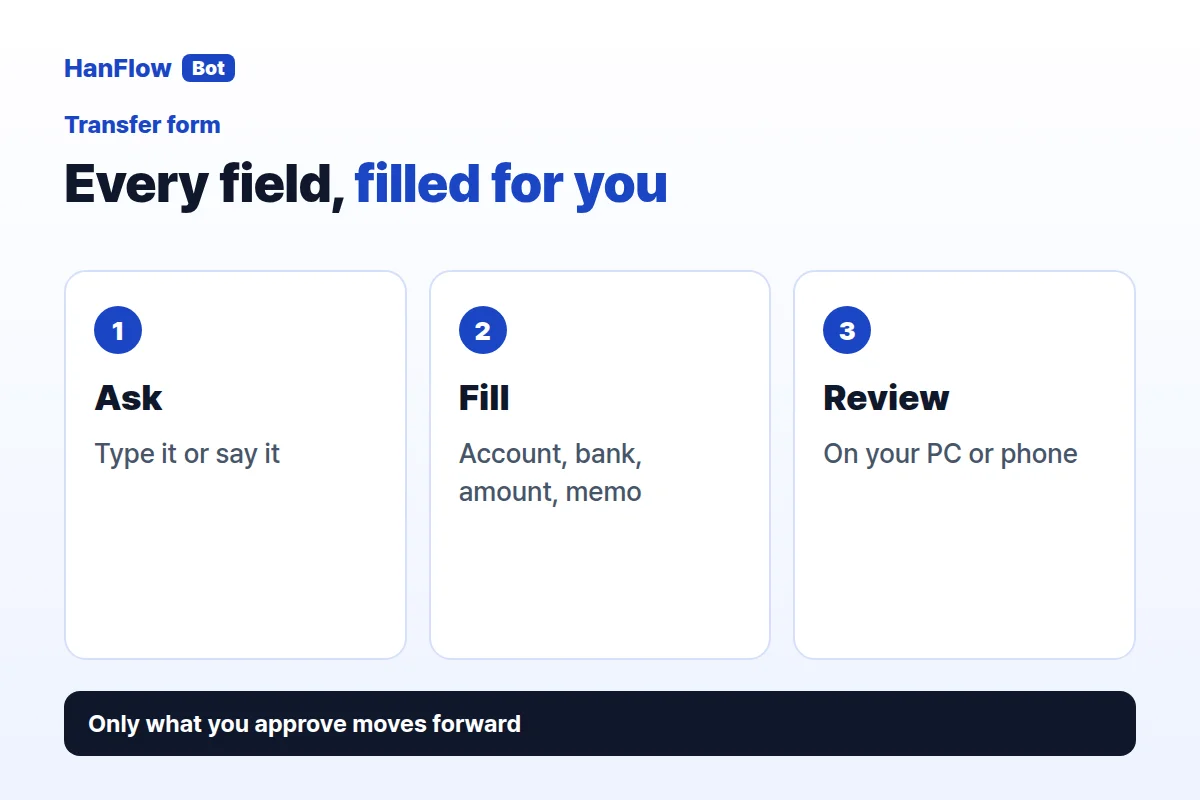
Tell the bot what to transfer — type the instruction or speak it. HanFlow Bot includes a voice-input engine that runs speech recognition on your PC.
The bot navigates to the transfer screen, selects the source account, enters the destination bank and account number, fills in the amount and memo, and adds it to the pending list. Before anything moves forward, it shows you the filled screen — in the PC window or on your phone. If something looks wrong, ask for changes and the bot shows the corrected screen again. Only what you approve proceeds.
When there are multiple transfers, the bot fills each form in turn and adds them to the pending list. You review each one.
You execute — password, OTP, the button
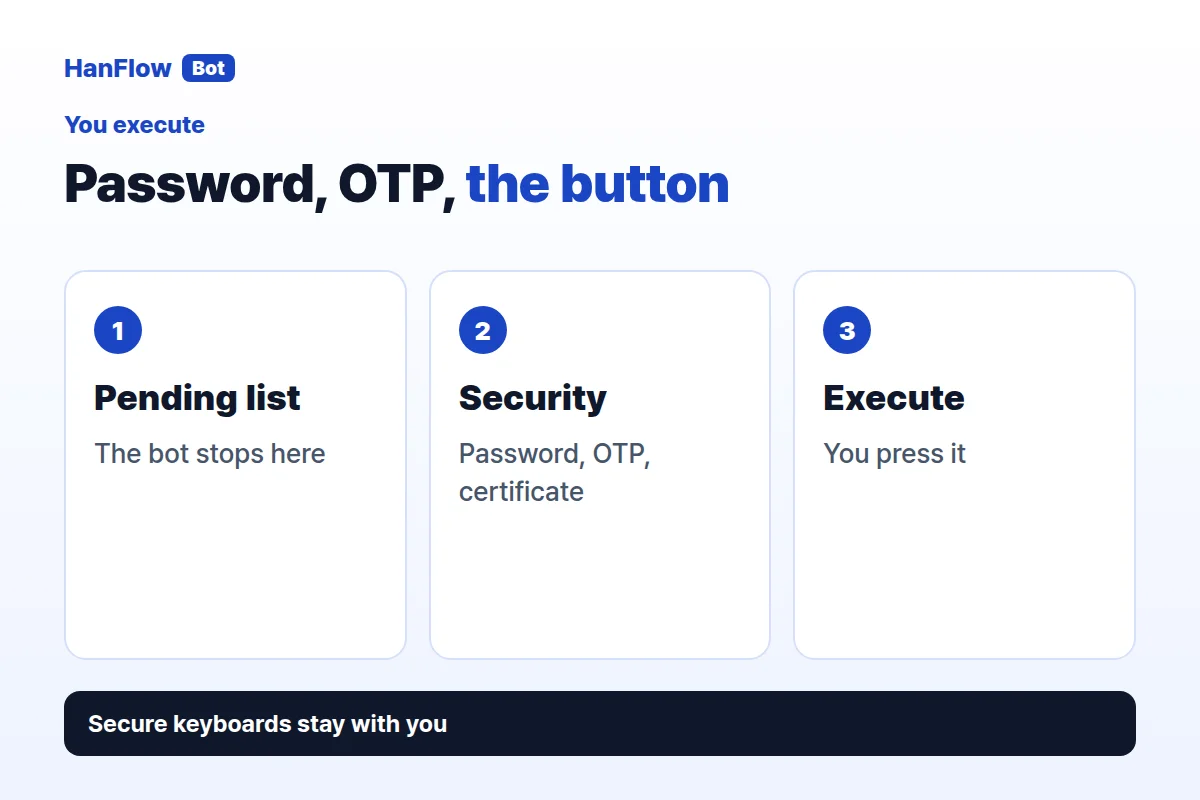
The bot does not touch secure keyboards. It does not enter passwords. It does not type OTP codes. It fills the form and the pending list, and that is where it stops.
You take over for the security steps — digital certificate, phone verification, whatever your bank requires. You press the final execute button. This is a hard boundary, not a setting you can change.
Checked in the transaction history
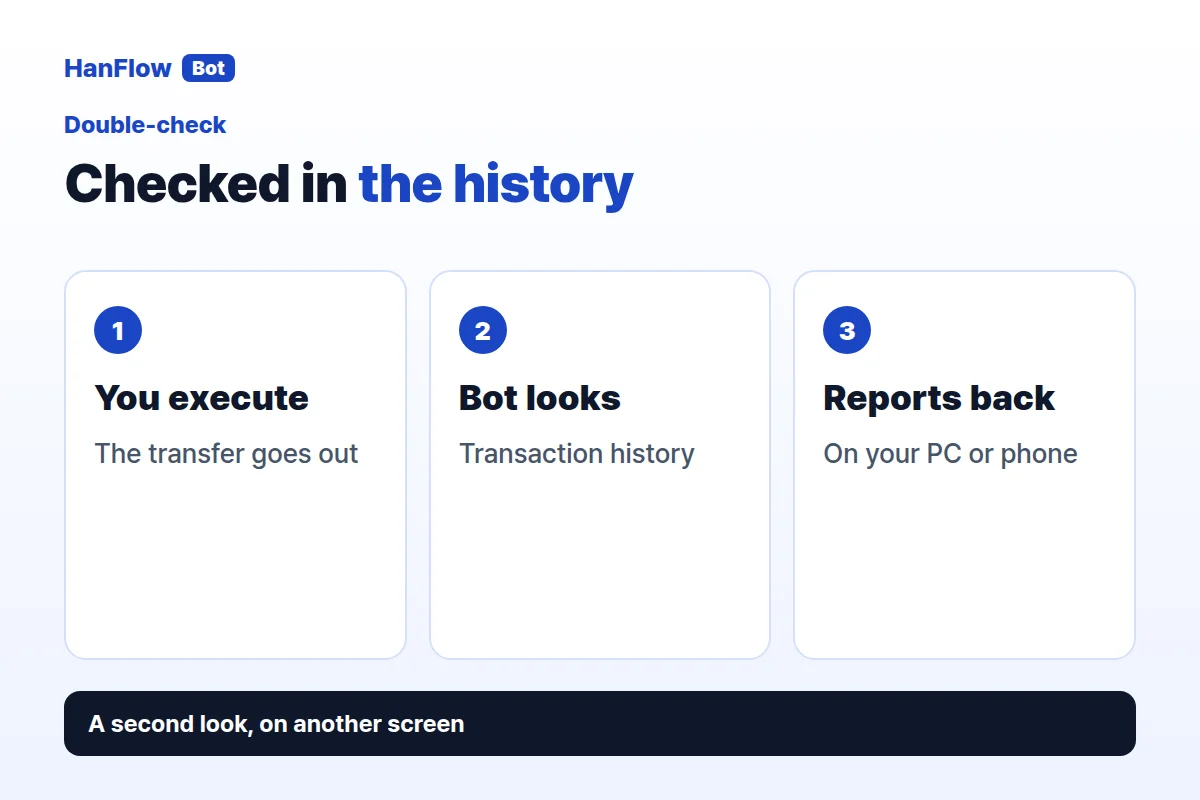
After you execute the transfer, the bot opens a different screen — the transaction history — and looks for the matching debit. It reports back what it found. You get a second pair of eyes on whether the transfer actually went through, without navigating there yourself.
If you are away from your desk, you can see this confirmation through the Android app on Google Play or through any mobile browser, as long as your PC is on and HanFlow Bot is running.
What you need
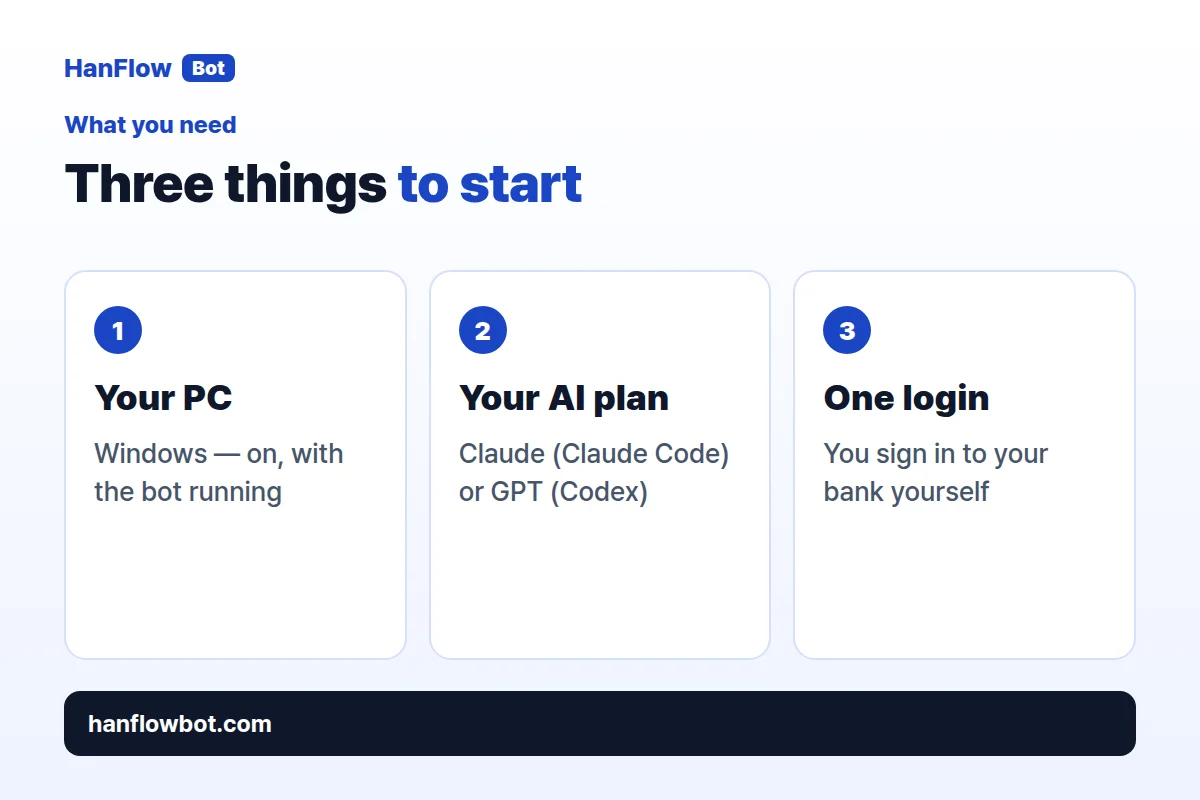
A Windows PC. HanFlow Bot runs on your machine and controls a browser window there. The PC needs to be on and the app running whenever you want the bot to work, including when you check from your phone.
Your own AI subscription. The bot connects to your Claude (Claude Code) or GPT (Codex) account. No API keys to enter. HanFlow Bot's subscription does not include the AI provider's fee.
One login. Open your bank's website in the browser window the bot uses and log in. When the session expires, the bot pauses and asks you to handle it.
HanFlow Bot runs on the Base subscription. Your first subscription includes one extra free month, applied after your paid period ends.
Frequently asked questions
Does the bot ever execute a transfer by itself?
No. The bot fills the transfer form and adds it to the pending list. Password entry, OTP, and the final execute button are always yours. Secure keyboard fields are never touched by the bot.
Can I review the filled form from my phone?
Yes, as long as your PC is on and HanFlow Bot is running. You can see the filled screen and approve or request changes through the Android app on Google Play, or through any mobile browser.
What if my bank uses a digital certificate or app-based verification?
Those steps stay with you. Digital certificates, SMS codes, app-based identity checks, and CAPTCHAs are all handled by you. The bot pauses at any security step and waits for you to complete it.
Learn more or download the installer at hanflowbot.com.